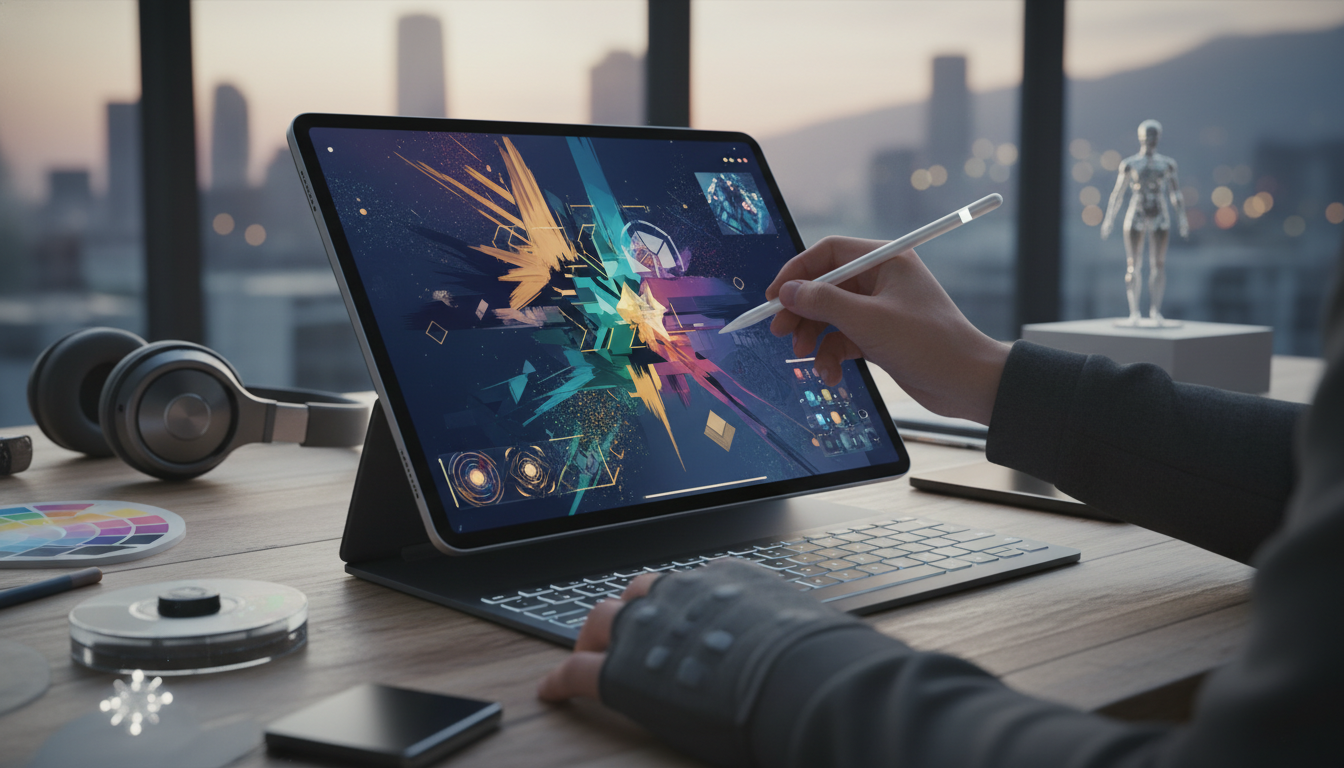
As we dive into 2026, the iPad continues to stand as a cornerstone of Apple's ecosystem, offering unparalleled tools for creativity and design. Whether you're a professional artist, a hobbyist, or someone looking to explore digital art, the iPad's evolution has made it an essential device. This article explores how the iPad, with its intuitive iOS interface and seamless integration with other Apple products, can elevate your creative workflows. Let's unpack the features and strategies that make the iPad a creative powerhouse.
The Evolution of iPad for Creative Professionals
Since its inception, the iPad has transformed from a simple tablet into a versatile creative studio. By 2026, Apple has refined its hardware and software to cater specifically to artists and designers. The latest iPad models boast advanced displays with ProMotion technology, providing smoother scrolling and more responsive touch interactions. These enhancements allow for precise drawing and editing, making the iPad feel like an extension of your hand.
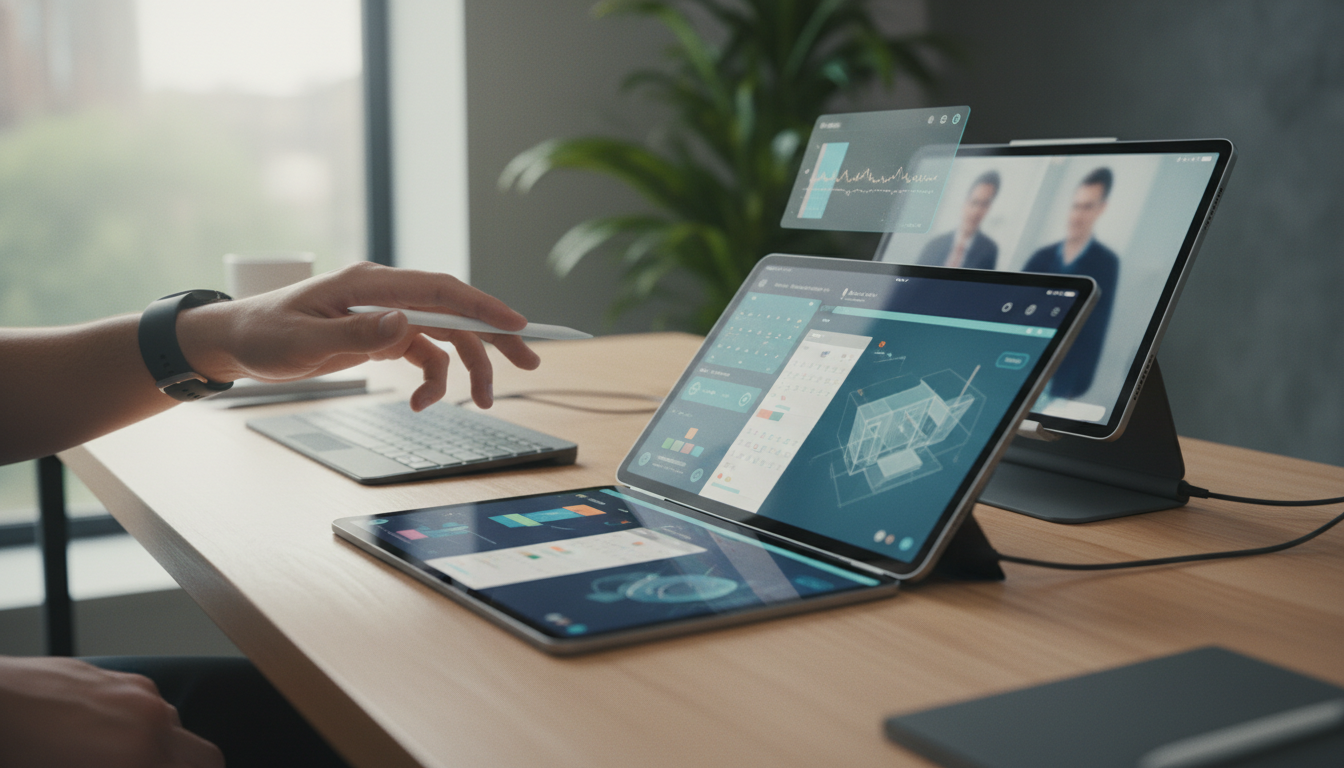
One of the key aspects of the iPad's appeal is its compatibility with the Apple Pencil. This accessory, which has seen iterative improvements, now offers even lower latency and pressure sensitivity. Paired with apps like ProCreate or Adobe Photoshop for iPad, users can achieve professional-grade results on the go. The iPad's integration with macOS via Sidecar turns your iPad into a secondary display for your Mac, enabling a seamless creative flow between devices.
Essential iOS Features for Enhanced Creativity
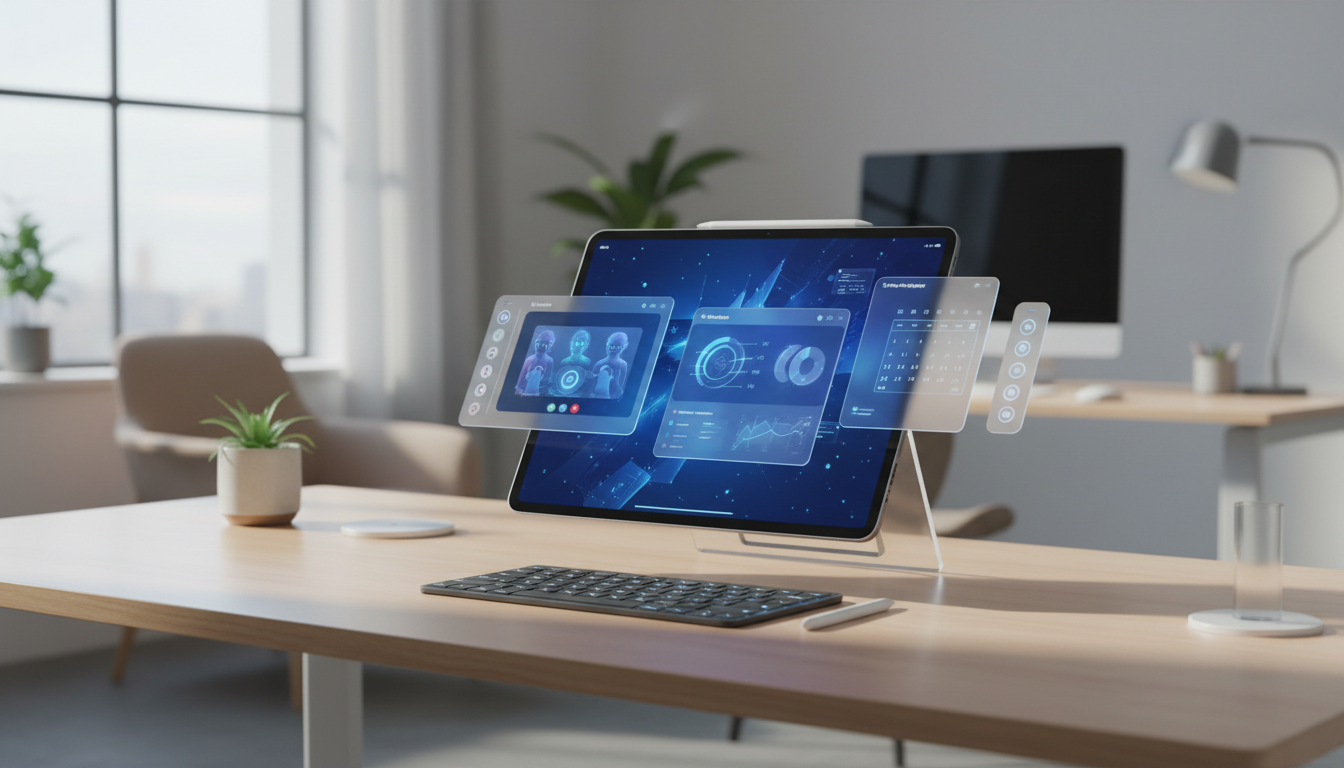
iOS, the backbone of the iPad, has been optimized for creative tasks in 2026. With features like Stage Manager, introduced in earlier updates, users can multitask effortlessly. Imagine having multiple apps open side by side - your drawing app on one side and your reference images from the Photos app on the other. This level of efficiency is a game-changer for designers working on complex projects.
Additionally, iOS's privacy and security features ensure that your creative work remains protected. Face ID and secure enclaves keep your files safe, allowing you to collaborate confidently via iCloud. The Files app has become more robust, supporting advanced file management that integrates smoothly with iPhone and Mac, creating a unified ecosystem for your projects.
- Multitasking with Stage Manager for split-screen productivity.
- Seamless syncing of creative assets across Apple devices via iCloud.
- Enhanced gestures for quick navigation and editing.
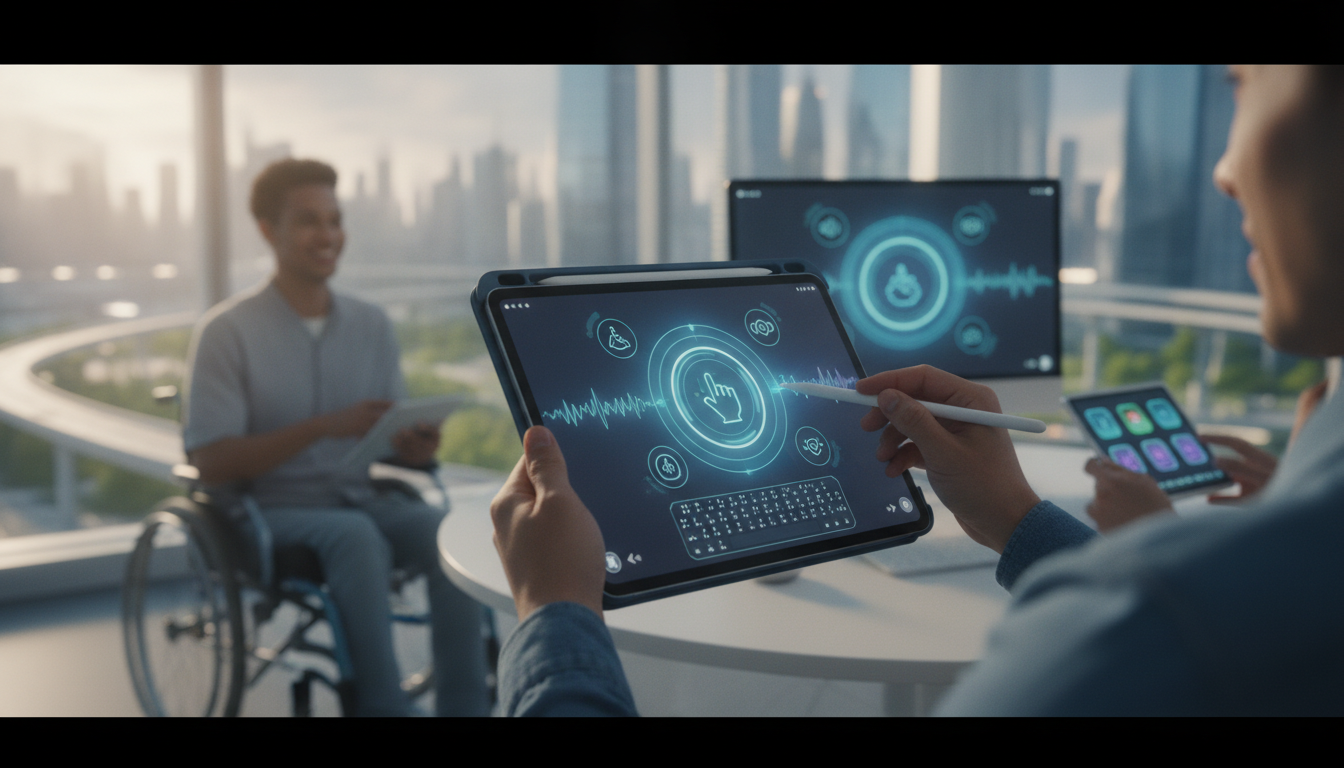
- Accessibility features like VoiceOver for inclusive design tools.
Top Apps and Tools for iPad Users
The App Store is brimming with applications designed exclusively for the iPad, turning it into a mobile creative hub. Apps like Final Cut Pro for iPad, which has been updated with more powerful editing capabilities, allow video editors to work on high-resolution projects without needing a full computer setup. For photographers, the built-in Camera app and third-party tools like Lightroom offer advanced editing features that rival desktop software.
Integration with other Apple services, such as Apple Music and Apple Arcade, provides inspiration and breaks for creators. You can listen to curated playlists while sketching or play games that spark new ideas. The Apple ecosystem ensures that your subscriptions and purchases are synchronized across your iPhone, iPad, and Mac, making it easier to maintain a consistent workflow.
- ProCreate: Ideal for digital painting with layers and brushes that mimic real media.
- GoodNotes: Perfect for annotating PDFs and sketching ideas during brainstorming sessions.
- Logic Pro for iPad: For musicians and sound designers looking to compose on the go.
- Pages and Keynote: Apple's own apps for creating polished presentations and documents directly on your iPad.
Integrating iPad with the broader Apple Ecosystem
The true magic of the iPad lies in its ability to connect with other Apple devices. For instance, Handoff allows you to start a project on your iPhone and continue it seamlessly on your iPad. This feature is particularly useful for creatives who are always on the move. Pairing your iPad with a Mac enables you to use it as an extended canvas, leveraging the power of macOS for more demanding tasks.
Apple Watch integration adds another layer, with notifications and health reminders keeping you focused during long creative sessions. If you're using an iPad for graphic design, you can receive time-sensitive alerts without disrupting your flow. The continuity features across iOS and macOS mean that your creative tools are always at your fingertips, regardless of the device.
Moreover, with iCloud Drive, all your files are backed up and accessible from anywhere. This ensures that whether you're editing on your iPad during a commute or fine-tuning on your Mac at home, your work is preserved and synchronized. The ecosystem's emphasis on privacy means your creative ideas stay secure while you collaborate with others through services like iMessage and FaceTime.
Tips and Tricks for Optimizing Your iPad Experience
To get the most out of your iPad in 2026, start by customizing your home screen for quick access to creative apps. Use widgets to display inspirational content or ongoing projects at a glance. Battery life has been significantly improved in recent models, allowing for extended sessions without needing to plug in.
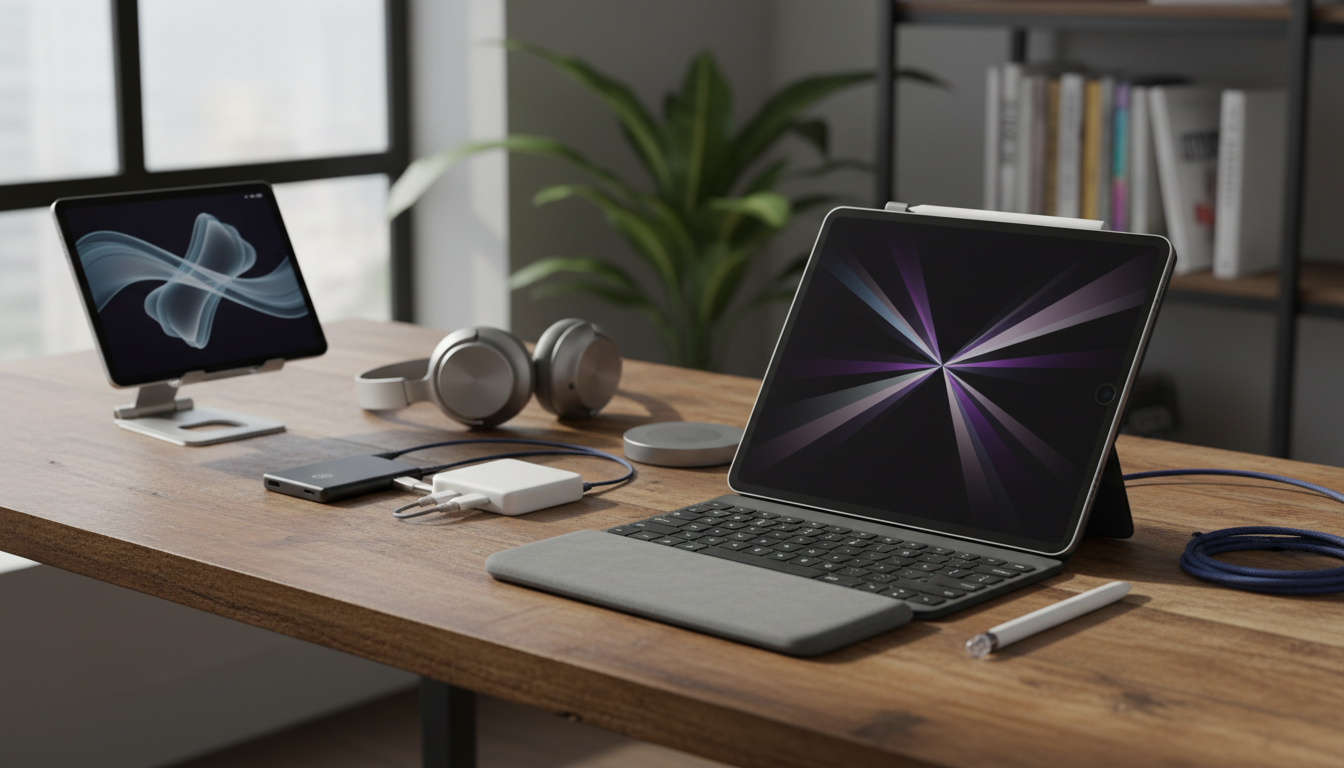
Consider accessories like the Magic Keyboard, which transforms your iPad into a laptop-like device for typing-intensive tasks. For artists, a compatible stand can provide the perfect angle for drawing. Regularly update your iOS to access the latest features and security patches, ensuring your device runs smoothly.
- Utilize Shortcuts app for automating repetitive creative tasks.
- Experiment with different Apple Pencil grips for comfort during prolonged use.
- Manage storage by offloading unused apps while keeping essential files in iCloud.
- Join Apple Communities or online forums to share tips with fellow iPad users.
The Future of iPad in Apple's World
Looking ahead, the iPad's role in the Apple ecosystem is only growing stronger. With ongoing innovations in software and hardware, it's poised to remain a top choice for creative professionals. By leveraging the iPad's capabilities, users can push the boundaries of what's possible in digital art and design. Whether you're a beginner or a seasoned expert, the iPad offers tools that inspire and empower.
In conclusion, the iPad in 2026 is more than just a tablet - it's a gateway to limitless creativity within the Apple ecosystem. By exploring its features, integrating it with other devices, and utilizing the best apps, you can unlock your full potential. Embrace the iPad's evolution and watch your ideas come to life.