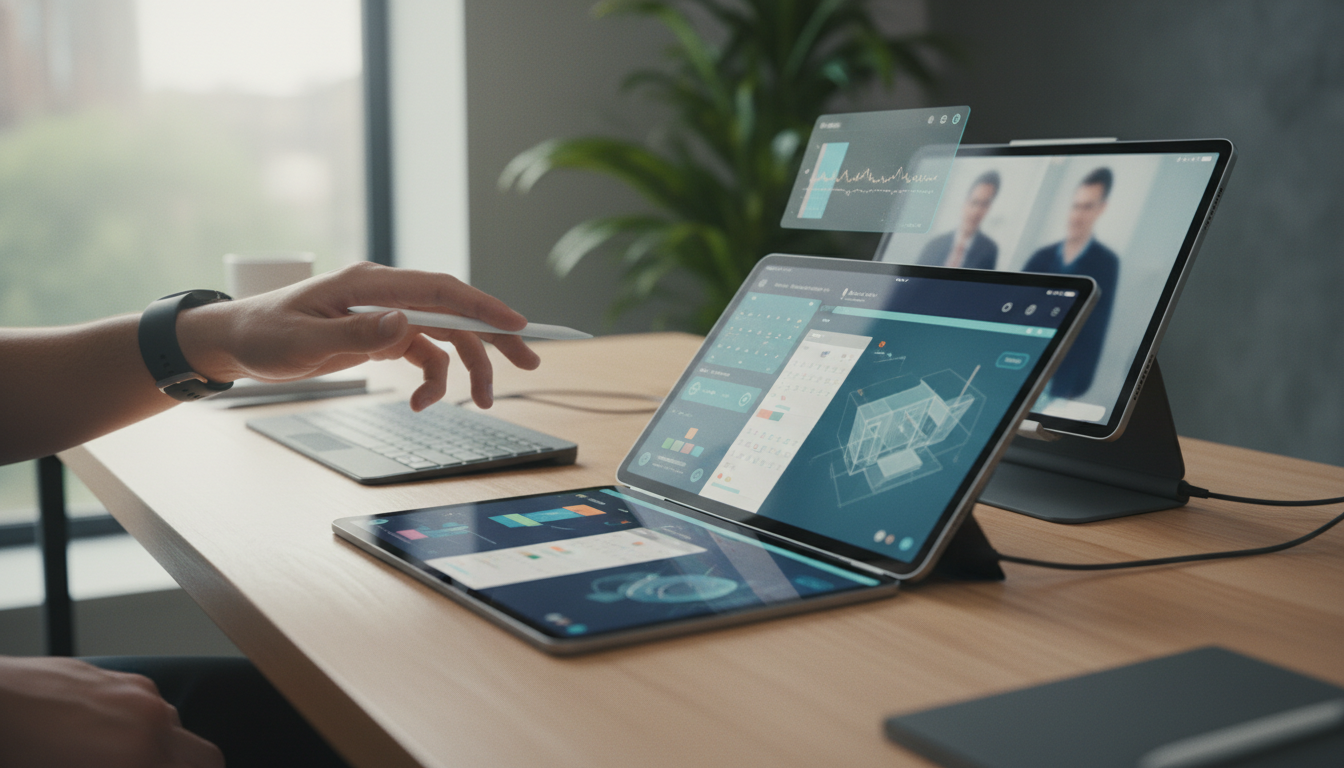
In the ever-evolving world of Apple devices, the iPad has transformed from a simple tablet into a powerful productivity tool, thanks to groundbreaking advancements in its operating system. By 2026, iPadOS has reached new heights with refined multitasking features that cater to professionals, students, and creatives alike. This article delves into the journey of multitasking on the iPad, exploring how these enhancements have reshaped user experiences within the Apple ecosystem. From the early days of iPadOS to the latest iterations, we'll uncover the innovations driving efficiency and seamless integration.
The Origins of Multitasking on iPad
Multitasking on the iPad began with iPadOS 13, introducing basic split-view and slide-over capabilities that allowed users to run two apps side by side. This was a significant leap from the iOS roots, where the iPhone's limitations kept things more linear. As Apple refined iPadOS over the years, these features became more intuitive, paving the way for deeper productivity. By 2021, with iPadOS 15, users could enjoy better app management, but it was the subsequent updates that truly revolutionized how we work.
Fast-forward to 2026, and iPadOS 20 (expected to launch mid-year) brings multitasking to a whole new level. Apple has focused on making the iPad feel like a true desktop replacement, especially when paired with a Magic Keyboard or Apple Pencil. This evolution isn't just about running multiple apps; it's about creating a fluid workflow that integrates effortlessly with other Apple devices like the Mac and iPhone.
Key Multitasking Features in iPadOS 20
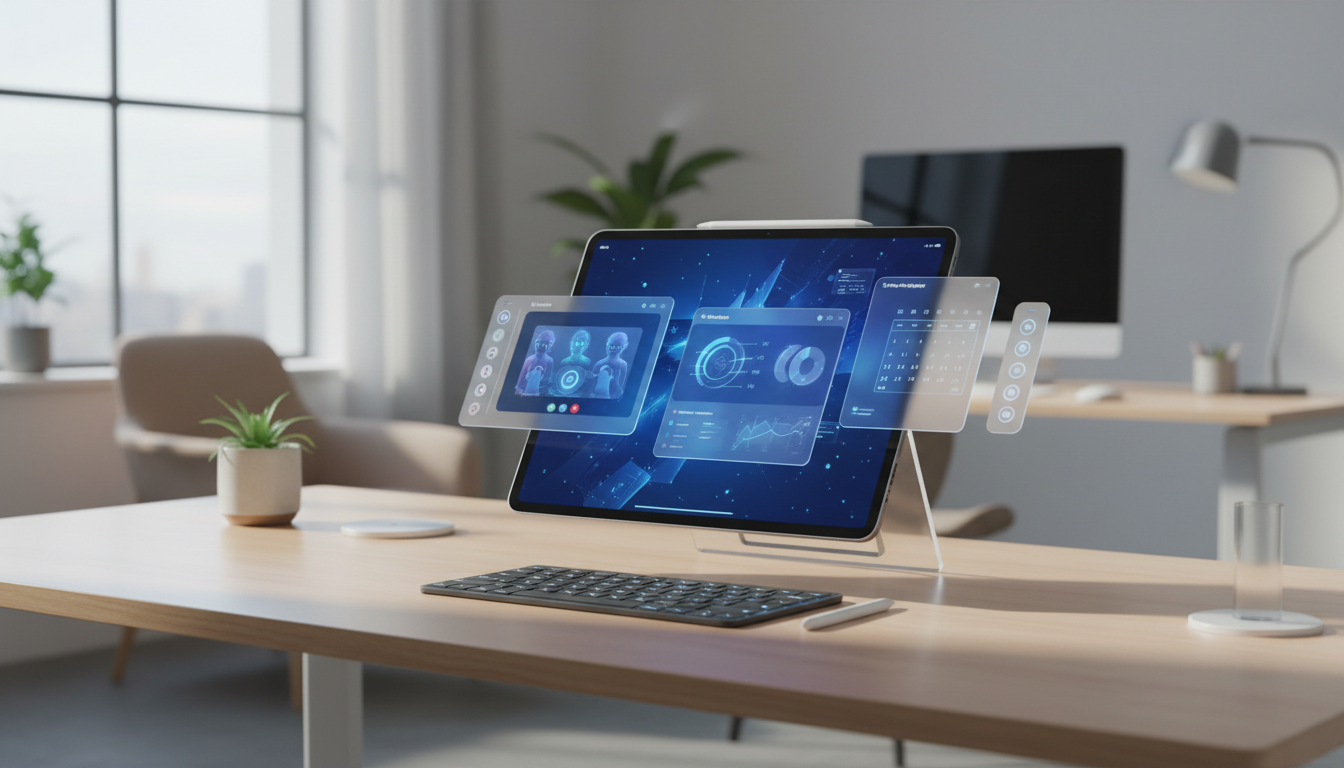
One of the standout features in iPadOS 20 is the enhanced Stage Manager, which debuted in iPadOS 16 but has been significantly upgraded. Stage Manager now allows for dynamic window resizing, effortless app grouping, and smarter suggestions based on your usage patterns. Imagine working on a complex project: you can have your email app open in a small window, a Notes document in the center, and a Safari tab for research all at once, without any lag.
Another improvement is the integration of Universal Control, which lets you control your iPad with the same mouse and keyboard as your Mac. This seamless crossover enhances the Apple ecosystem by making device switching feel natural. For instance, you could be editing a document on your Mac and drag files directly to your iPad for annotations, all without missing a beat. These features are optimized for the latest iPad models, such as the iPad Air and iPad Pro, ensuring that hardware advancements keep pace with software capabilities.
- Dynamic window management for resizing and positioning apps with precision.
- App suggestions that learn from your habits, prioritizing frequently used combinations.
- Seamless handoff with Mac and iPhone for a unified workflow across devices.
- Improved gesture controls for quick app switching and multitasking adjustments.
These enhancements are backed by Apple's powerful M-series chips, which debuted in iPads starting with the M1 in 2021 and have evolved to the M5 by 2026. This hardware-software synergy ensures that multitasking doesn't compromise battery life or performance, making the iPad ideal for all-day use.
How Multitasking Boosts Productivity in the Apple Ecosystem
Within the broader Apple ecosystem, iPad's multitasking features shine brightest when connected to other devices. For example, with iCloud integration, any changes you make on your iPad can instantly sync to your Mac or iPhone, fostering a collaborative environment. This is particularly useful for remote workers who rely on tools like Pages, Numbers, and Keynote to create and share content seamlessly.
Consider a scenario where you're preparing a presentation: You start brainstorming ideas on your iPhone, transfer them to your iPad for detailed editing using split-view, and then finalize on your Mac. iPadOS's multitasking ensures that transitions are smooth, reducing friction and boosting overall efficiency. Apple's emphasis on privacy and security means your data remains protected across these interactions, a core tenet of the ecosystem.
Moreover, for educators and students, iPad's multitasking has opened up new avenues for learning. With features like markup tools and external display support, students can annotate PDFs while referencing online resources, all on one device. Apple's Schoolwork app, enhanced in iPadOS 20, now supports advanced multitasking for group projects, allowing real-time collaboration without needing additional software.
The Future of iPad Multitasking: What's Next?
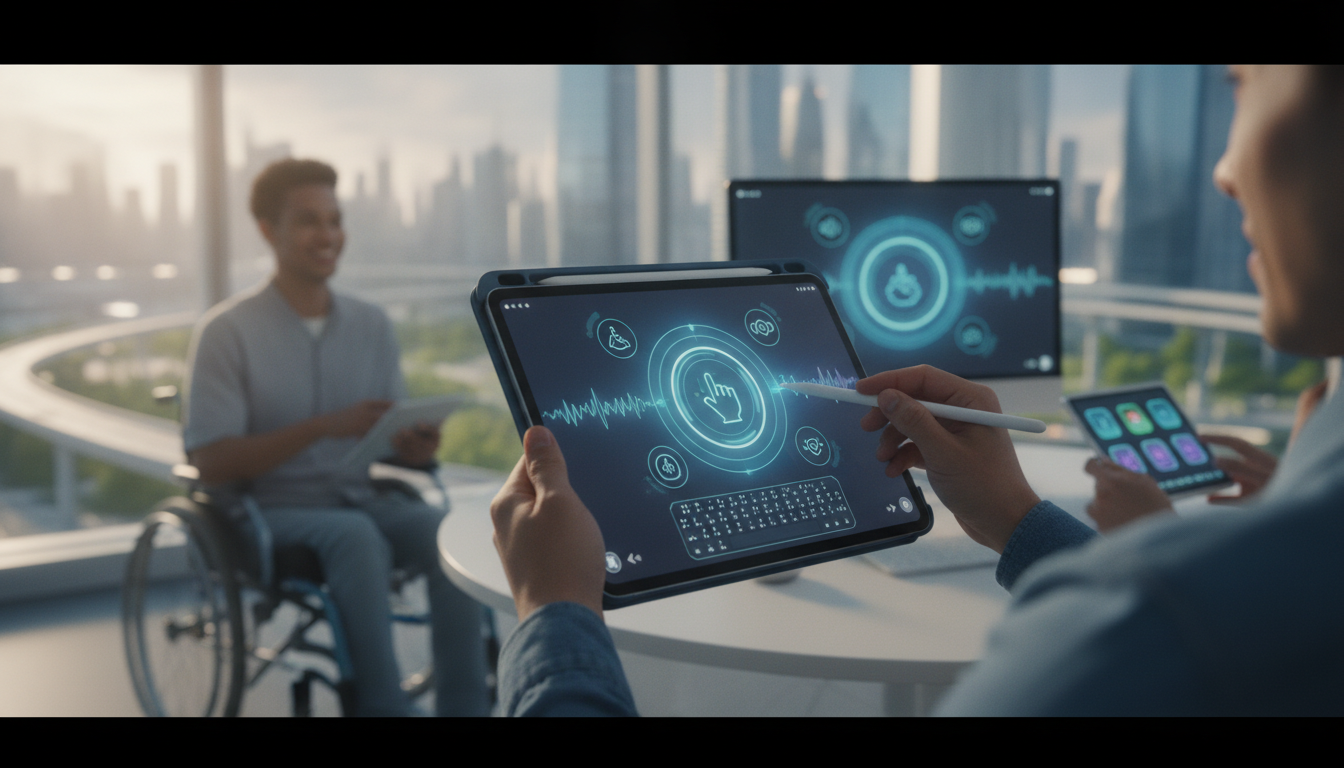
As we look ahead in 2026, rumors suggest that iPadOS 21 could introduce even more innovative features, such as AI-driven app automation and expanded external monitor support. While Apple hasn't officially confirmed these, leaks from reliable sources indicate a focus on making multitasking more accessible for all users, including those with accessibility needs. This could include voice-activated window management or adaptive interfaces that adjust based on the task at hand.
Apple's commitment to sustainability also plays a role, with iPadOS updates optimizing for energy efficiency in multitasking scenarios. This ensures that as users multitask more, their environmental footprint remains minimal. The iPad's role in the Apple ecosystem continues to grow, with potential integrations like enhanced Continuity features that could allow for direct app mirroring from iPhone to iPad.
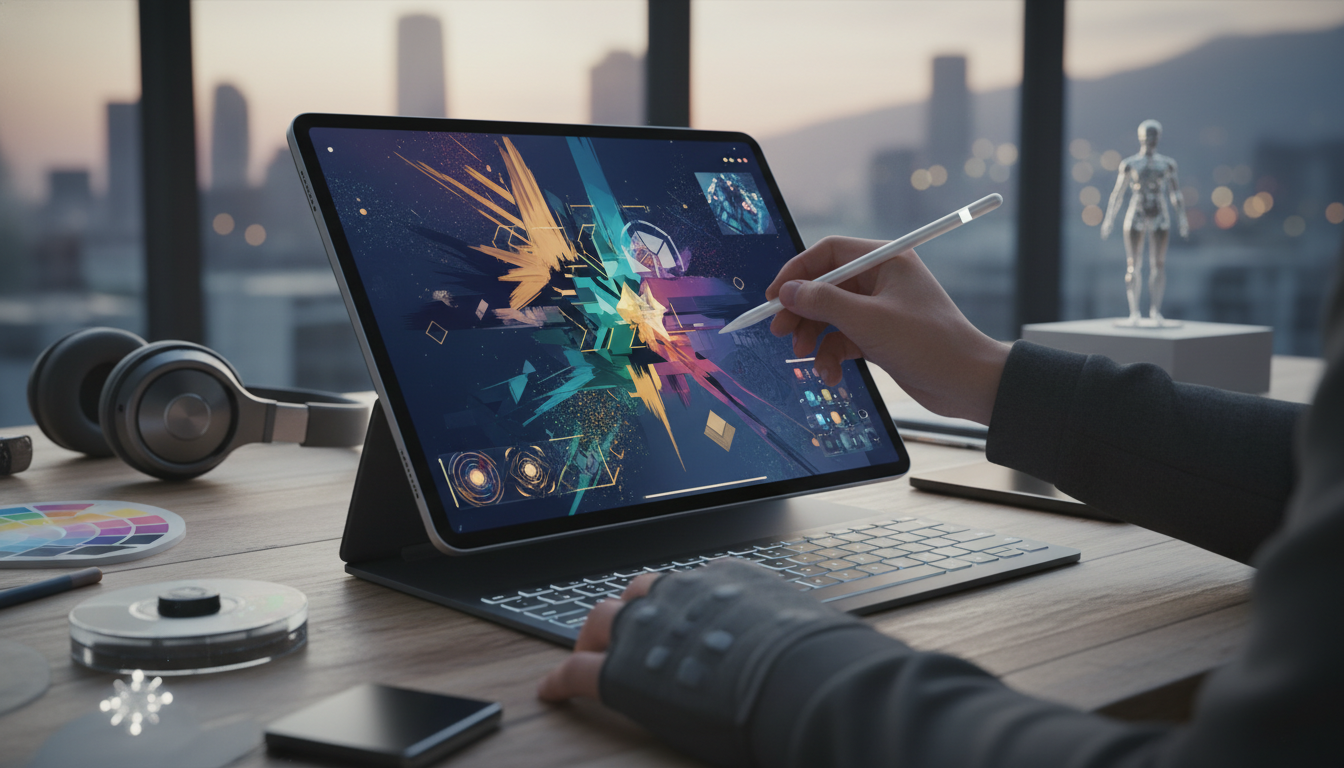
By prioritizing user feedback, Apple has iteratively improved multitasking, making the iPad a versatile device for various professions. Whether you're a developer coding on Xcode with multiple windows or a designer sketching in Procreate while referencing tutorials, the iPad adapts to your needs.
Conclusion: Embracing the Multitasking Revolution
The evolution of multitasking on the iPad by 2026 exemplifies Apple's dedication to innovation within its ecosystem. From humble beginnings to sophisticated features in iPadOS 20, these updates have transformed the iPad into an indispensable tool for productivity. As we continue to integrate our Apple devices more deeply, the iPad stands out as the bridge between mobile and desktop experiences. If you're an iPad user, exploring these multitasking capabilities could unlock new levels of efficiency in your daily routine. With Apple at the helm, the future of iPad multitasking promises even greater possibilities, keeping users engaged and empowered.