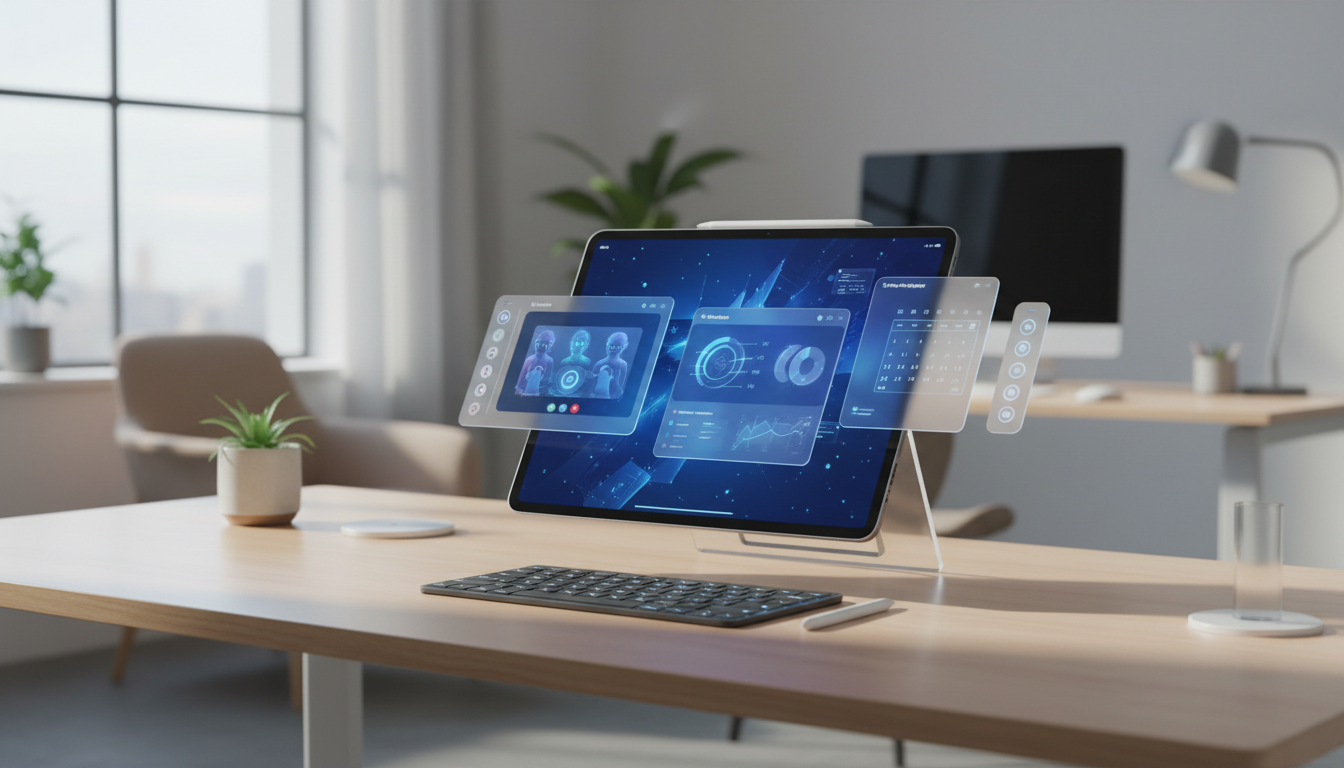
Since its debut, Stage Manager has been a transformative feature for iPad, fundamentally changing how users approach productivity on Apple’s tablet. Fast forward to 2026, and Stage Manager has matured into the multitasking solution power users and professionals have long craved. In this article, we’ll dive deep into Stage Manager’s latest capabilities, its impact on day-to-day workflows, and how it cements the iPad’s role as a true productivity powerhouse within the Apple ecosystem.
What is Stage Manager?
Stage Manager first arrived as a part of iPadOS, introducing a dynamic way to organize apps and windows. Unlike classic Split View and Slide Over, Stage Manager enables multiple overlapping windows, resizable app groups, and drag-and-drop between apps - all with the touch and precision of an Apple Pencil or trackpad.
Key Upgrades to Stage Manager in 2026
- Unlimited Window Groups: The latest iteration allows users to save and switch between unlimited app arrangements, perfect for different tasks like editing, research, or meetings.
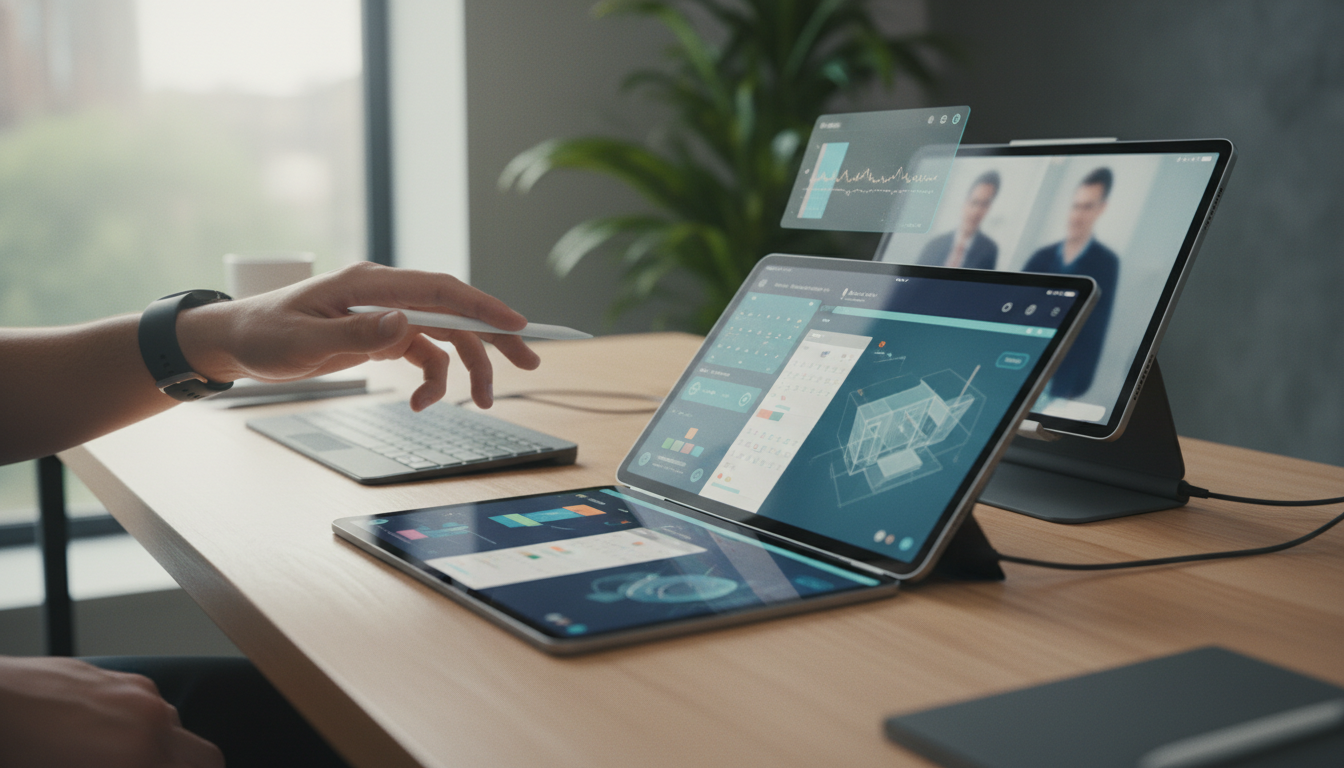
- Enhanced External Display Support: Stage Manager now offers native high-resolution support for up to two external displays, with independent app control on each screen - mirroring a Mac-like desktop experience.
- Improved Window Snapping: Quickly fit windows into place with smart snapping areas, making it easier to create efficient layouts, especially when handling multiple documents or browser windows.
- System-wide Shortcuts Integration: Automate window arrangements and switch workflows instantly using Siri Shortcuts and keyboard commands, ideal for power users who want to streamline common tasks.
Stage Manager in Real-World Workflows
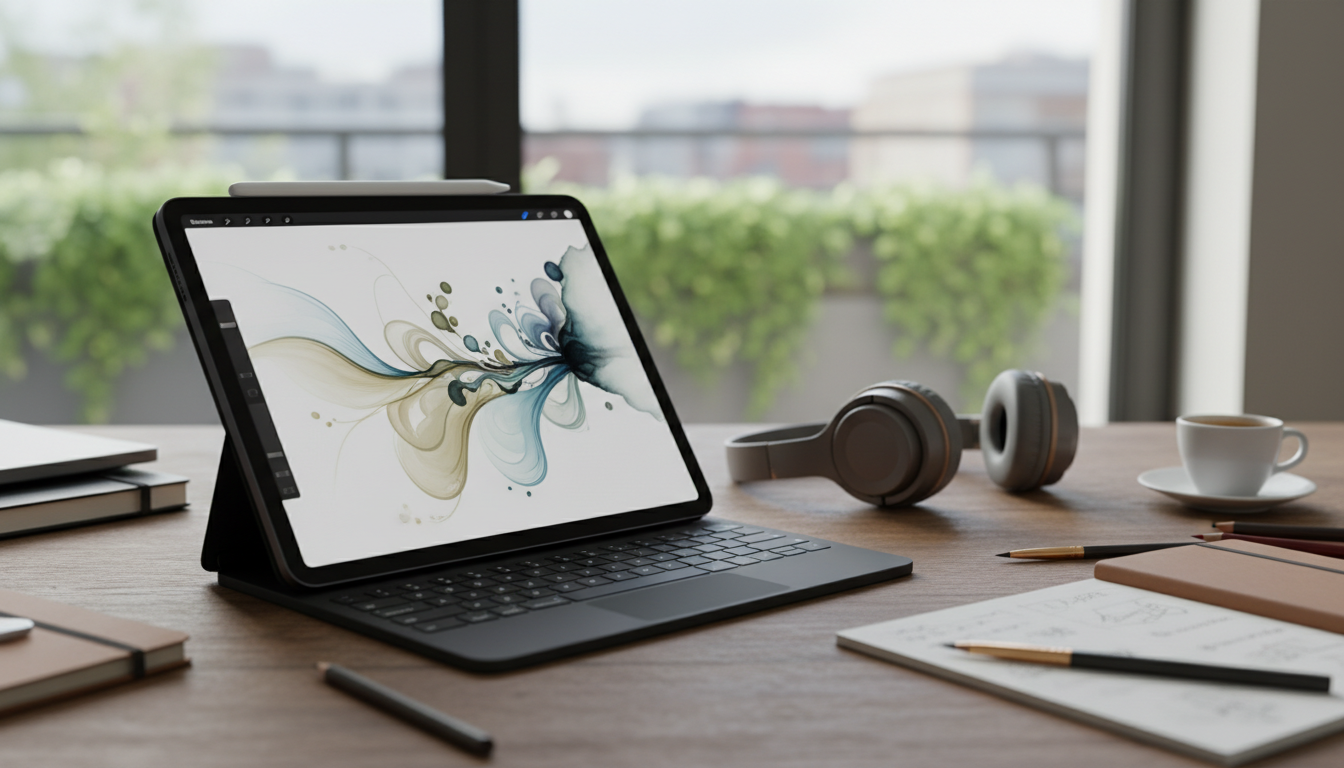
With Stage Manager, the iPad Pro and iPad Air (M-series) now rival MacBooks for multitasking prowess. For example, a graphic designer can keep Adobe Fresco, Safari, and Files in a single Stage, while a student can arrange Notability, Pages, and Keynote for class notes and assignments. Switching between Stages is as simple as a tap or a swipe, and each Stage preserves window positions and content for instant resumption.
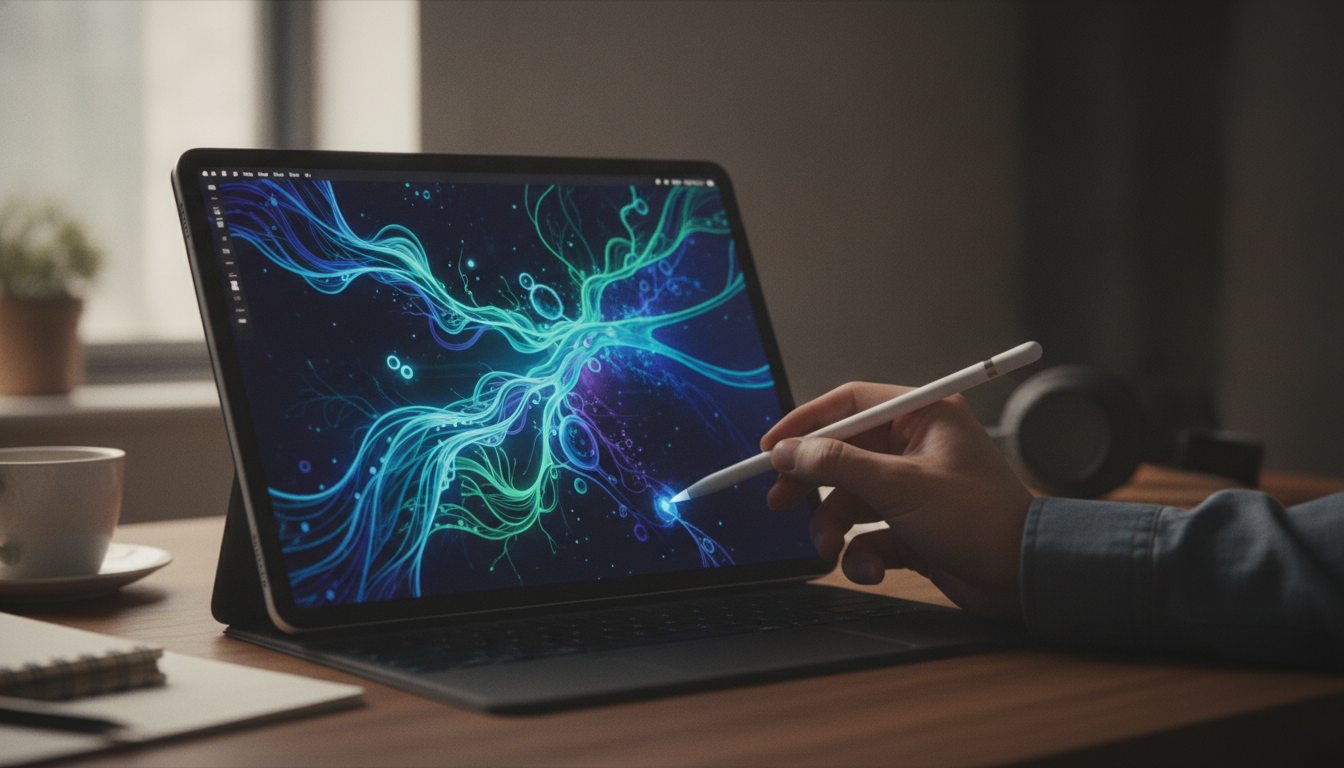
Multitasking is further enhanced by Apple Pencil hover, which offers window previews and quick actions, and the Magic Keyboard, which brings familiar Mac-like navigation to the iPad. With the ability to drag files and content seamlessly across windows, iPad users enjoy desktop-level flexibility without sacrificing the intuitive touch interface.
Ecosystem Integration: iPad, Mac, and Beyond
Stage Manager’s evolution goes hand-in-hand with deeper Apple ecosystem integration. Universal Control lets users drag windows - or entire Stages - between iPad and Mac, blurring device boundaries. Handoff ensures that tasks started on one device can be picked up instantly on another, while AirDrop, iCloud Drive, and Continuity Camera keep content and tools in sync.
Developers have also embraced Stage Manager, with apps like Microsoft Office, Notion, and LumaFusion optimized for resizable windows and advanced keyboard support. This means more professional-grade workflows and fewer compromises for users who want to rely on their iPad as their primary device.
Who Benefits Most from Stage Manager?
- Professionals who need multiple apps open side by side - designers, writers, and analysts, for instance - will appreciate the desktop-like efficiency now possible on iPad.
- Students can organize research, note-taking, and presentations in separate Stages, reducing distraction and streamlining task switching.
- Remote workers can integrate video calls, email clients, and collaboration apps in dedicated layouts for focused productivity, whether at home or in the office.
Tips for Mastering Stage Manager on iPad
- Use external displays for presentation or reference work, keeping your main workflow on the iPad screen.
- Create custom Stages for different projects and switch between them with a single gesture or keyboard shortcut.
- Leverage Apple Pencil hover to preview and organize windows without interrupting your current task.
- Combine Stage Manager with Split View and Slide Over for the ultimate multitasking experience - great for quick check-ins or reference tasks.
The Future of Multitasking on iPad
The iPad’s transition from a content consumption device to a full-fledged productivity tool is epitomized by Stage Manager’s ongoing evolution. With the power of Apple silicon, refined window management, and ever-tighter ecosystem integration, the iPad is now poised to satisfy even the most demanding creative and professional needs. As iPadOS continues to mature, users can expect even more desktop-class features, making it the device of choice for those seeking versatility and performance in the Apple ecosystem.