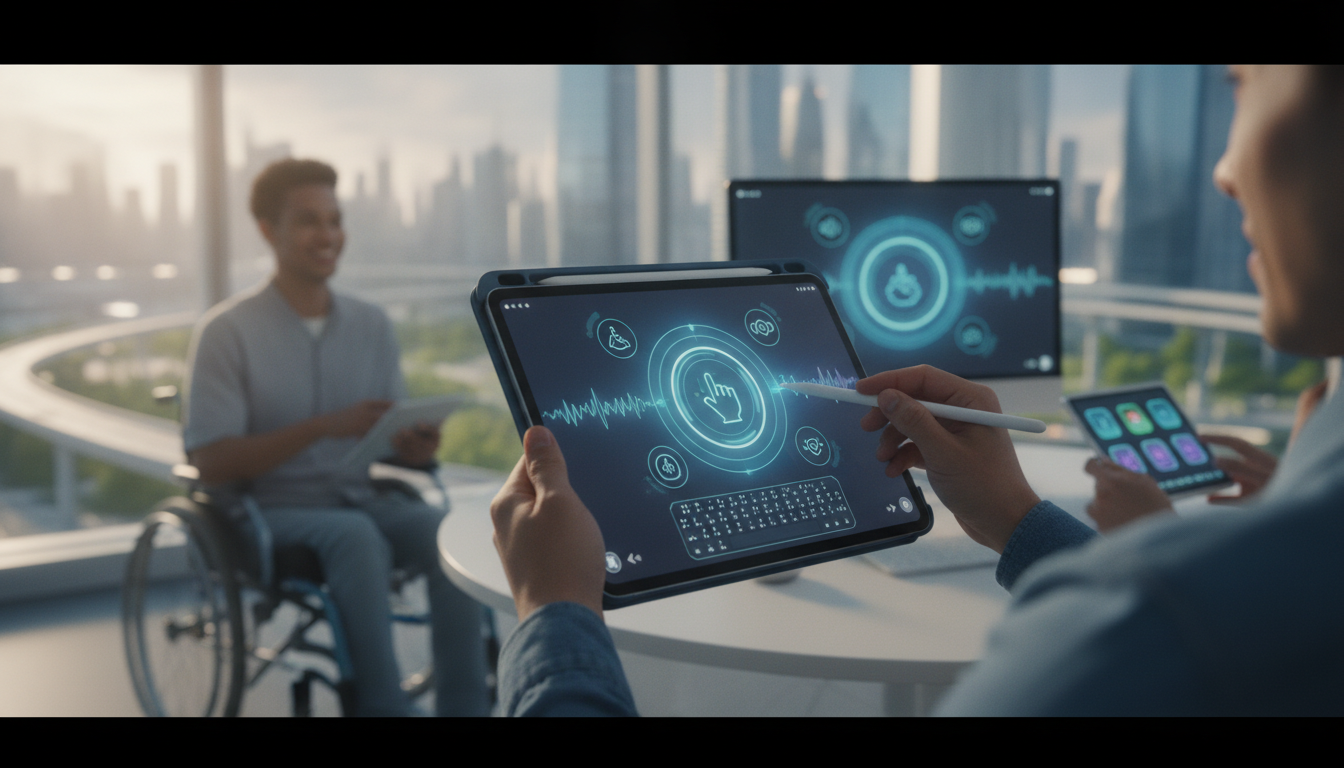
Accessibility has always been a focus for Apple, and iPad stands out as one of the most inclusive devices available. With iPadOS 20, Apple introduces a range of evolved accessibility features that make the iPad experience even more powerful and personalized. Whether you rely on assistive technology every day or simply appreciate customizable options, the new tools in iPadOS 20 push accessibility forward for all users.
Key Accessibility Enhancements in iPadOS 20
Apple’s approach with iPadOS 20 is comprehensive, targeting a broad spectrum of user needs. The improvements span speech, vision, hearing, and motor support. Here are the most notable additions:
- Personal Voice Improvements: Easier setup and richer voice creation support, expanding the possibilities for those with speech disabilities.
- Live Speech in More Languages: Broader language and dialect support, enabling typed speech for more users globally.
- Spatial Audio for VoiceOver: New spatial cues help users navigate the interface by pinpointing elements audibly.
- Custom Haptic Feedback: Users can tailor tactile feedback for gestures, making navigation clearer for those with vision or motor challenges.
- Enhanced Vision Assistance: Improved Magnifier, color filters, and real-time detection modes assist with identifying text, objects, and people.
These features reinforce Apple’s commitment to making technology accessible to everyone. The integration of these tools into iPadOS shows how much Apple listens to its users with disabilities and adapts accordingly.
Personal Voice and Live Speech: Making Communication More Personal
Personal Voice has become a lifeline for users at risk of losing their speech. iPadOS 20 streamlines the voice creation process, allowing users to build a unique, natural-sounding voice in less time. The setup guides users clearly, and there is expanded support for different languages, making the feature more inclusive than ever.
Once created, Personal Voice connects with Live Speech, a tool that lets users type and have their words spoken aloud. In iPadOS 20, Live Speech supports a wider range of languages and dialects, breaking down communication barriers. Quick access from the Control Center, along with new shortcuts for frequently used phrases, means users can express themselves faster and more naturally in conversations.
For those with nonverbal needs, these advancements are significant. Communication is more immediate, expressive, and tailored, whether in social situations, at work, or when interacting with caregivers.
Vision and Navigation: Spatial Audio, Magnifier, and Custom Cues
VoiceOver has always been central for blind and low-vision users. With iPadOS 20, spatial audio cues are now integrated, letting users hear where elements are on the screen. This helps build a mental map of app layouts, especially in complex interfaces like Safari or Notes. Audible hints help users locate buttons, lists, and links, responding more quickly and confidently.
Magnifier is also improved. The app now offers real-time object recognition, enhanced zoom, and customizable color contrast controls. New detection modes help users identify doors, text, and people, providing additional independence in everyday tasks. Custom color filter and grayscale presets make it easier to personalize the visual experience, addressing individual needs related to color blindness or low vision.
For Braille users, iPadOS 20 expands compatibility with more displays and offers faster text input. These updates ensure that no matter your preferred method, the iPad adapts to your workflow.
Haptic Feedback and Mobility Support: Tactile Interaction and Customization
For many, tactile cues are as important as visual or audio ones. iPadOS 20 introduces customizable haptic feedback settings. Users can adjust vibration patterns and strengths for gestures like tapping, swiping, or selecting. This makes navigation more intuitive for those who rely on touch, and it reduces accidental activations by providing clearer physical feedback. The ability to personalize these cues means that each user can set their device to match their needs and preferences.
Mobility support is also enhanced. Adjustments in gesture recognition and assistive touch controls provide smoother navigation for users with limited motor skills. Combined with other accessibility tools, these features make the device more responsive and less frustrating.
Apple Ecosystem Integration: Accessibility Across Devices
Accessibility does not stop at the iPad. iPadOS 20 allows users to sync their accessibility settings across their Apple devices, including iPhone, Mac, and Apple Watch. This ensures consistent support and reduces the need to customize each device separately.
Features like Universal Control and AirPlay let users share accessibility resources and maintain workflows across screens. For example, a visually impaired user can move between iPad and Mac without losing their preferred settings. Collaboration tools also support more inclusive work environments, letting users participate fully regardless of their device or ability.
Apple’s in-person sessions at Apple Stores and video tutorials continue to help users learn about accessibility options and get hands-on support.
Getting Started: Customizing Accessibility on Your iPad
Setting up accessibility features in iPadOS 20 is simple. Here are the steps:
- Open the Settings app.
- Tap Accessibility.
- Explore categories for Vision, Hearing, Mobility, and Communication.
- Turn on features like VoiceOver, Magnifier, and Live Speech.
- Personalize haptic feedback and color filters to suit your needs.
Apple’s support materials and in-store learning sessions offer guidance for users who want to make the most of these tools.
Looking Ahead: The Future of iPad Accessibility
iPadOS 20 demonstrates Apple’s continuing investment in accessibility. The new features are not just for those with disabilities but for anyone who values personalization and flexibility. As the Apple ecosystem evolves, we can expect even tighter integration and more innovative options to empower all users.
Exploring accessibility features in iPadOS 20 unlocks new possibilities for independence, productivity, and creative expression. Apple’s vision is clear: technology should adapt to you, not the other way around.