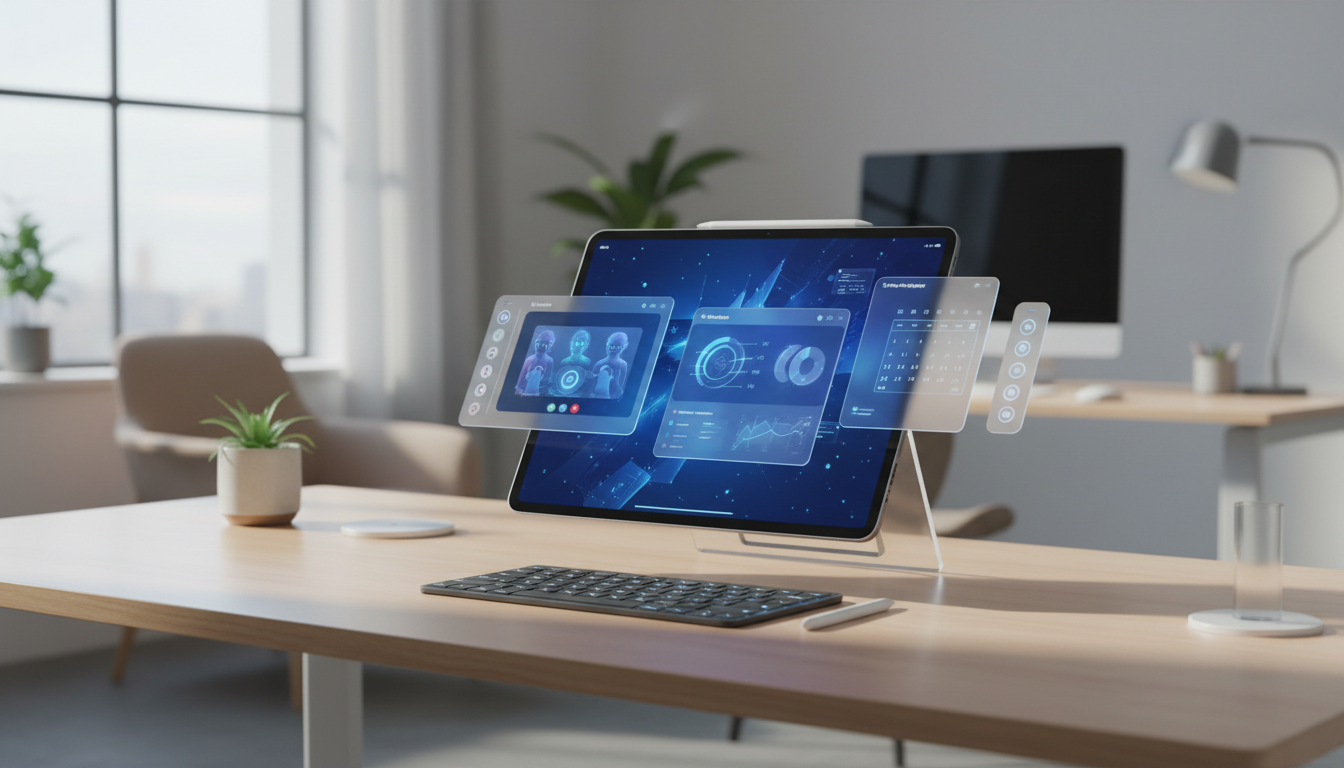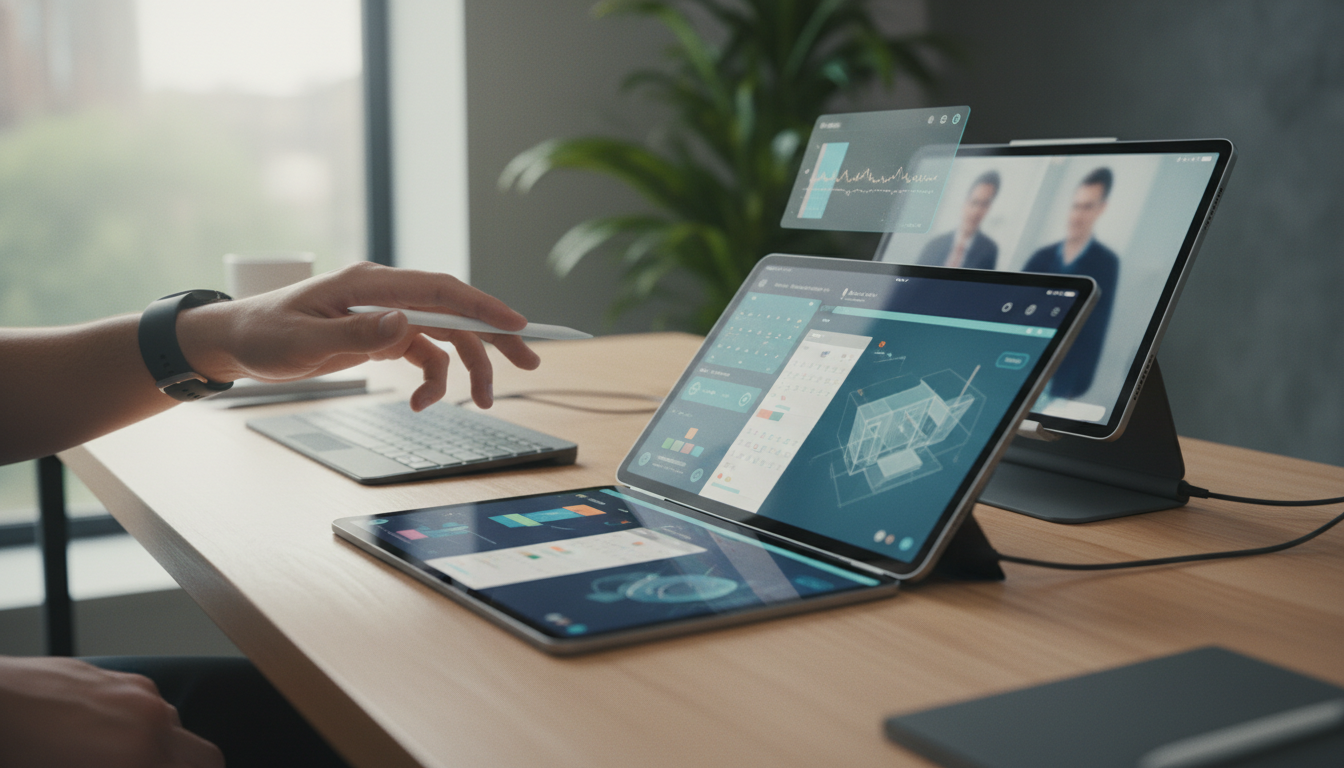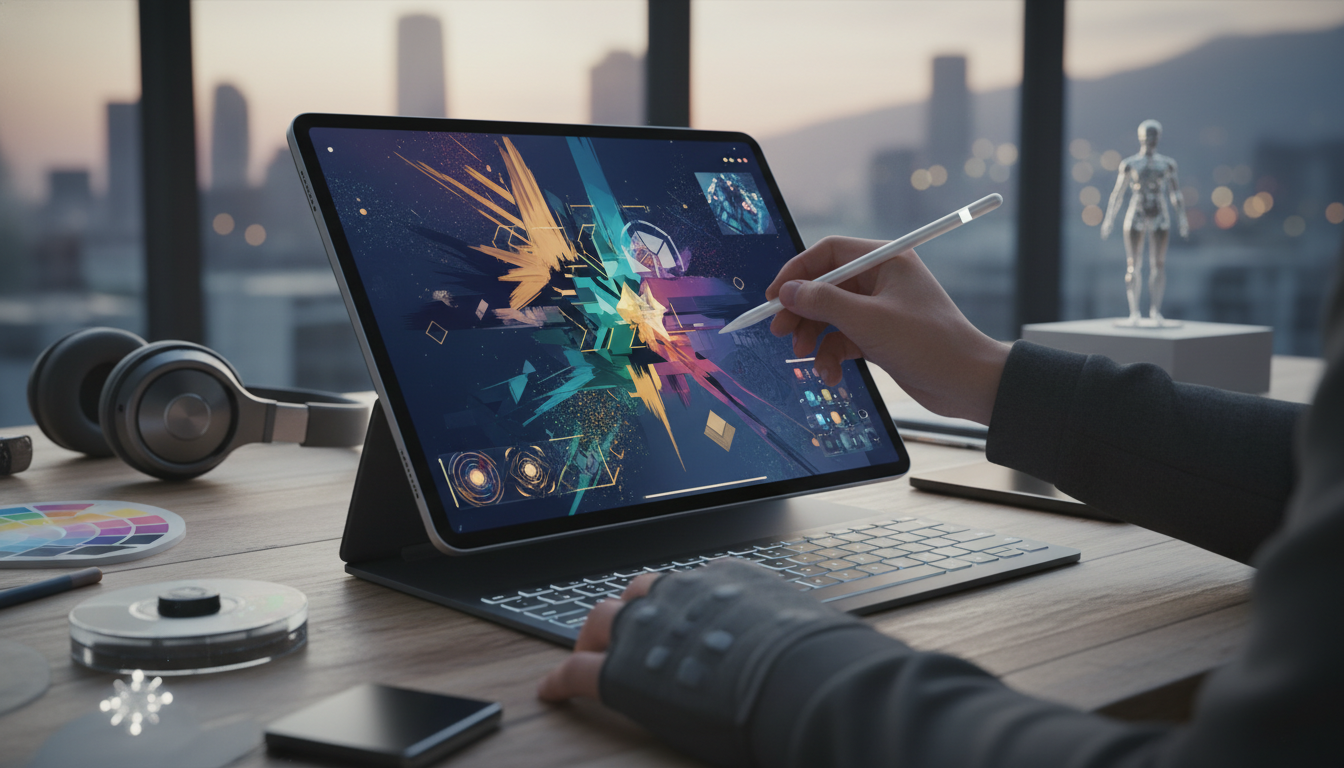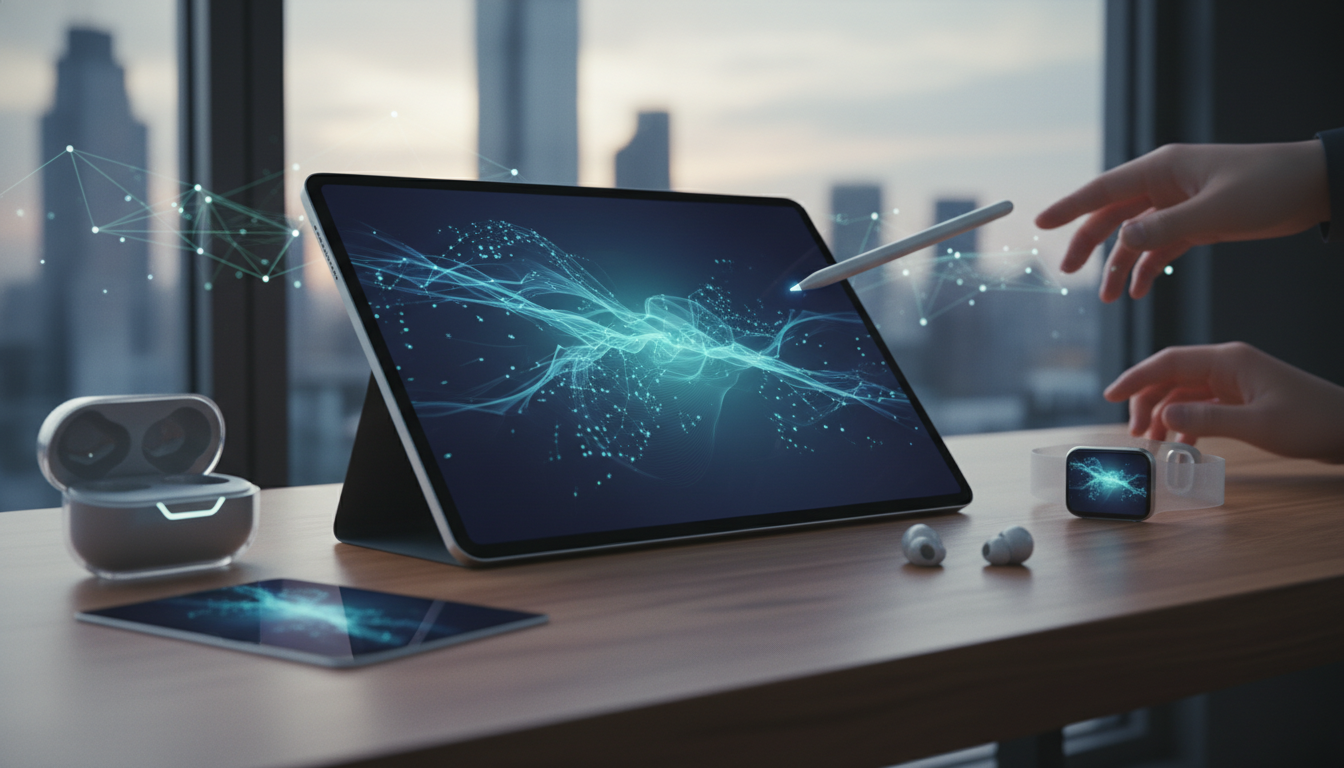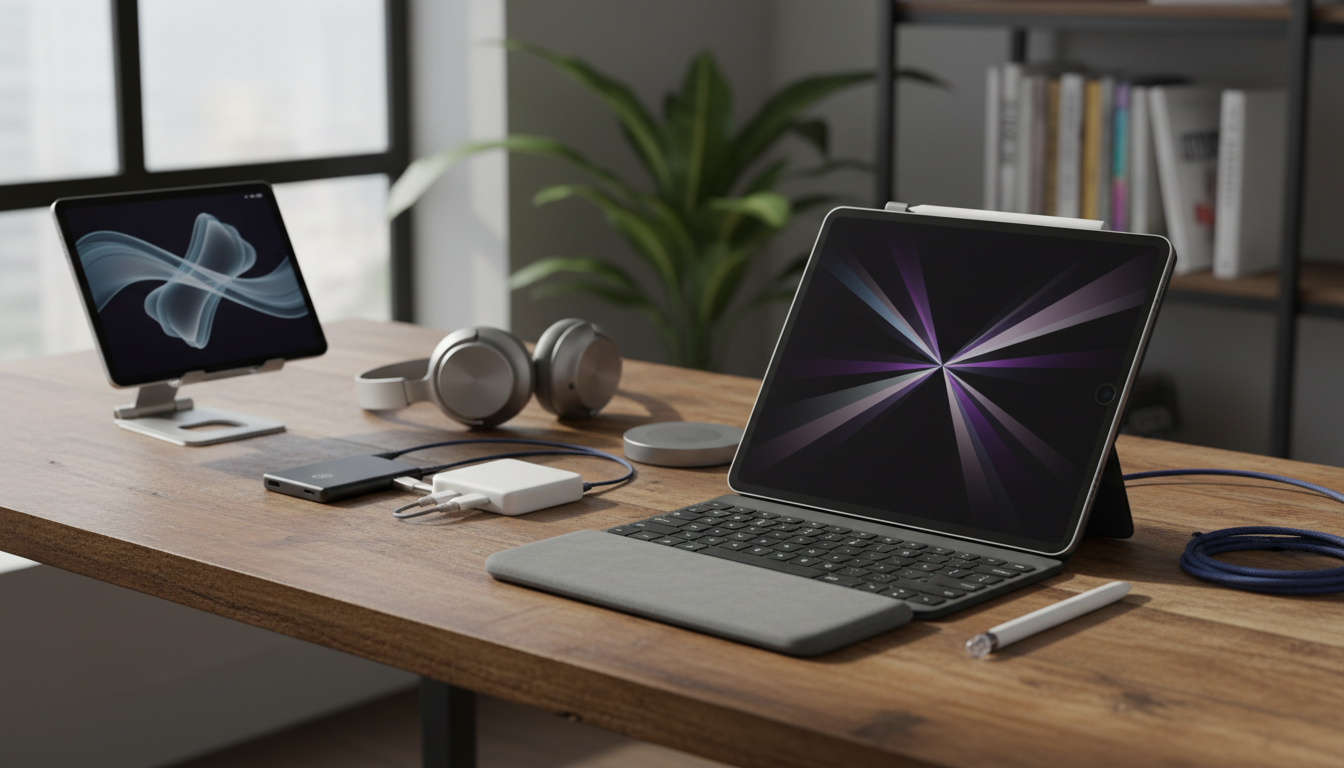
In the ever-evolving world of Apple products, the iPad remains a cornerstone of portability, creativity, and productivity. As we step into 2026, the latest iPad models continue to integrate seamlessly with the broader Apple ecosystem, including iOS, macOS, and other devices like the iPhone and Mac. This article explores essential accessories that enhance your iPad experience, making it an even more indispensable tool for everyday tasks. From protective cases to advanced styluses, these accessories are designed to work hand-in-hand with iPadOS, unlocking new levels of efficiency and enjoyment.
The Role of Accessories in Maximizing iPad Potential
Accessories have always been key to extending the capabilities of the iPad. In 2026, with iPadOS 20 offering refined features like enhanced multitasking and better file management, the right add-ons can transform your tablet into a mobile workstation or a digital canvas. Apple’s ecosystem ensures that these accessories not only connect effortlessly but also leverage technologies like Handoff and Universal Clipboard for a unified experience across your Apple devices. Whether you’re jotting down notes on your iPad while referencing data from your Mac, or sketching ideas that sync to your iPhone, accessories bridge the gap between devices.
One of the standout benefits is the improvement in workflow. For instance, pairing an iPad with a compatible keyboard turns it into a lightweight alternative to a MacBook, perfect for on-the-go professionals. This integration highlights how Apple’s hardware and software work in harmony, providing a fluid user experience that competitors can’t match. Let’s dive into some must-have accessories that are making waves in 2026.
Top Protective Cases and Stands for Everyday Use
When it comes to safeguarding your iPad, protective cases are non-negotiable. In 2026, Apple and third-party manufacturers have upped the ante with cases that offer more than just basic protection. For example, the latest Smart Folio cases from Apple now feature built-in magnets that not only prop up your iPad for optimal viewing angles but also integrate with iPadOS to automatically wake or sleep the device. This seamless interaction reduces battery drain and enhances usability, making it ideal for video calls or reading sessions.
Beyond Apple’s offerings, accessories like the Incase Hardshell Case provide rugged protection without adding bulk, ensuring your iPad withstands daily wear and tear. These cases often include stands that adjust to multiple angles, which is perfect for collaborating on projects with your Mac or iPhone. Imagine editing a document on your iPad while referencing files from your Mac via AirDrop - these accessories make such workflows intuitive and efficient.
- Apple Smart Folio: Offers precise fit and automatic device response.
- Incase Hardshell: Durable and lightweight for mobile professionals.
- Third-party stands: Compatible with iPad’s magnetic array for stable positioning.
These accessories not only protect your investment but also encourage you to use your iPad in more versatile ways, all while staying within the Apple ecosystem.
Keyboards and Input Devices for Enhanced Productivity
Keyboards remain one of the most popular iPad accessories, especially as iPadOS continues to borrow features from macOS for a more desktop-like experience. In 2026, the Magic Keyboard for iPad has been refined with backlit keys, improved trackpad sensitivity, and even better integration with the Apple Pencil. This setup allows for smooth transitions between touch and keyboard inputs, making it easier to handle complex tasks like coding or writing reports directly on your iPad.
Other options, such as the Logitech Slim Folio, offer Bluetooth connectivity that pairs effortlessly with your iPad, and they often include shortcuts tailored to iOS features. This means you can quickly access the App Switcher or Control Center without lifting your fingers from the keys. When combined with your Mac, these keyboards enable a setup where you can start a task on one device and finish it on another, thanks to Apple’s Continuity features.
- Magic Keyboard: Detachable and trackpad-equipped for full productivity.
- Logitech Slim Folio: Affordable with iPadOS-optimized keys.
- Custom key caps: Personalize for macOS-like workflows.
By investing in these input devices, users can elevate their iPad from a consumption device to a full-fledged creation tool, all while maintaining the seamless flow of the Apple ecosystem.
Styluses and Drawing Tools for Creative Endeavors
For artists, students, and designers, the Apple Pencil has long been a game-changer, and in 2026, it’s better than ever. The third-generation Apple Pencil now boasts pressure sensitivity that rivals professional drawing tablets, and it integrates deeply with apps like Freeform and Notes in iPadOS 20. This allows for precise annotations on documents shared from your Mac or iPhone, fostering collaboration across devices.
Other styluses, such as those from Adonit or Wacom, provide alternatives with features like customizable buttons and tilt recognition, which work harmoniously with iPad’s display. These tools are particularly useful in educational settings, where iPads are used for interactive learning, syncing notes with macOS-based classrooms. The beauty of these accessories lies in their ability to enhance creativity while ensuring everything stays within Apple’s secure and integrated environment.
- Apple Pencil (3rd Gen): Low latency and magnetic attachment.
- Adonit Pro: Palm rejection for comfortable drawing.
- Wacom Bamboo: Affordable entry for beginners.
These drawing tools not only boost your iPad’s creative potential but also ensure that your work is easily transferable across the Apple ecosystem, from sketching on your iPad to finalizing designs on your Mac.
How Accessories Integrate with iPadOS and the Apple Ecosystem
iPadOS 20 has made significant strides in accessory compatibility, with features like USB-C support and improved Bluetooth pairing that allow for faster connections to keyboards, styluses, and even external drives. This means you can expand your iPad’s storage or connect to a Mac for large file transfers without hassle. The ecosystem’s strength shines here, as accessories designed for iPad often work across other Apple devices, creating a cohesive user experience.
For example, using an iPad with a connected keyboard and mouse setup mirrors the functionality of a Mac, enabling users to run multiple apps side by side - a nod to macOS’s window management. This interoperability is what sets Apple apart, providing a level of convenience that enhances productivity without the need for third-party workarounds.
Conclusion: Building Your Ultimate iPad Setup
As we wrap up our exploration of essential iPad accessories in 2026, it’s clear that these tools are more than just add-ons - they’re extensions of the iPad’s core capabilities. By choosing accessories that align with iPadOS and the broader Apple ecosystem, you’re investing in a setup that promotes efficiency, creativity, and seamless device integration. Whether you’re a student, professional, or casual user, the right accessories can transform your iPad into an even more powerful device. Remember, the best setups are those that evolve with your needs, all within the innovative world of Apple products.