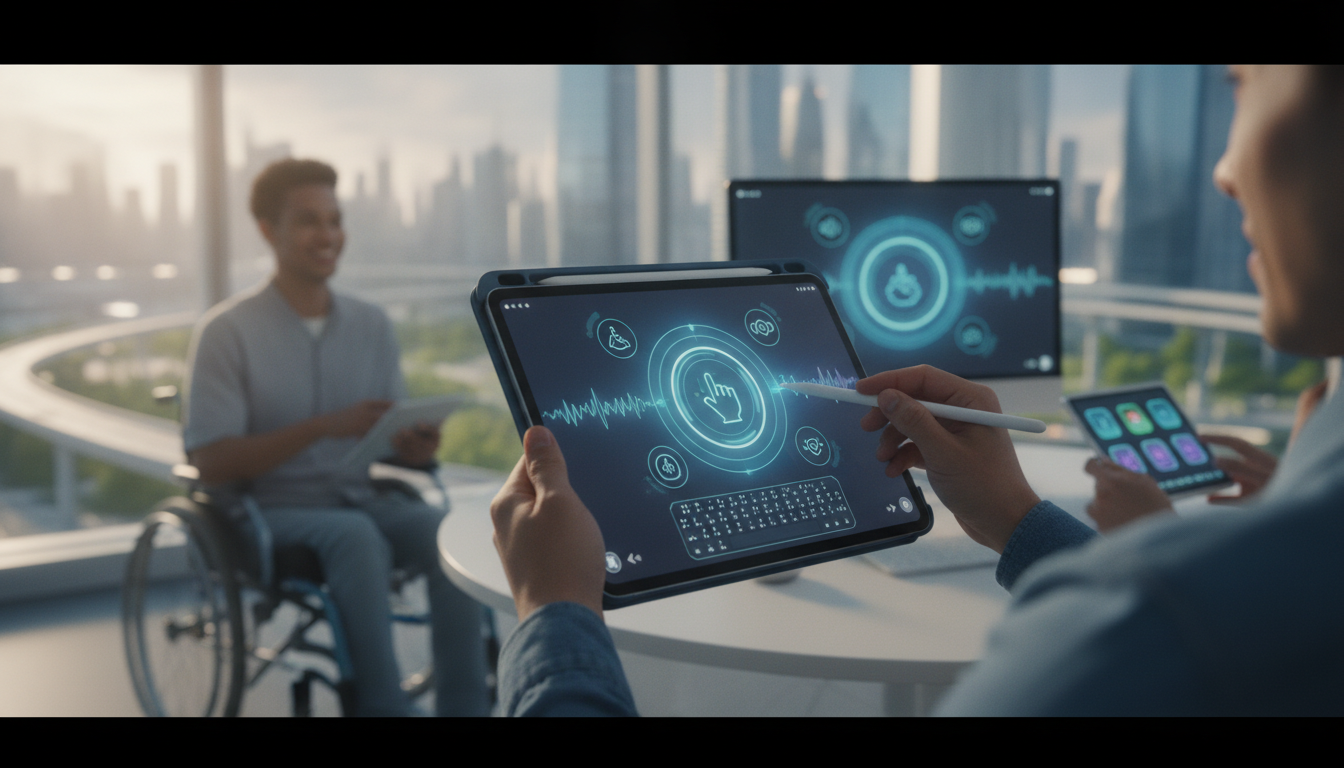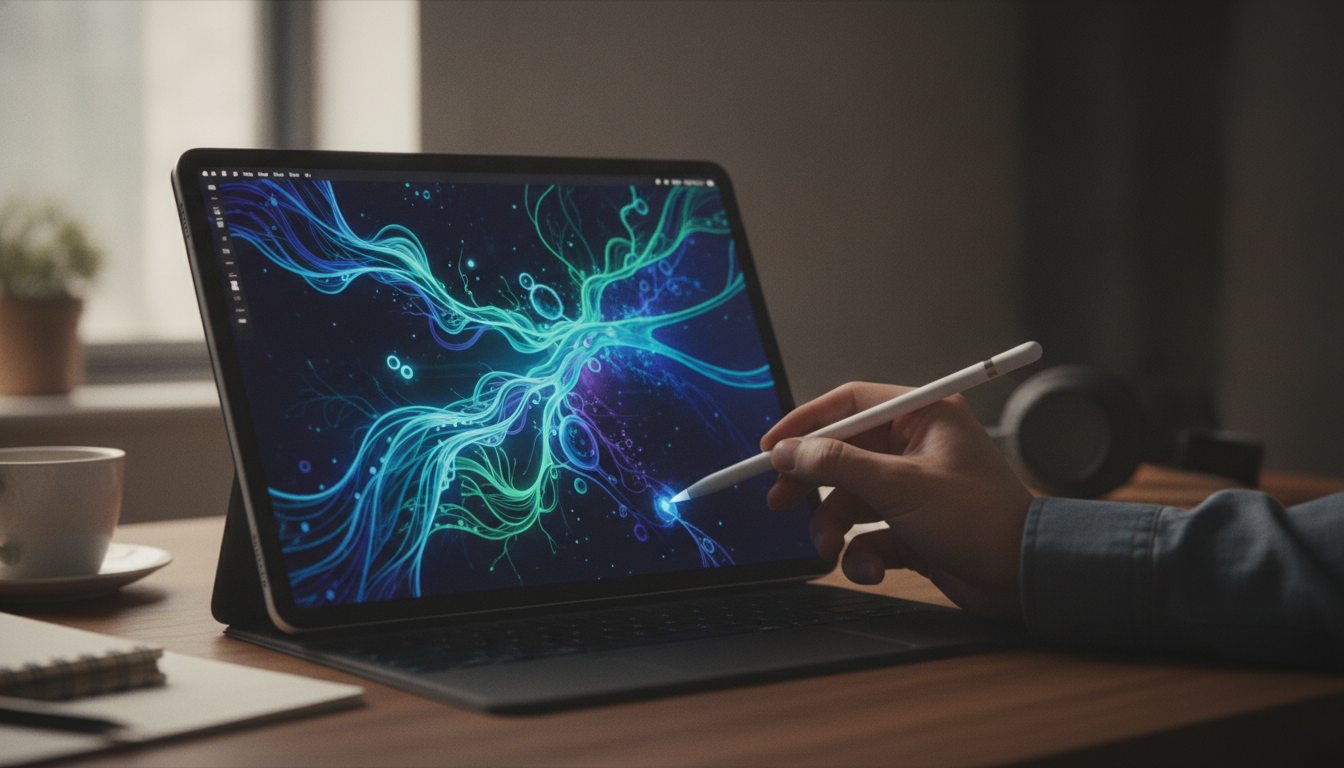
The iPad has long been a versatile device for creativity, productivity, and education in the Apple ecosystem. With the introduction of Apple Pencil Pro, Apple has pushed the boundaries of what is possible on a tablet. This new stylus brings advanced hardware, refined sensors, and deep integration with iPadOS, making the iPad experience more precise and creative than ever before.
Apple Pencil Pro Features: Precision and Innovation
Apple Pencil Pro marks a major leap forward compared to previous generations. It was launched alongside the latest iPad Pro and iPad Air models, and is packed with features that directly address the needs of artists, students, and professionals.
- Hover and Haptic Feedback: The hover feature lets users preview brush strokes and interact with interface elements before actually touching the screen. Haptic feedback delivers subtle vibrations to confirm actions, enhancing tactile immersion.
- Customizable Barrel Button: A new barrel button allows users to assign shortcuts, switch tools, or activate favorite features directly within supported apps. This reduces the need for screen taps and speeds up workflows.
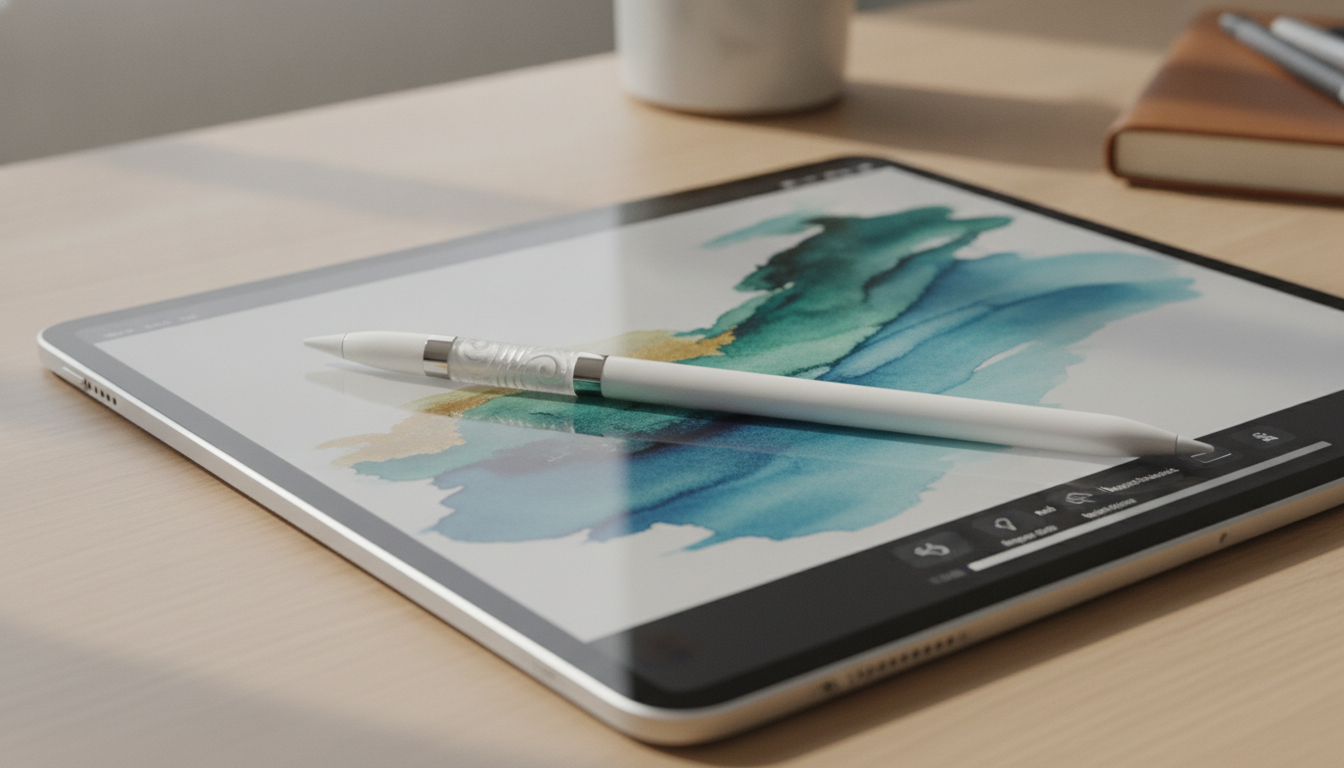
- Magnetic Charging and Storage: The Pencil Pro magnetically attaches to the iPad for convenient charging and storage. Charging is faster, and improved battery management in iPadOS keeps you powered up for longer sessions.
- Enhanced Sensors: Advanced pressure and tilt sensors deliver more nuanced control, making the Pencil Pro exceptionally responsive for drawing, writing, and editing.
These hardware upgrades make the Apple Pencil Pro feel natural for sketching, annotating, and navigating, bridging the gap between digital and traditional tools.
iPadOS Integration: Unlocking New Possibilities
Apple Pencil Pro is fully integrated into iPadOS, with iPadOS 18 offering expanded support for its capabilities. This tight integration means the Pencil Pro is recognized for its pressure sensitivity, tilt, and hover gestures, enabling more complex and intuitive interactions.
- Smart Scribble: Improved handwriting recognition converts both cursive and print styles into text instantly, making note-taking and document editing smoother.
- Annotate Anywhere: Users can mark up PDFs, screenshots, and web pages with a single tap. This streamlines review, feedback, and study processes.
- Multi-App Pencil Support: Drag and drop sketches, diagrams, or handwritten notes between apps in Split View or Slide Over. This is especially useful for multitasking and organizing information.
- Quick Notes and Drawing Tools: Enhanced Quick Notes and built-in drawing tools in apps like Notes, Freeform, and Pages allow for more versatile and expressive input.
The seamless connection between the Pencil Pro and iPadOS means users can rely on fluid, responsive interactions across the entire Apple ecosystem. Actions like switching tools, annotating documents, or jotting down ideas are now faster and more intuitive.
Creative Power: Artists and Designers Benefit Most
For artists and designers, the Apple Pencil Pro is a game-changer. Professional drawing apps such as Procreate, Adobe Fresco, and Affinity Designer have quickly updated their software to support the Pencil Pro’s new features.
- Brush Preview: Hover functionality lets creators see the effect of a brush before committing, allowing for more accurate and confident strokes.
- Gesture Customization: The barrel button can be assigned to tool switching, undo actions, or custom shortcuts, dramatically speeding up creative workflows.
- Enhanced Color Picking: Artists can hover to sample colors, keeping their creative flow uninterrupted and improving color accuracy.
- Low Latency and Natural Feel: The Pencil Pro’s low latency and refined sensors make sketching, shading, and editing feel organic, as if working on paper.
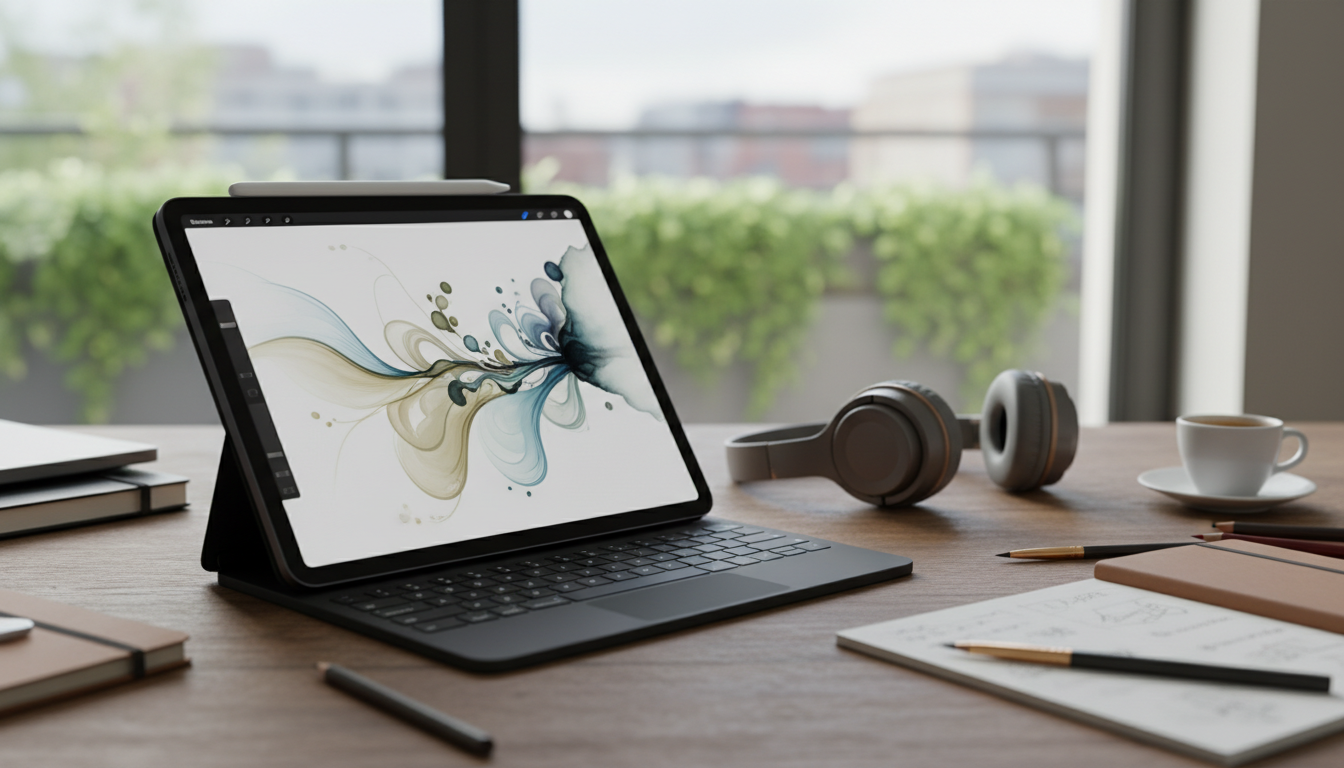
Designers benefit from the fine-point precision for editing vector curves and manipulating shapes in complex layouts. The Pencil Pro allows for detailed work without sacrificing speed or accuracy, making the iPad a powerful digital studio.
Productivity and Education: A New Level of Efficiency
The Apple Pencil Pro is more than an artist’s tool. It is equally valuable for students, educators, and professionals. iPadOS 18’s improved handwriting recognition enables instant conversion of lecture notes to searchable text, helping students keep organized and efficient.
- Efficient Notetaking: Enhanced palm rejection and smart suggestions make classroom and meeting notes cleaner and easier to share.
- Document Markup: Students can annotate textbooks and presentations, while business users can mark up PDFs and reports, streamlining review and study sessions.
- Collaboration Tools: The Pencil Pro works seamlessly with Freeform for real-time brainstorming, allowing multiple users to sketch and comment together across Apple devices.
- Quick Actions: The customizable barrel button lets users quickly highlight text, insert shapes, or trigger shortcuts, speeding up common tasks.
Whether you are organizing your day, sharing feedback, or preparing for exams, the Pencil Pro enhances productivity. Its precise input and integration with iPadOS apps make it a flexible tool for a wide range of tasks.
Compatibility and Future Potential
Apple Pencil Pro is currently compatible with the latest iPad Pro and iPad Air models, both powered by advanced Apple silicon. This ensures fast response, rich sensor data, and support for the newest iPadOS features. Developers are rapidly adopting Pencil Pro support, adding new capabilities to creative and productivity apps.
Looking ahead, Apple may expand compatibility to additional iPad models. As iPadOS evolves, more features and refinements should unlock the full potential of the Pencil Pro, further blurring the line between tablet and traditional computing. The Pencil Pro is set to become a centerpiece of mobile productivity and creativity in the Apple ecosystem.
The iPad and Apple Pencil Pro: Transforming Tablet Computing
The Apple Pencil Pro represents a major step forward in the way users interact with the iPad. Its blend of advanced hardware, thoughtful iPadOS integration, and growing third-party app support has reshaped the possibilities for digital art, productivity, and collaboration. The iPad, paired with the Pencil Pro, is now a creative studio, a digital notebook, and a powerful productivity platform for users across Apple’s ecosystem.
As Apple continues to refine its hardware and software, the connection between iPad and Pencil Pro will deepen, making the iPad an increasingly capable tool for professionals, students, and creatives. Whether you are sketching, annotating, or collaborating, the Apple Pencil Pro provides unmatched precision and versatility.