Apple’s commitment to accessibility has always made the iPhone a leader in inclusive design, and 2026 is no exception. With every update, Apple refines its suite of accessibility features, benefiting users with differing abilities and broadening the iPhone’s appeal. This year, iOS 20 introduces several ground-breaking accessibility enhancements, ensuring that everyone can fully interact with Apple’s flagship device.
What’s New in iOS 20 Accessibility?
The latest update builds on Apple’s extensive accessibility library, adding features that serve users with vision, hearing, motor, and cognitive differences. Here are some of the standout additions:
- Live Speech Translation: iOS 20 now enables real-time translation for conversations, supporting over 20 languages. This feature is especially helpful for users who rely on spoken language for communication, breaking down linguistic barriers instantly.
- Expanded Voice Control: Apple has improved Voice Control, offering more granular commands and integration with third-party apps. Users can now navigate complex interfaces and perform multi-step tasks hands-free, reducing reliance on touch input.
- Enhanced Magnifier and Detection Mode: The iPhone’s Magnifier app gains AI-powered object detection, helping visually impaired users identify objects, text, and even people in their environment. The new detection mode also includes sound feedback and haptics for added context.
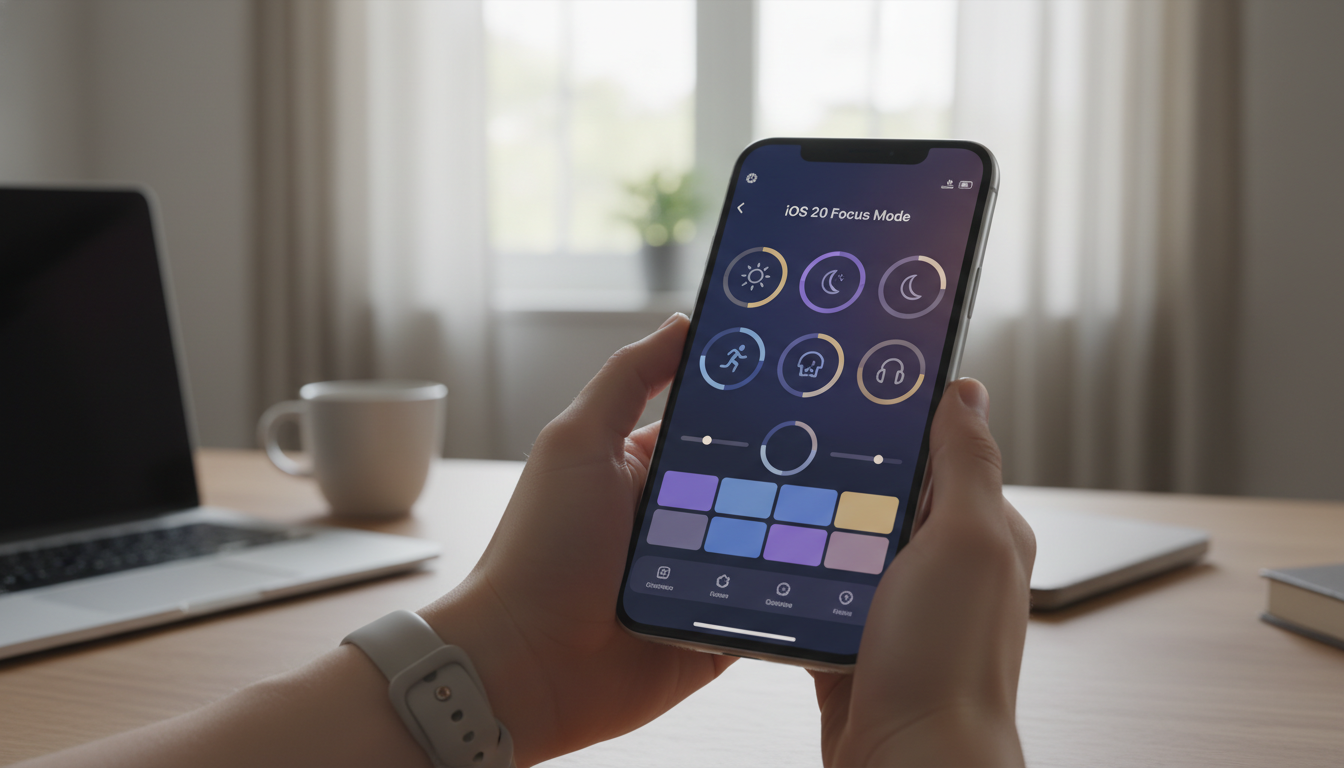
- Personalized Display Settings: iOS 20 introduces expanded display customizations, such as variable text spacing, font thickness, and dynamic color filters, supporting users with dyslexia or low vision.
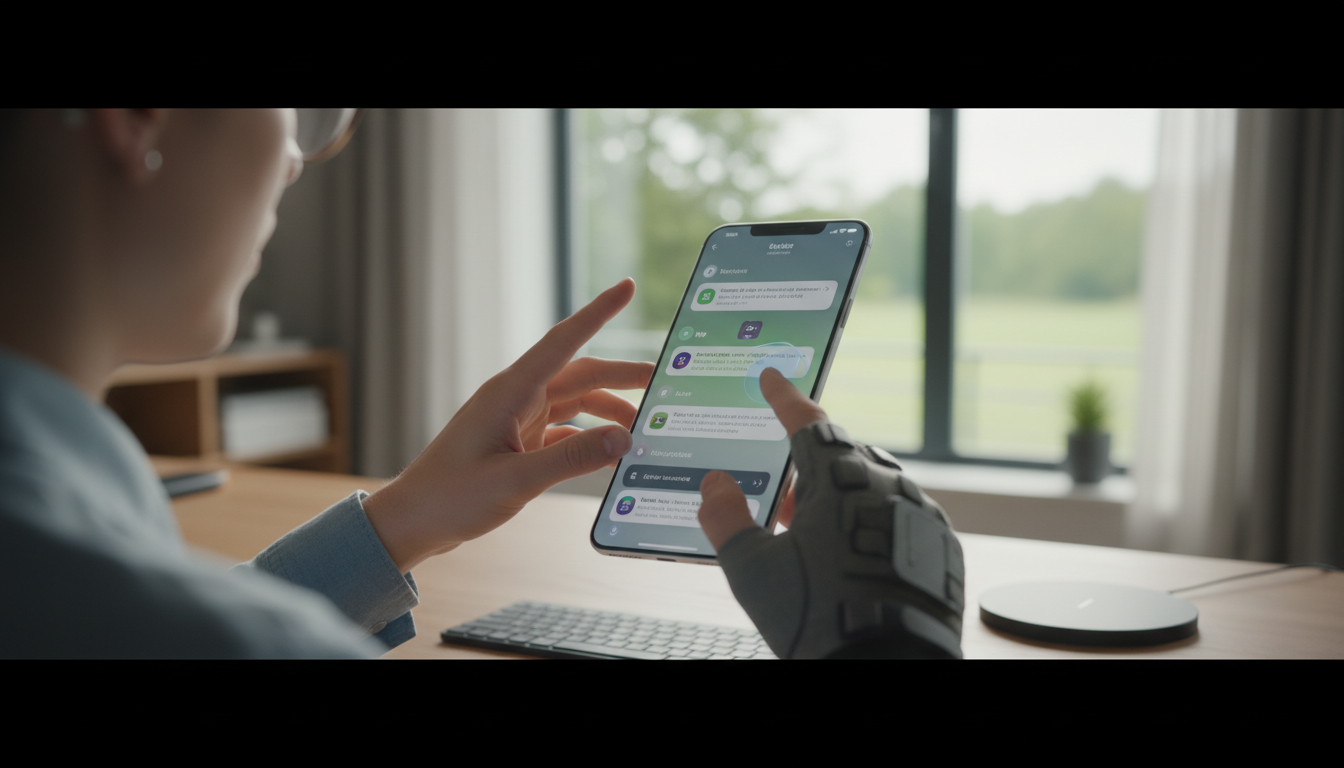
- Assistive Touch Sensitivity: The updated Assistive Touch now offers finer calibration, adapting to individual hand movements and grip strength, making it easier for users with motor impairments to control their device.
Accessibility Features That Stand Out
While these additions are remarkable, Apple’s accessibility toolkit remains robust, featuring established tools that continue to improve:
- VoiceOver: Apple’s screen reader now leverages machine learning to describe images, graphs, and even facial expressions in photos.
- Siri Shortcuts for Accessibility: Custom Siri Shortcuts allow users to automate accessibility actions such as launching Magnifier, adjusting volume, or activating Guided Access with a simple voice command.
- Sound Recognition: The iPhone recognizes environmental sounds (such as alarms, doorbells, or crying babies) and alerts users through notifications or haptic feedback.
- Background Sounds: For neurodivergent users, the Background Sounds feature continues to offer soothing audio, masking distractions and aiding focus.
- Switch Control: Improved Bluetooth connectivity supports more external switches and adaptive devices, empowering users with physical disabilities.
Integrating Accessibility Across the Apple Ecosystem
Accessibility improvements aren’t limited to the iPhone alone. Apple’s ecosystem ensures that features like Voice Control, Magnifier, and display customizations are mirrored across iPadOS, macOS, and even watchOS. Universal Control, for example, now supports accessibility shortcuts, letting users seamlessly transition between devices without losing their preferred settings.
AirPods integration enhances accessibility further, with features like Live Listen and Conversation Boost making it easier to hear in noisy environments. The synergy between Apple Watch and iPhone extends to health monitoring and accessibility, allowing users to receive haptic feedback or voice alerts directly on their wrist.
Apple’s Approach: Accessibility By Design
Apple’s philosophy is clear: accessibility isn’t just an add-on, but a fundamental aspect of product design. Every new iPhone is engineered with inclusive hardware and software features, from tactile buttons and haptic feedback to advanced machine learning for real-time assistive tasks.
Apple regularly consults with disability advocates and accessibility experts, ensuring its features meet real-world needs. The company even hosts annual accessibility workshops and provides developer guidelines for third-party apps, encouraging a more inclusive App Store ecosystem.
How to Enable Accessibility Features on iPhone
To access Apple’s accessibility tools, users can navigate to Settings > Accessibility on their iPhone. Here, features are grouped by category - Vision, Hearing, Physical & Motor, and Cognitive - making it simple to customize the device for individual needs. Apple also provides a dedicated Accessibility Support page and short video tutorials for guidance.
Looking Ahead: What’s Next for iPhone Accessibility?
With the pace of innovation in AI, sensors, and cloud integration, the future of accessibility on iPhone looks bright. Rumors suggest that Apple is experimenting with augmented reality accessibility overlays and neural engine-powered voice synthesis for even more personalized experiences in upcoming devices.
Ultimately, Apple’s ongoing investment in accessibility is a testament to its belief in technology for everyone. As the iPhone continues to evolve, it remains the gold standard for inclusive mobile computing, empowering users worldwide regardless of ability or background.