The way we communicate on iPhone has dramatically evolved over the years, but iOS 20 introduces a game-changing leap: Adaptive Audio for phone calls. This feature isn’t just an incremental update - it transforms the call experience, bringing clarity, customization, and accessibility to the forefront. Let’s dive deep into what Adaptive Audio means for iPhone users, how it works, and why it matters in the Apple ecosystem.
What is Adaptive Audio on iPhone?
Adaptive Audio is Apple’s intelligent audio enhancement system, designed to optimize call quality by dynamically adjusting sound levels and noise reduction during phone conversations. While similar technology has appeared in AirPods for music and ambient sound, iOS 20 integrates Adaptive Audio directly into the Phone app, making every call smarter and clearer - whether you're in a bustling café or a quiet office.
Key Features of iOS 20’s Adaptive Audio for Calls
- Automatic Noise Reduction: The system recognizes and dampens background noise in real time, so your voice comes through crisp and clean.
- Voice Isolation: iOS 20 prioritizes your voice, even in multi-person environments, actively minimizing distractions for both caller and receiver.
- Customizable Audio Profiles: Users can choose from presets like ‘Personal’, ‘Work’, or ‘Outdoor’, tailoring the audio experience to their environment.
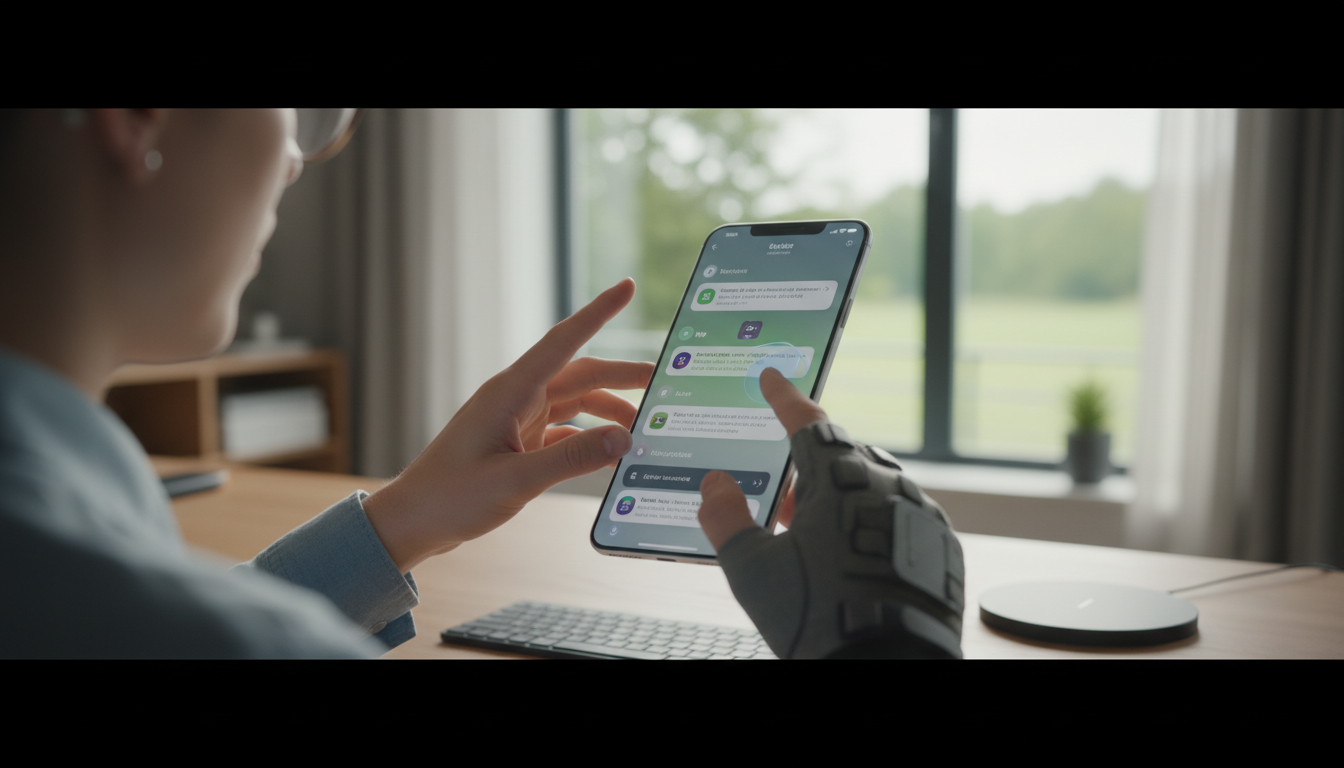
- Accessibility Integration: Adaptive Audio is fully compatible with Apple’s accessibility features, including Live Listen and Hearing Aid support, ensuring everyone benefits.
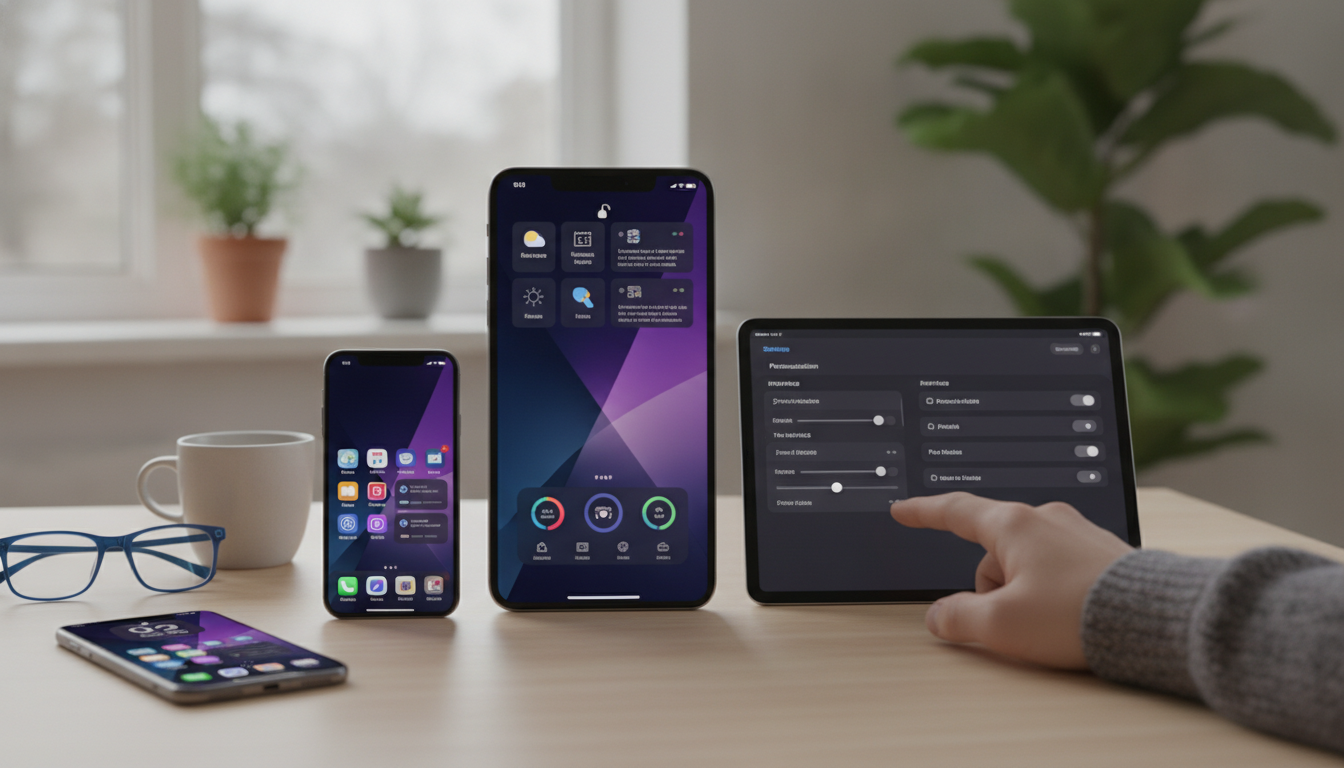
- Seamless Apple Ecosystem Support: The feature works across iPhone, iPad, and Mac, so users enjoy improved call quality in FaceTime and third-party apps as well.
How Adaptive Audio Works: Under the Hood
Leveraging Apple’s neural engine and advanced microphones, Adaptive Audio analyzes environmental sounds and voice frequencies on the fly. The feature uses machine learning to distinguish between intentional speech and unwanted ambient noise. As a result, it continuously fine-tunes audio output, delivering balanced call clarity for both ends of the conversation.
For example, if you’re walking down a busy street, iOS 20’s Adaptive Audio automatically reduces street noise and boosts your voice, making the conversation effortless. This intelligent balancing is built into the Phone app and extends to FaceTime and Voice Memos, a testament to Apple’s focus on seamless integration.
Setting Up and Customizing Adaptive Audio
- Enable Adaptive Audio: Open the Settings app, navigate to ‘Phone’, and tap ‘Adaptive Audio’. The feature is enabled by default on iPhone 15 and newer, and can be toggled for older compatible devices running iOS 20.
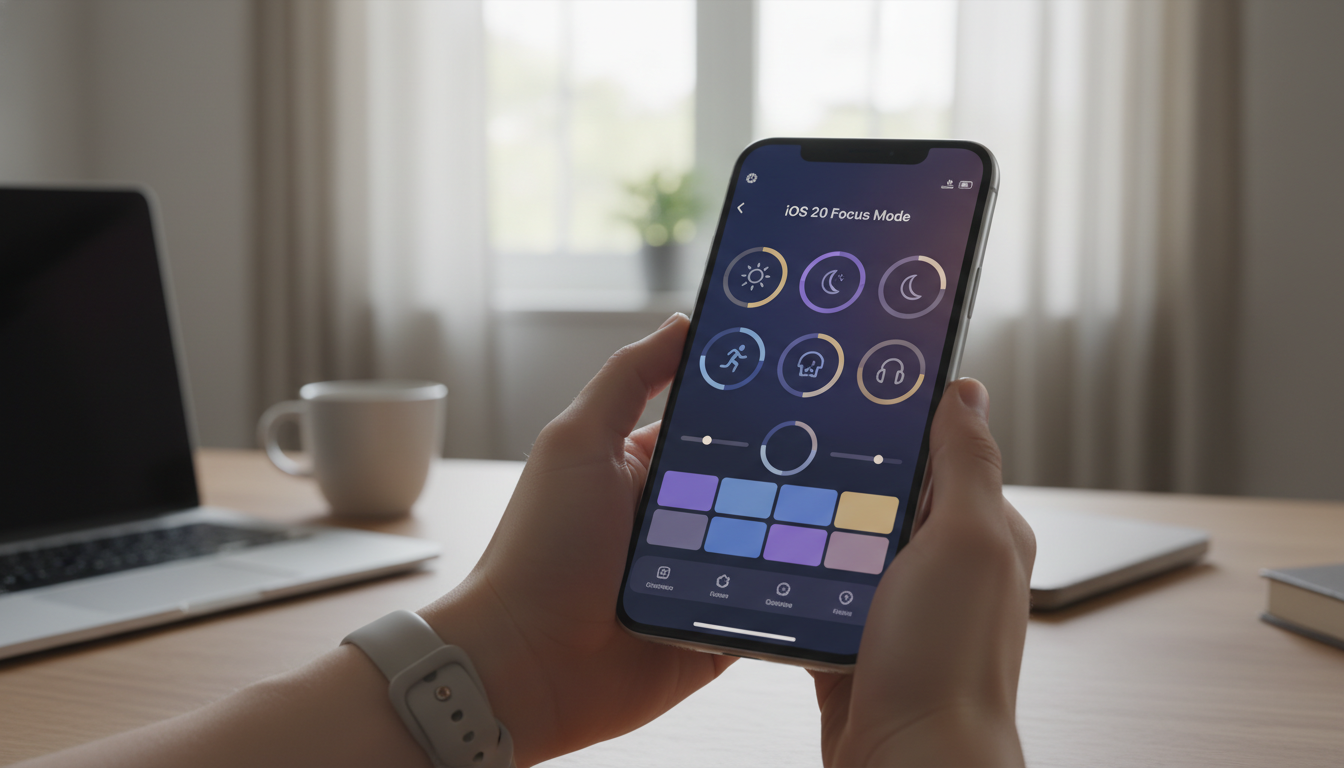
- Choose an Audio Profile: Pick from ‘Personal’, ‘Work’, ‘Outdoor’, or ‘Custom’. Each profile offers different noise reduction and voice isolation settings.
- Accessibility Options: Adaptive Audio can be fine-tuned for users with hearing needs, supporting custom amplification and compatibility with Bluetooth hearing aids.
Apple’s focus on user customization ensures that whether you’re on a work call, catching up with friends, or conducting interviews, Adaptive Audio adapts to your needs.
The Impact on iPhone Users and the Apple Ecosystem
Adaptive Audio is more than a cool tech upgrade - it addresses real-world communication challenges. With remote work, social calls, and mobile connectivity at an all-time high, high-quality, accessible calls are essential. Apple’s commitment to privacy is also evident; Adaptive Audio processes sound locally, so user conversations remain private and secure.
This innovation strengthens the Apple ecosystem by providing uniform, high-quality audio across iPhone, iPad, and Mac. If you switch from a call on your iPhone to FaceTime on your MacBook, Adaptive Audio keeps your voice clear and background noise minimal, no matter the device.
Comparing iOS 20’s Adaptive Audio to Previous iPhone Call Features
Previous iOS versions offered basic noise cancellation, but Adaptive Audio is leaps ahead. The feature’s real-time adaptability, customization, and accessibility options are unmatched. It’s not just a technological improvement - it’s a user-centric evolution, designed to meet diverse communication needs.
Will Adaptive Audio Come to Older iPhones?
Apple has confirmed that Adaptive Audio is optimized for iPhone 15 and later, thanks to the advanced neural engine. However, iOS 20 brings basic versions of the feature to iPhone 13 and 14, albeit with limited customization and processing speed. For the full experience, the latest hardware is recommended.
Conclusion: The Future of iPhone Calls with iOS 20
Adaptive Audio is set to redefine how we use our iPhones for communication. By delivering clarity, reducing distractions, and embracing accessibility, Apple proves once again why the iPhone remains the gold standard in mobile technology. Whether you’re a business professional, a student, or simply someone who values high-quality calls, iOS 20’s Adaptive Audio is a feature you’ll appreciate every day.