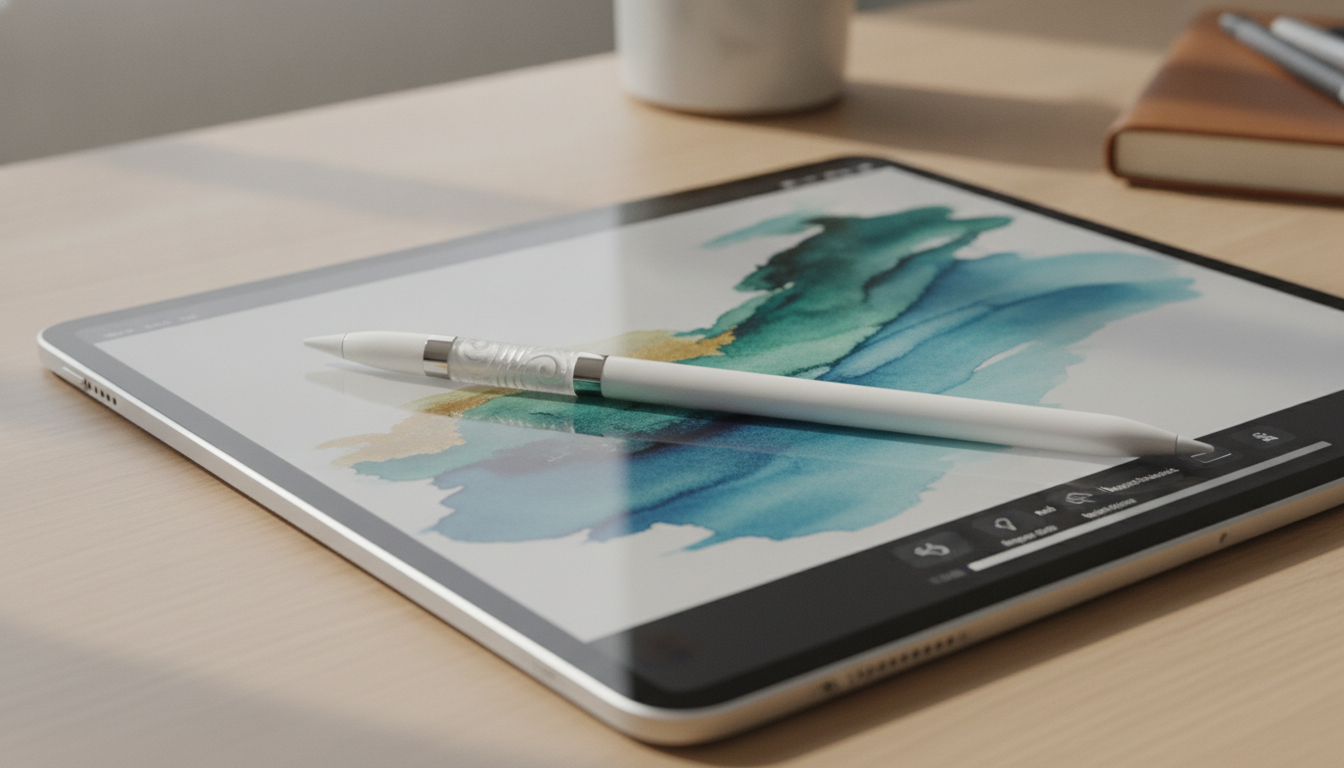
The iPad has established itself as a versatile device for creativity, productivity, and education. Apple’s ongoing commitment to improving the iPad experience is clear with the release of the Apple Pencil Pro in 2026. This new stylus, compatible with the latest iPad Pro and iPad Air models, introduces advanced features designed to enhance precision, workflow efficiency, and accessibility. Here's a closer look at what sets the Apple Pencil Pro apart and how it elevates the iPad ecosystem.
Major Innovations with Apple Pencil Pro
The Apple Pencil Pro builds on previous models, offering substantial improvements for artists, professionals, and students. The new features target both creative and practical use cases:
- Advanced Pressure Sensitivity: Enhanced sensors allow for more detailed control, making it easier to create nuanced artwork and intricate handwriting. Subtle variations in pressure provide greater depth and realism, particularly for digital illustration and graphic design.
- Haptic Feedback: The addition of a haptic engine delivers gentle vibrations, providing tactile cues when switching tools, selecting brushes, or receiving notifications. This physical feedback can make digital drawing and note-taking feel more immersive and responsive.
- Customizable Barrel Button: A programmable button on the stylus allows users to assign shortcuts, such as tool switching or activating specific features in supported apps. This workflow flexibility appeals to users who multitask or need quick access to frequently used functions.
- Magnetic Charging and Pairing: Stronger magnets mean more reliable attachment to compatible iPads, faster charging, and instant pairing. The Pencil Pro charges while magnetically docked, reducing downtime and keeping the stylus ready for action.
- Enhanced Tilt Recognition: Improved tilt sensors help users achieve more accurate shading, sketching, and blending effects. Artists gain finer control over line widths and brush dynamics, and even simple note-taking benefits from more realistic pen strokes.
Unleashing Creativity: Apple Pencil Pro and iPad Pro
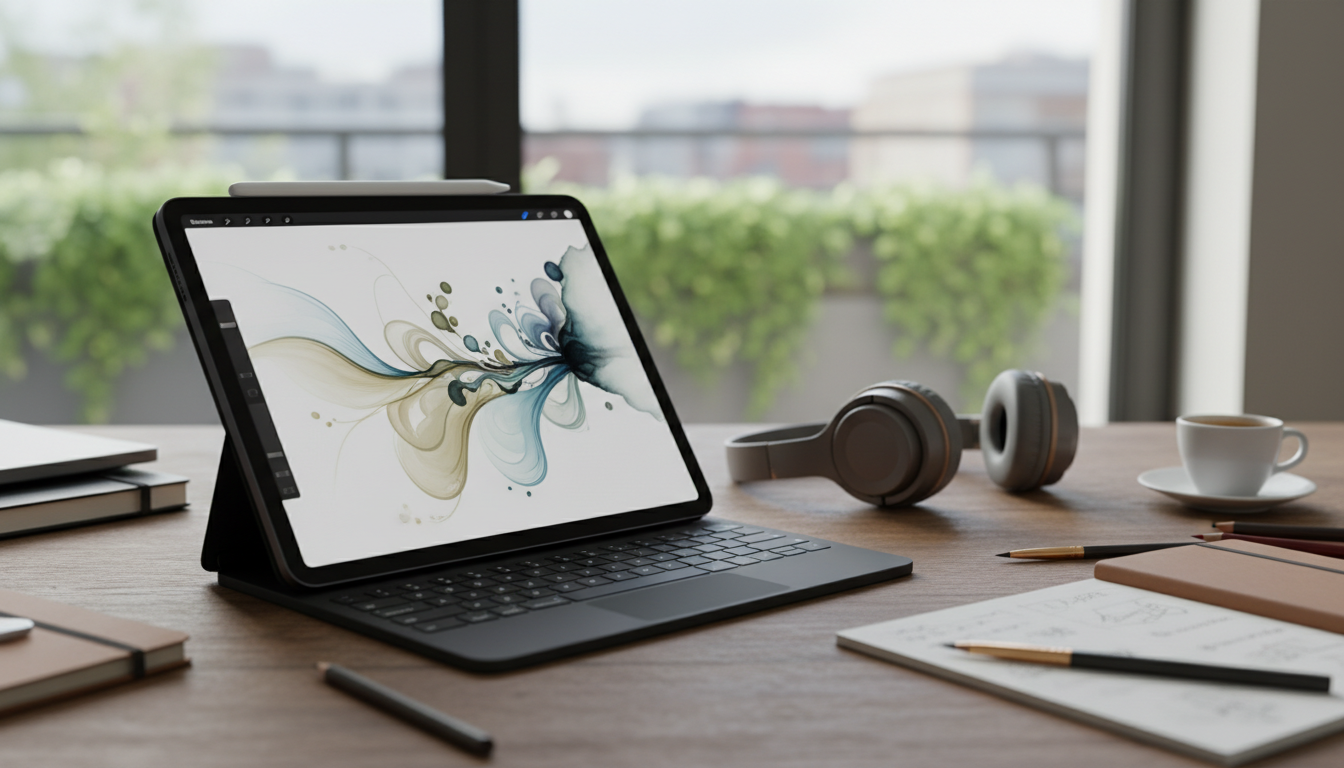
The synergy between the Apple Pencil Pro and the 2026 iPad Pro unlocks new levels of creative potential. Powered by the M4 chip, the iPad Pro offers minimal latency, making digital ink feel fluid and responsive. Artists, designers, and illustrators can rely on near-instant feedback while sketching, drawing, or painting.
The Pencil Pro’s refined hover detection lets users preview lines and effects without touching the screen. This feature is especially useful for precision tasks such as detailed photo editing, layering in drawing apps like Procreate, and adjusting settings in Affinity Photo. The combination of iPad hardware and Pencil Pro features transforms the device into a true digital canvas.
For digital artists, the improved pressure sensitivity and tilt recognition recreate the feeling of traditional media, while haptic feedback provides real-time tactile confirmation. This allows for more dynamic creative sessions and encourages experimentation with new techniques.
Productivity in Professional Settings
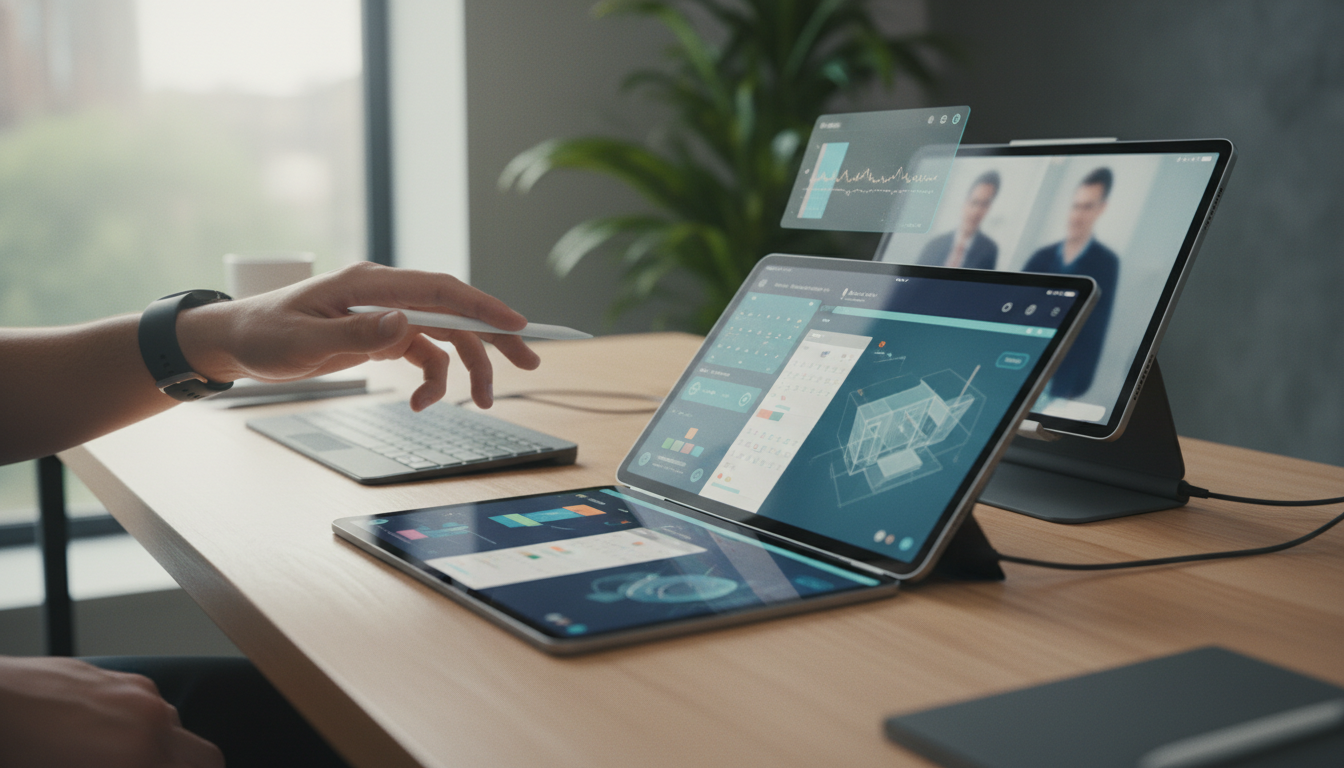
The Apple Pencil Pro is not just for creative work. Its advanced capabilities are equally valuable in professional environments. The stylus excels at note-taking, document annotation, and digital signing, making it a practical tool for business users, educators, and students.
Popular apps like GoodNotes, Notability, and Microsoft OneNote have integrated support for the Pencil Pro’s haptic feedback and programmable button. Users can customize the barrel button to switch between pen, highlighter, and eraser, or trigger other shortcuts specific to their workflow. In meetings or lectures, the Pencil Pro’s palm rejection enables natural writing, free from accidental marks.
Professionals benefit from faster transitions between tasks, improved accuracy, and more efficient document handling. The stylus supports quick signing of contracts, marking up presentations, and highlighting critical information, making the iPad an all-in-one productivity hub.
Accessibility and Inclusive Design
Apple’s attention to accessibility is evident in the Apple Pencil Pro. Users with different sensory needs can customize haptic feedback intensity, ensuring the stylus adapts to individual preferences. The programmable barrel button also supports accessibility shortcuts, such as activating VoiceOver or Magnifier directly from the stylus.
For educators, these features mean more flexibility in lesson planning and student engagement. The Pencil Pro allows teachers to annotate, draw, and interact in real time, making learning more dynamic and personalized. Paired with iPadOS 20’s expanded accessibility settings, configuring the Pencil Pro for specific needs is straightforward.
These thoughtful enhancements reinforce Apple’s goal to make technology usable for everyone, regardless of ability or workflow style.
Ecosystem Integration and Compatibility
Seamless compatibility with the latest iPad Pro and iPad Air models ensures that users can take full advantage of the Pencil Pro’s features. Integration with Apple’s ecosystem is a standout benefit. Universal Clipboard and AirDrop allow sketches and notes to transfer effortlessly between iPad and Mac, preserving all pressure and tilt data in native formats like Apple Notes or Markup.
Apple's cloud services, including iCloud Drive and Apple One, provide instant backup and access to Pencil-created content across devices. Creative professionals can manage and share their work from anywhere, while students and educators benefit from the ability to access notes and assignments on Mac, iPad, or iPhone.
These ecosystem features make collaboration easier and workflows more efficient, connecting every device for a unified digital experience.
Should You Upgrade to Apple Pencil Pro?
The Apple Pencil Pro represents more than a minor refresh. Its improved precision, haptic feedback, and customizable shortcuts make it a worthwhile investment for users who rely on stylus input. Artists will appreciate the finer control and realistic feel, professionals will benefit from enhanced productivity, and educators can leverage accessibility features to better engage students.
If you use your iPad for drawing, note-taking, or document management and own a compatible device, the upgrade delivers tangible improvements. The Pencil Pro’s advanced features, combined with iPadOS 20 and the newest hardware, place it at the forefront of digital stylus technology.
Existing Apple Pencil users may find the upgrade compelling, especially if precision and workflow efficiency are essential. With Apple’s ongoing focus on ecosystem integration, the Pencil Pro is designed to fit seamlessly into your daily routine.
The Future of Creativity and Productivity on iPad
The Apple Pencil Pro brings new possibilities to the iPad, expanding what users can achieve in art, work, and learning. Its advanced features, thoughtful accessibility options, and integration with the Apple ecosystem make it a standout accessory for both creative and practical tasks. As the iPad continues to evolve, the Pencil Pro sets a new standard for digital stylus technology, supporting users in every aspect of their lives.
Whether you are sketching your next masterpiece, annotating documents for work, or engaging students in the classroom, the Apple Pencil Pro delivers a transformative experience that elevates what the iPad can do.