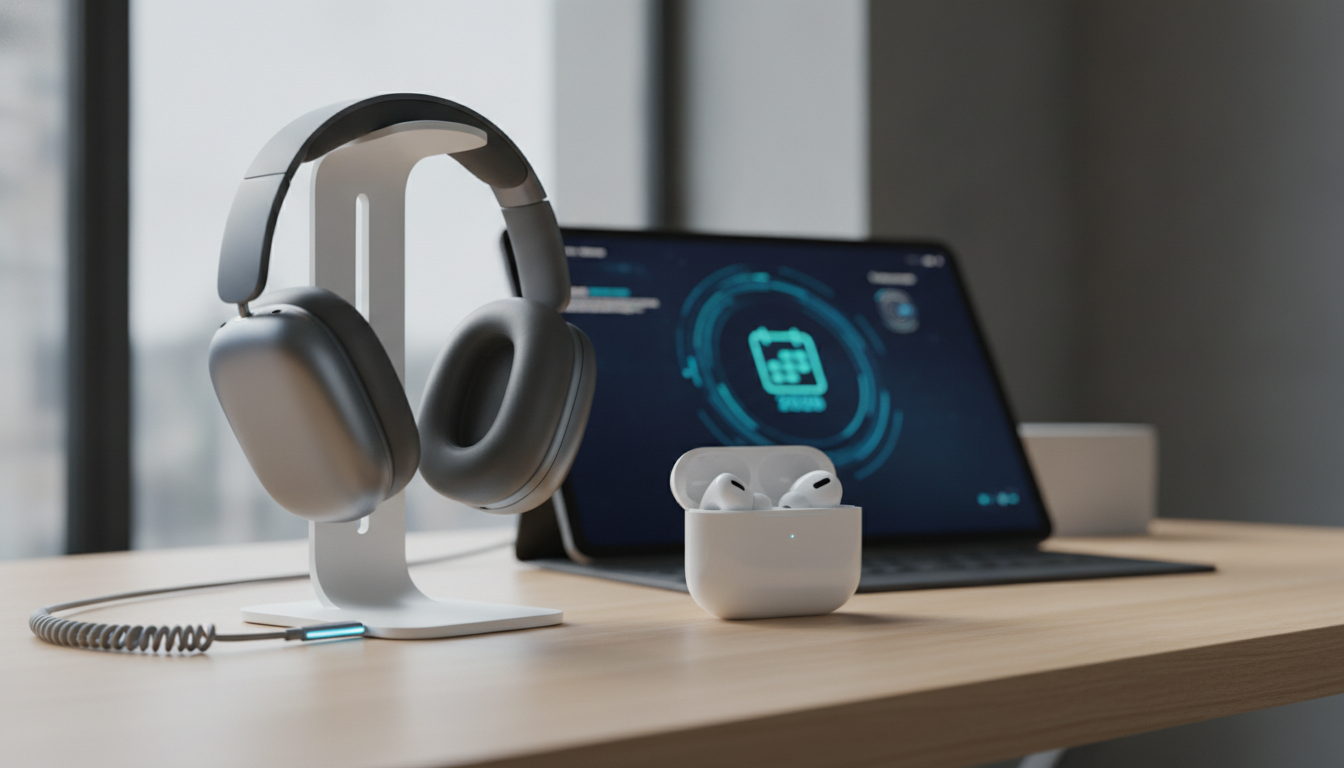
Apple’s AirPods lineup continues to evolve in 2026, with the introduction of AirPods Max 2 and AirPods Pro 3 bringing new features and improvements to users. Alongside hardware upgrades, Apple has released important firmware updates that enhance performance, fix bugs, and unlock new capabilities. This guide covers what’s new, how to update your AirPods, and practical ways to get the most out of your wireless audio experience.
AirPods Max 2: Hardware Upgrades and New Features
Announced in March 2026, AirPods Max 2 builds on the original’s premium design and audio quality with significant improvements. The most notable upgrade is the inclusion of Apple’s H2 chip, which delivers enhanced processing power for audio and connectivity. Users benefit from increased active noise cancellation, improved sound quality, and a suite of new features:
- Adaptive Audio: Dynamically blends noise cancellation and transparency modes based on your environment.
- Conversation Awareness: Automatically lowers audio and enhances voices when you start speaking.
- Voice Isolation: Prioritizes your voice during calls, reducing background noise.
- Live Translation: Supports real-time translation for select languages when paired with compatible Apple devices.
These features make AirPods Max 2 a versatile choice for both music lovers and professionals. The H2 chip also improves battery efficiency and wireless stability, ensuring a smoother listening experience.
AirPods Pro 3: Firmware Updates and Bug Fixes
AirPods Pro 3, along with AirPods Pro 2 and AirPods 4, received new firmware updates in June 2026. These updates are designed to fix bugs, improve connectivity, and optimize audio performance. While Apple does not always publish detailed changelogs, users have reported smoother pairing, fewer dropouts, and enhanced noise cancellation following the update.
Firmware updates are essential for maintaining the reliability and longevity of your AirPods. They can also unlock new features, such as custom EQ settings and integration with Apple GymKit for fitness tracking and syncing. Keeping your AirPods up to date ensures you benefit from Apple’s ongoing improvements and security enhancements.
How to Update Your AirPods Firmware
Unlike iPhone or Mac software updates, AirPods firmware updates are delivered automatically when your AirPods are connected to an Apple device. However, you can take steps to ensure your AirPods receive the latest firmware promptly:
- Place your AirPods in their charging case and connect the case to power.
- Ensure your paired iPhone, iPad, or Mac is nearby and connected to Wi-Fi.
- Open the lid of the charging case and keep your AirPods close to your device.
- Wait for the update to install. This process can take several minutes and occurs in the background.
To check your firmware version:
- On iPhone or iPad: Go to Settings > Bluetooth, tap the info icon next to your AirPods, and scroll down to view the firmware version.
- On Mac: Open System Settings > Bluetooth, click the info button next to your AirPods, and check the firmware details.
For users enrolled in Apple’s firmware beta program, updates for AirPods Max 2 are supported on iOS 27 Beta 2 and macOS 27 Beta 2. Beta firmware may offer early access to new features but can also introduce instability, so it is recommended for advanced users only.
Custom EQ and Apple GymKit Syncing: What’s New in 2026
Apple announced at WWDC26 that upcoming AirPods features will include custom EQ settings and Apple GymKit syncing. These enhancements are designed to give users more control over their audio experience and integrate AirPods more deeply into the Apple fitness ecosystem.
Custom EQ
Custom EQ allows users to adjust frequency bands to tailor sound profiles for different genres, preferences, or environments. This feature is accessible through the Settings app on iOS and macOS, enabling fine-tuning of bass, mids, and treble. Custom EQ is available for AirPods Max 2 and AirPods Pro 3, leveraging the H2 chip’s processing capabilities.
Apple GymKit Syncing
Apple GymKit syncing enables AirPods to connect with compatible fitness equipment and Apple Watch, providing real-time audio feedback, workout tracking, and seamless device integration. This feature is especially useful for users who exercise regularly and want synchronized data across their Apple devices. To use GymKit syncing:
- Ensure your AirPods and Apple Watch are updated to the latest firmware.
- Pair your devices with GymKit-enabled fitness equipment.
- Start your workout and enjoy real-time metrics and audio coaching.
These features reflect Apple’s commitment to expanding the functionality of AirPods beyond music and calls, making them valuable tools for health and productivity.
Practical Tips for Maximizing Your AirPods Experience
Whether you own AirPods Max 2, AirPods Pro 3, or another model, there are several ways to optimize your experience:
- Enable Adaptive Audio: Use the Control Center on iOS or macOS to toggle Adaptive Audio for dynamic listening.
- Customize EQ: Access custom EQ settings to personalize sound for different activities.
- Utilize Conversation Awareness: Activate Conversation Awareness to seamlessly transition between listening and speaking.
- Leverage Voice Isolation: Improve call quality by enabling Voice Isolation in supported apps.
- Sync with Apple Watch: Pair your AirPods with Apple Watch for fitness tracking and hands-free control.
- Stay Updated: Regularly check for firmware updates to ensure you have the latest features and bug fixes.
For more advanced usage, explore Apple’s firmware beta program or integrate AirPods with other Apple ecosystem devices, such as Mac, iPad, and Apple TV, for a seamless audio experience.
Common Issues and Troubleshooting
While AirPods firmware updates typically improve performance, some users may encounter issues:
- Firmware Not Updating: Ensure your AirPods are charged, connected to a compatible device, and placed near your device. Beta firmware updates for AirPods Max 2 require iOS 27 Beta 2 or macOS 27 Beta 2.
- Audio Dropouts: Restart your device, reset your AirPods, and check for interference from other wireless devices.
- Pairing Problems: Forget your AirPods in Bluetooth settings and re-pair them. Update your device to the latest OS version.
- Feature Not Available: Some features, such as Live Translation or GymKit syncing, may require specific device and firmware combinations.
If issues persist, visit Apple Support or schedule a Genius Bar appointment for assistance.
Conclusion
AirPods Max 2 and AirPods Pro 3 represent the latest innovations in Apple’s wireless audio lineup for 2026. With hardware upgrades, new firmware, and expanded features like custom EQ and GymKit syncing, these devices offer a versatile and integrated experience within the Apple ecosystem. Keeping your AirPods updated and exploring new features ensures you get the most value from your investment.
For more tips, guides, and news about Apple products, visit our AirPods category or explore our How-To guides for step-by-step instructions and troubleshooting advice.