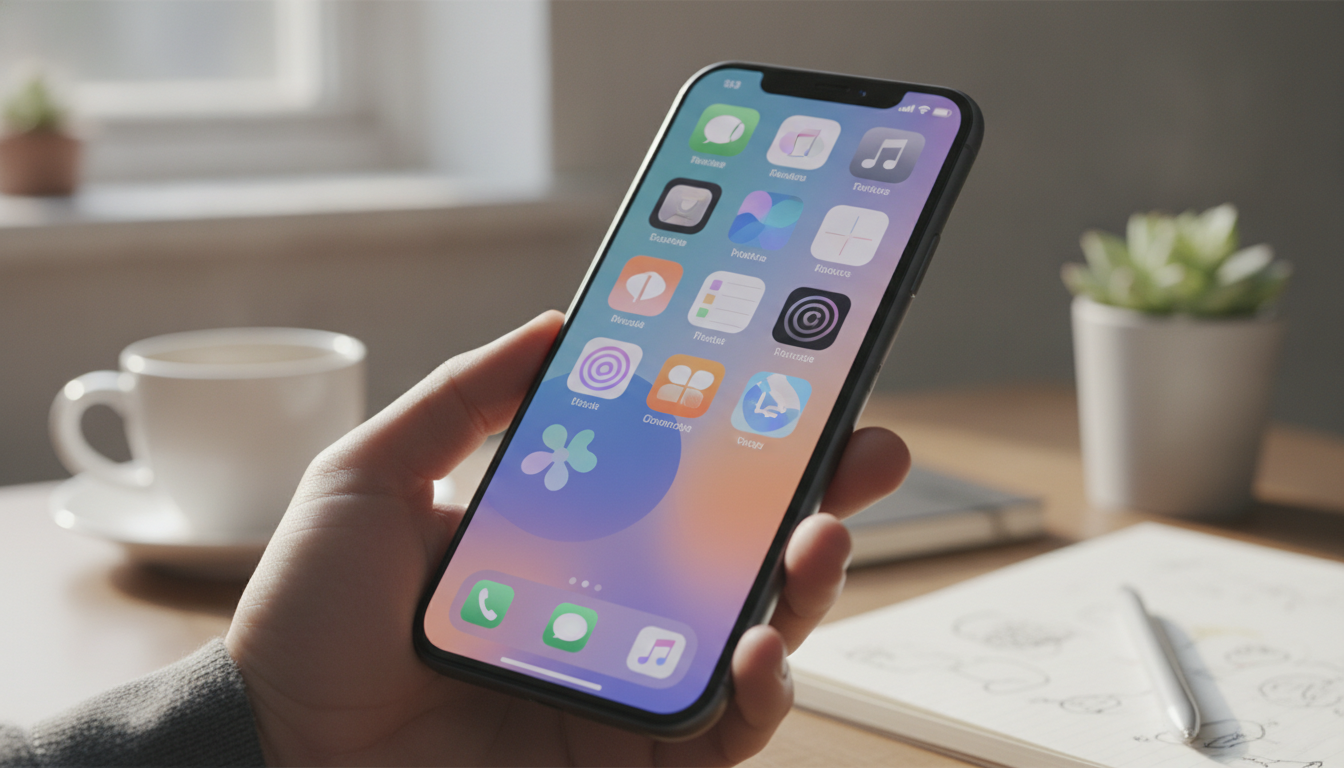
Apple’s iOS updates have long shaped how users interact with their iPhones, but iOS 20 is expected to elevate personalization in ways we haven’t seen before. With a focus on giving users more control over their devices, iOS 20 will enable deep customization, smarter notifications, and greater synergy across the Apple ecosystem. Here’s what iPhone owners can look forward to when iOS 20 arrives.
Redefining the Home Screen Experience
Personalizing the iPhone Home Screen is set to become more flexible and interactive with iOS 20. Apple is introducing Dynamic Layouts, which break free from the grid system iPhone users have known for years. Instead of rigid rows and columns, you’ll be able to arrange app icons and widgets by theme, preference, or activity.
- Dynamic Widgets: Widgets now respond to real-time events and adapt their appearance or function accordingly. For example, your weather widget can automatically expand with detailed forecasts during severe weather, while a calendar widget floats urgent meeting reminders to the top.
- Multiple Home Screen Profiles: Tired of rearranging your apps every Monday? iOS 20 lets you set up custom profiles, such as Work, Weekend, or Travel. Each profile can have its own layout, wallpaper, and widgets. Switching is simple: toggle with a tap or schedule automatic transitions based on time or location.
This level of personalization gives users the freedom to design an iPhone experience that fits their daily routine.
Smarter, More Secure Lock Screen Interactions
The Lock Screen will be much more than a glanceable dashboard. iOS 20 introduces expanded support for Lock Screen widgets, allowing you to add up to six widgets with unique functions. Imagine checking your Apple Watch activity rings, controlling your HomeKit devices, and seeing upcoming reminders, all without unlocking your device.
- Quick Actions: Launch your most-used apps or run shortcuts right from the Lock Screen. You might start a Focus session before a meeting or send a quick "on my way" message with a single tap.
- Privacy and Security Controls: Sensitive widgets can be hidden or set to require Face ID verification before displaying private data, keeping information like calendar events or health stats secure from prying eyes.
This expanded functionality transforms the Lock Screen into a hub for action and information, all with customizable privacy settings.
Transforming Notification Management
Notifications have been a source of both utility and distraction. iOS 20 introduces new tools for managing alerts, giving users the power to organize, filter, and prioritize notifications with precision.
- Notification Groups: Alerts can now be bundled by user-defined categories, such as Friends, Family, or Work. For instance, you can set all messages from your family to appear together, or have work-related emails grouped and muted outside office hours.
- Focus Filters and Custom Bundles: The Focus feature, first introduced in iOS 15, now works seamlessly with notification groups. You can set different notification rules for Focus modes, ensuring only relevant alerts get through when you’re working, driving, or relaxing. Custom bundles for apps or contacts further reduce visual clutter.
- Smart Suggestions: Your iPhone learns your habits and suggests notification settings. If you regularly mute social media in the evening or prioritize reminders in the morning, iOS 20 can automate these changes for you.
This smarter approach helps ensure important information is always at hand, without the constant ping of distractions.
Siri Gets Personal
Siri’s upgrades in iOS 20 make Apple’s voice assistant more adaptable to your preferences and routines. The assistant becomes contextually aware, changing its suggestions and responses based on your current activity, location, and past interactions.
- Context Awareness: Siri now understands where you are and what you’re doing. If you ask for a coffee shop suggestion at lunchtime, Siri will recommend places you’ve visited before or are highly rated nearby. When you’re driving, it adjusts its tone and information delivery to minimize distractions.
- Custom Voice Commands: Users can create custom commands for routines or app integrations. This means you might set "Start Study Mode" to trigger a series of actions: enabling Do Not Disturb, opening a study playlist, and dimming your lights.
The result is a more tailored and proactive digital assistant, one that truly learns and adapts to your needs.
Personalization Across the Apple Ecosystem
iOS 20’s personalization features aren’t confined to the iPhone. With ecosystem integration, your preferences, profiles, and notification rules can sync across iPad and Mac. This cross-device continuity makes for a more unified Apple experience.
- Unified Home Screen and Notification Profiles: Switch between work and personal modes on your iPhone, iPad, or Mac, and see layouts and notifications change in sync. This is especially useful if you use multiple Apple devices throughout your day.
- Continuity Automation: Take advantage of automation options that adapt device settings based on location or activity. For example, enable Do Not Disturb across your iPhone and Mac when you enter a meeting at the office, or adjust music and lighting as you transition from work to leisure at home.
- Enhanced AirDrop and Shortcuts: Share customized settings, wallpapers, or automations between devices in just a few taps. Whether you’re setting up a new iPad or lending your MacBook to a family member, bringing over your personal touch is faster than ever.
This tight integration helps ensure that your personalized iPhone experience travels with you, no matter what Apple device you’re using.
Accessibility and Personalized Inclusion
Apple maintains its commitment to inclusive design by bringing new personalization tools for users with disabilities. iOS 20 expands Voice Control, improves haptic feedback customizations, and supports dynamic text resizing more broadly across system apps.
- Voice Control now recognizes more commands and supports custom phrases, enabling users with limited mobility to navigate and interact with their iPhone more easily.
- Enhanced haptic feedback options allow for a tailored tactile experience, which is helpful for users who rely on touch cues.
- Dynamic text resizing ensures all interface elements scale smoothly, improving readability for users with low vision.
These upgrades mean personalization isn’t just about style, but also about usability for every iPhone owner.
What iOS 20 Means for iPhone Users
With iOS 20, Apple is taking another leap forward by prioritizing meaningful personalization. Every aspect of the update, from Home Screen layouts to notification management and Siri improvements, is designed to help users craft an iPhone experience that truly fits their daily lives and preferences.
The update is expected to arrive for all supported iPhone models later this year, with beta versions already in the hands of developers and enthusiasts. For users eager to make their iPhones more personal and efficient, iOS 20 promises a range of tools and features that could redefine how the device adapts to its owner.