Battery efficiency remains one of the most sought-after features in Apple’s Macs, especially as remote work and mobility continue shaping user habits. With Apple Silicon chips and ongoing macOS enhancements, battery performance has vastly improved - but users often overlook practical strategies that ensure their Mac operates at peak capacity throughout the day.
Understanding Recent macOS Battery Management Tools
macOS now includes more robust battery management features inspired by Apple’s iOS ecosystem. The Battery section in System Settings presents real-time usage stats and suggestions for improving longevity. Features like Optimized Battery Charging, found in macOS Ventura and later, use machine learning to predict your charging habits and reduce battery aging by limiting maximum charge when not needed.
- Optimized Battery Charging: Prevents your battery from staying at 100% for prolonged periods, reducing chemical wear.
- Battery Usage Analytics: Tracks your app activity and identifies power-hungry processes, letting you target apps for shutdown or adjustment.
- Low Power Mode: Introduced for Mac in macOS Monterey, reduces processor speed and disables background tasks - perfect for when every hour counts.
Effective Habits That Extend Your Mac’s Battery
Beyond built-in macOS tools, daily routines also play a significant role in battery preservation. Whether using a MacBook Air or MacBook Pro, these habits help maintain battery health and efficiency.
- Adjust Brightness: Lower your display brightness from the Control Center or using keyboard shortcuts. High brightness is a leading battery drain.
- Manage Background Apps: Use Activity Monitor to identify and quit unnecessary applications or browser tabs, especially those using high CPU or RAM.
- Enable Auto-Lock: Set your Mac to sleep at intervals when not in use. This reduces accidental battery depletion and increases longevity.
- Turn Off Wireless When Not Needed: Disable Wi-Fi and Bluetooth if you’re working offline, as searching for networks drains the battery.
- Keep Software Updated: macOS updates optimize compatibility with Apple Silicon and refine energy management with each new release.
Apple Silicon and Battery Longevity: What Makes a Difference?
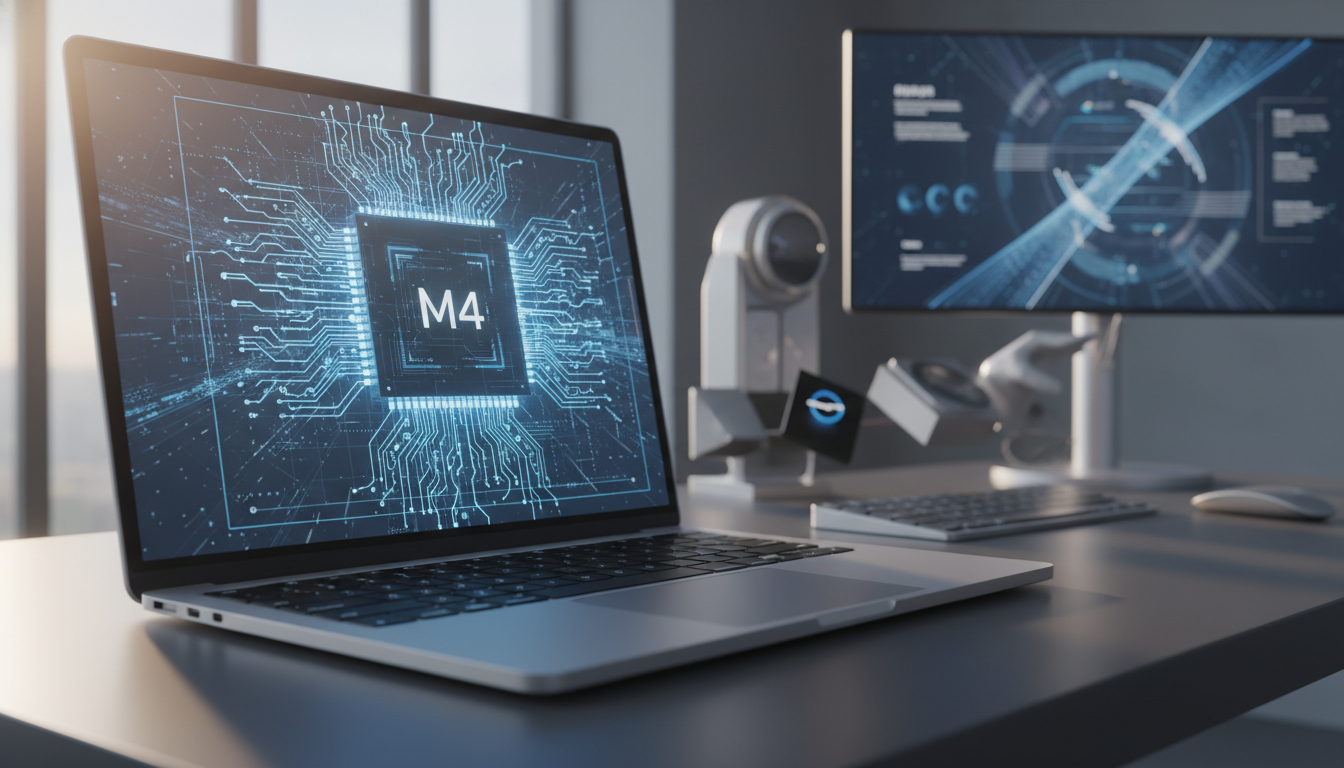
The advent of Apple Silicon chips (M1 through M4) has redefined Mac battery life. These chips combine powerful performance with exceptional energy efficiency. Apple’s tight integration between hardware and macOS ensures processors dynamically adapt power usage to your workflow. For example, the M2 MacBook Air regularly reaches 18-20 hours of use on a single charge.
Unlike previous Intel-based Macs, Apple Silicon models intelligently adjust performance per app or task, so battery isn’t wasted during low-demand periods. For intensive work - like video editing or coding - macOS balances power accordingly. For everyday browsing and productivity, the chips can even go fanless while maintaining responsiveness.
Pro Tips for Battery Maintenance and Health Checks
Long-term battery health is essential for avoiding the need for premature replacements. Here’s how to maintain your Mac’s battery health:
- Check Battery Health Regularly: Under System Settings > Battery > Battery Health, monitor the maximum capacity. Batteries are designed for about 1000 cycles before reaching 80% capacity.
- Store Carefully: If you won’t use your Mac for an extended period, store it at about 50% charge (not fully charged or empty).
- Keep it Cool: Excess heat accelerates battery wear. Avoid using your Mac on soft surfaces that block venting.
- Calibration Not Required: Modern Li-ion batteries and macOS require no manual calibration. Let the Optimized Battery Charging features manage cycles automatically.
Real-World Workflows: Making the Most of All-Day Battery
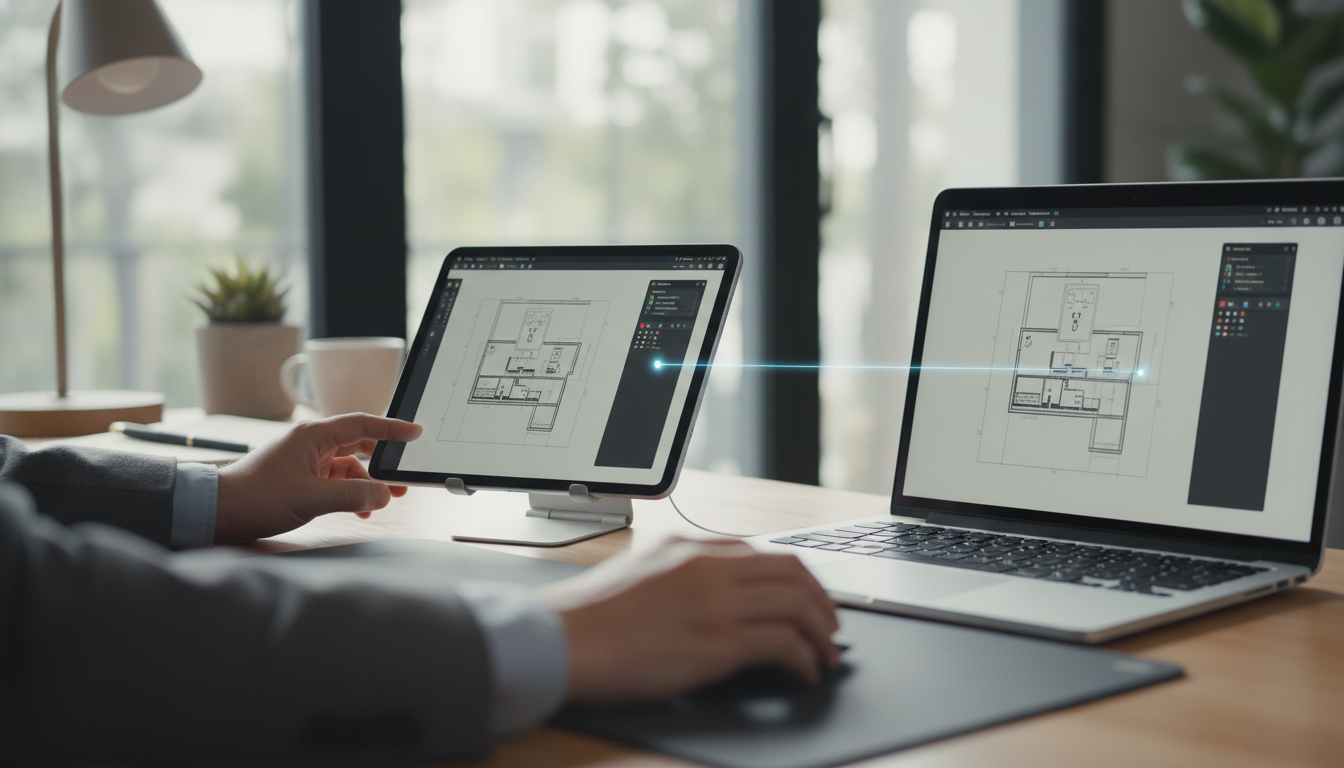
For students and professionals in the Apple ecosystem, maximizing Mac battery life is crucial for hybrid work, travel, and creative sessions. Connect your MacBook with other Apple devices - like using Universal Control across Mac and iPad - without sacrificing battery performance. Features like AirDrop, Handoff, and Sidecar are optimized to manage wireless connectivity without excessive drain.
Syncing with iCloud, managing Time Machine backups, or running virtual desktops now cost less battery thanks to efficient macOS background scheduling and Apple Silicon’s low-powered cores. Always check battery stats during heavy multitasking - or consider toggling Low Power Mode for longer uninterrupted sessions.
The Bottom Line: Battery Life as a Mac Advantage
In 2026, Apple’s Mac lineup remains the market leader in battery performance for laptops. Coupling Apple Silicon innovations with macOS’s intelligent power management ensures all-day productivity, creative flexibility, and peace of mind. By leveraging system tools and adopting smart habits, you can extend your Mac’s usable lifespan and spend less time searching for a charger.