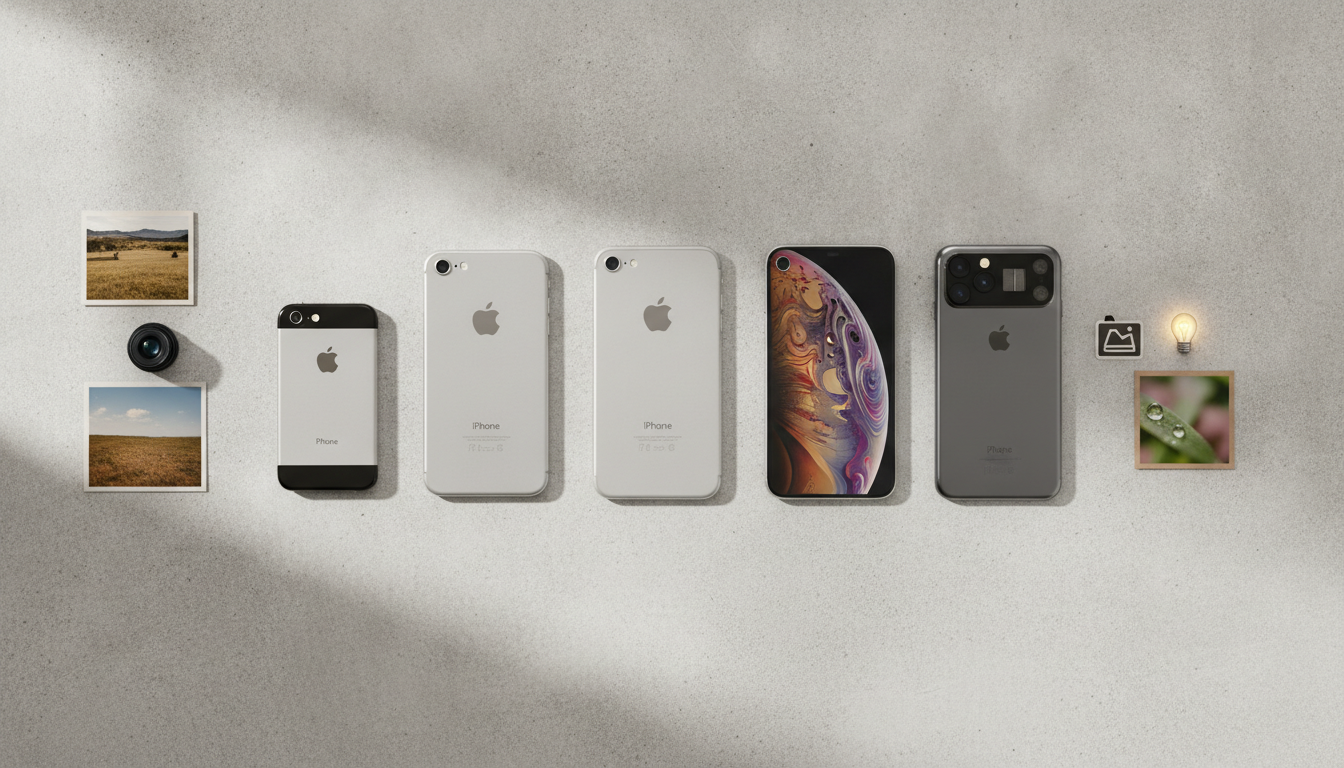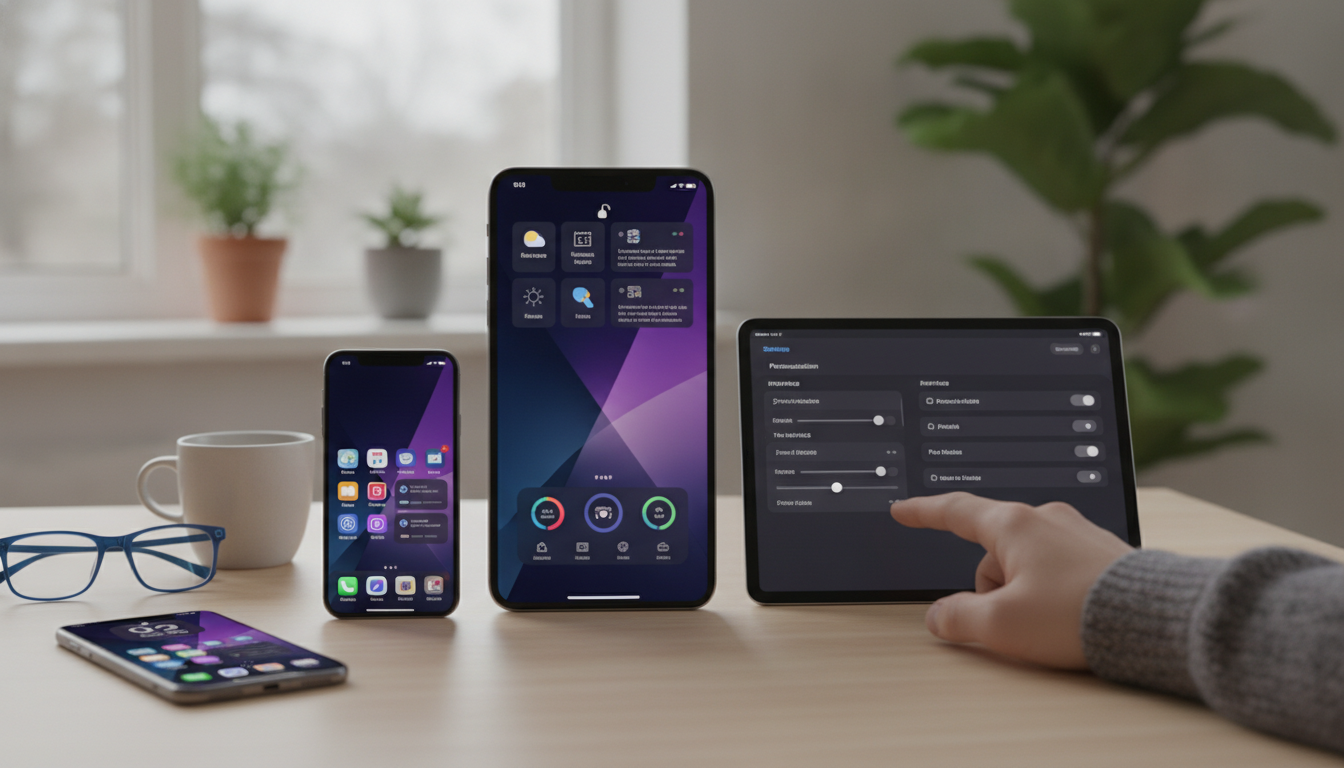
With iOS 20, Apple is introducing a fresh wave of personalization features for the iPhone. These updates expand the ways you can tailor your device, making it more dynamic, expressive, and useful. Whether you’re a seasoned user or new to Apple, the latest tools offer more control and flexibility than ever. This guide will walk you through what’s new, how to use the features, and practical tips to get the most out of your iPhone.
Redesigned Home Screen: Smarter, More Stylish, and Personalized
The Home Screen is getting its biggest overhaul yet in iOS 20. Apple is building on the foundation of widgets, now bringing even more personalization and intelligence to your daily experience.
- Intelligent Widget Stacks: With iOS 20, widget stacks adapt automatically based on your activities, location, and routines. For example, a weather widget can shift to a calendar widget as you enter the office, ensuring the most relevant information is always front and center. This feature makes your Home Screen feel alive and responsive to your needs.
- Official Theme Packs: Apple now offers theme packs that let you customize icon shapes, color palettes, and system fonts. Unlike previous third-party workarounds, these packs integrate seamlessly across both Apple and compatible third-party apps. Changing your device’s look is as easy as selecting a new theme, giving your Home Screen a consistent style.
- Flexible App Launchers: The dock is no longer just a static strip. Users can create multiple custom app launcher areas, each tailored for different activities such as work, gaming, or photography. Switching between these areas is quick and keeps your apps organized by context.
These enhancements make it possible to shape your iPhone’s Home Screen to match your lifestyle, workflow, or mood.
Lock Screen Upgrades: More Functionality and Control
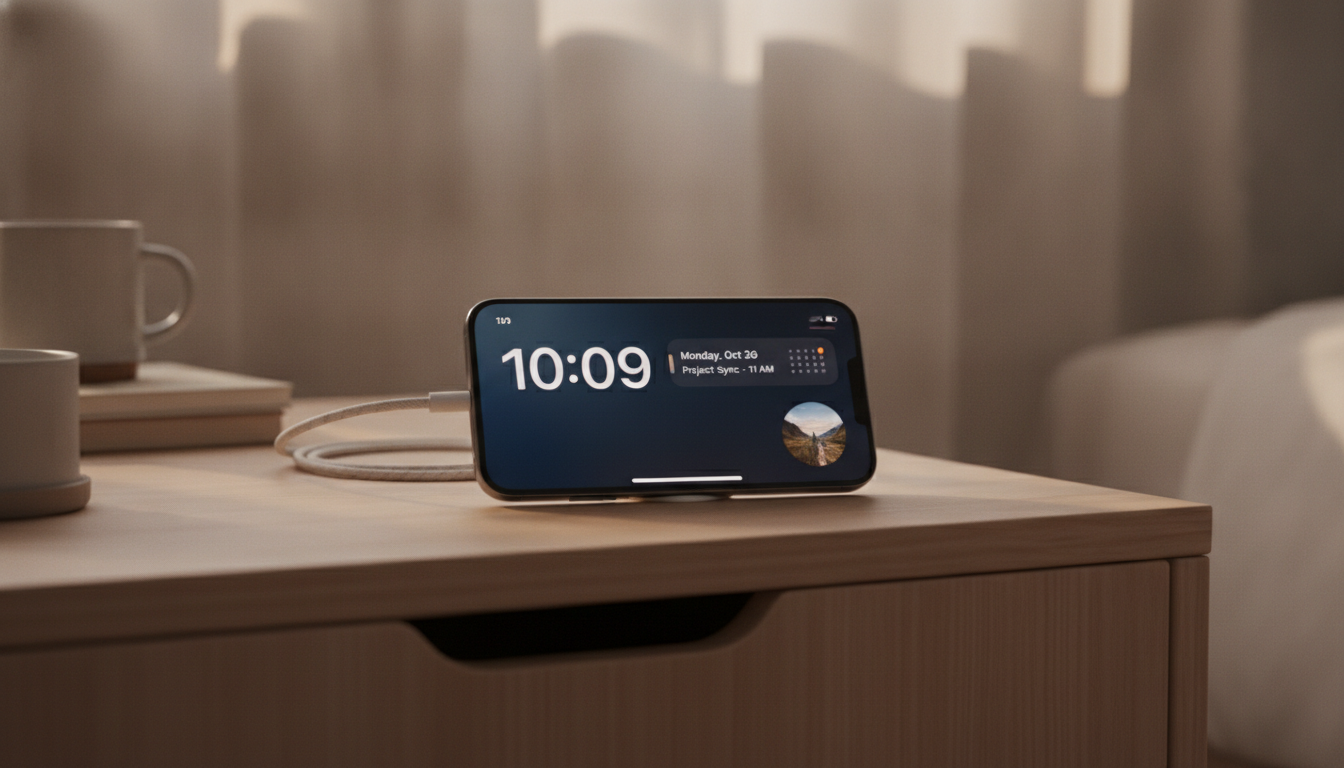
iOS 20 rejuvenates the Lock Screen, turning it from a passive entry point into a personalized dashboard.
- Interactive Widgets: Widgets on the Lock Screen are now interactive. You can mark reminders as complete, adjust smart home devices, or check off to-do items without unlocking your iPhone. This saves time and streamlines everyday tasks.
- Custom Notification Styles: Choose how notifications appear, whether as compact banners, grouped stacks, or a visually immersive carousel. This lets you manage interruptions and stay focused, especially if you receive a lot of alerts.
- Quick Actions and App Launches: The Lock Screen now supports custom quick actions. Launch favorite apps or shortcuts instantly, such as opening the Camera in portrait mode or starting a workout tracker. You decide which actions are most prominent, simplifying access to what matters most.
Combined, these upgrades turn your Lock Screen into a hub for productivity and personalization.
Focus Modes and Advanced Automation
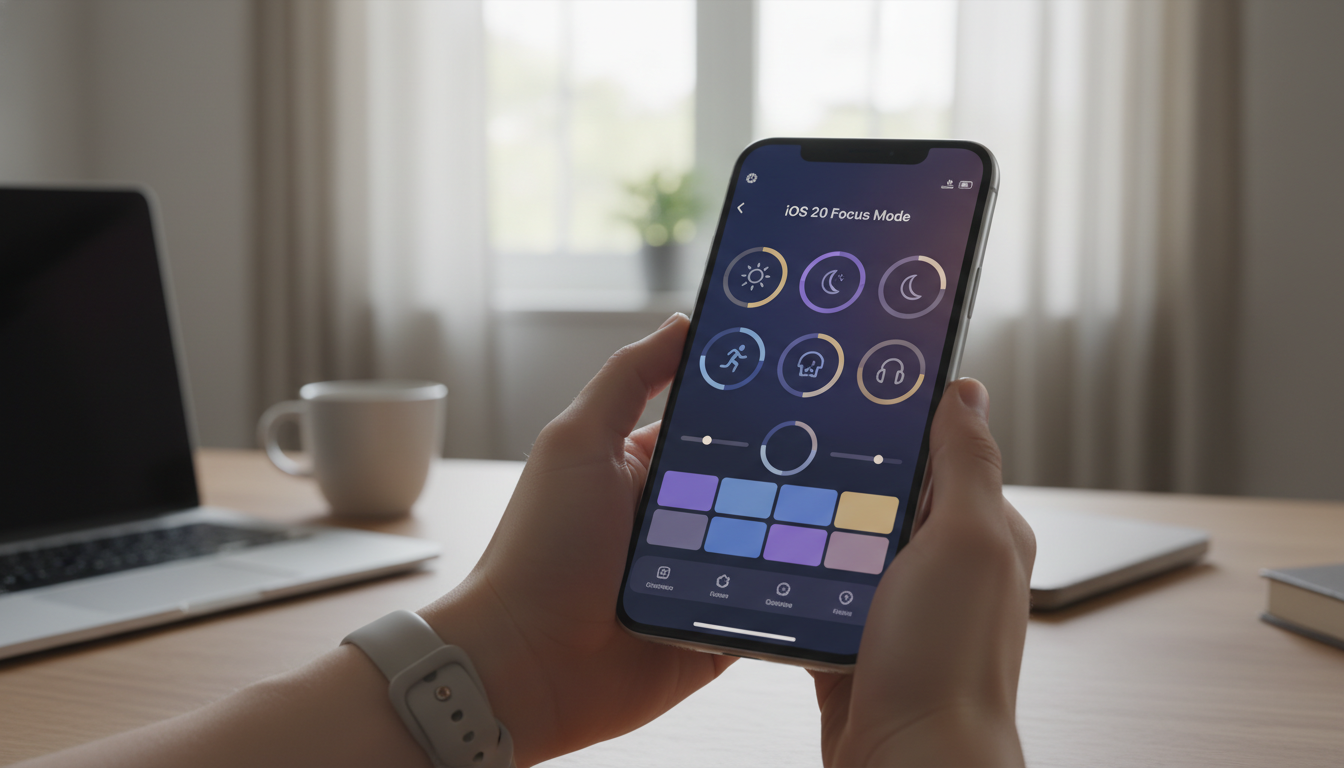
Focus modes are smarter and more granular in iOS 20. You can create highly specific profiles with their own Home Screen, Lock Screen, and notification preferences - perfect for tailoring your device to different parts of your day.
- Work Focus: Show only work-related widgets, silence personal notifications, and highlight productivity apps during office hours.
- Fitness Focus: Display activity tracking, health reminders, and motivating wallpapers when you’re working out.
- Travel Focus: Highlight maps, translation tools, and weather widgets based on your current location.
Automations are also more powerful. New triggers like time of day, arriving at a location, or device charging make it possible for your iPhone to change layouts, launch apps, or adjust settings automatically. For instance, your Home Screen can shift to work mode when you reach the office, then switch to leisure as you head home.
Personalized Siri and AI Suggestions
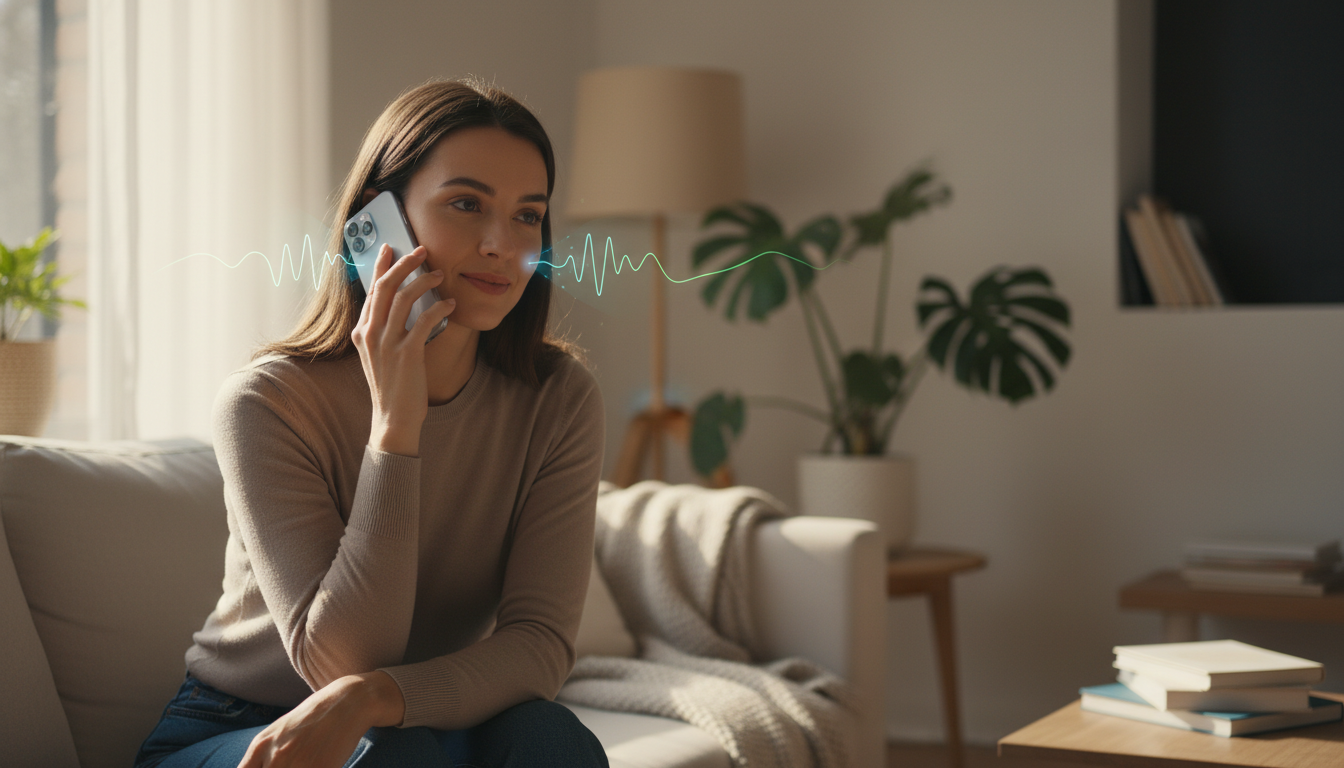
Siri is smarter in iOS 20. On-device AI analyzes your routines and offers proactive suggestions - like calling a family member when you leave work or opening your workout app before your usual run. Siri shortcuts are more context-aware, based on your usage patterns and preferences.
The AI also learns your preferred app layouts and widget configurations, adjusting your Home Screen automatically to adapt to your habits. This means your iPhone can continually refine itself to suit you without constant manual changes.
Privacy and Customization: Security at the Core
Apple keeps privacy as a top priority, even as it expands customization. All theme packs, widget stacks, and Siri suggestions are processed directly on your device. No data leaves your iPhone unless you approve it for a specific app. Custom profiles and automations are encrypted, ensuring your personal information stays secure as you personalize your device.
Practical Tips for iOS 20 Personalization
- Try Different Theme Packs: Experiment with official themes to find color and icon combinations that suit your style and help organize your apps.
- Build Multiple Focus Profiles: Set up focus modes for work, leisure, and travel, each with unique layouts and notification controls.
- Use Widget Stacks: Take advantage of intelligent widget stacks to keep your Home Screen uncluttered but information-rich.
- Automate Routine Actions: Use automation triggers for time, location, or device status to change Home Screens, launch apps, or adjust settings throughout the day.
- Customize Siri Shortcuts: Personalize Siri’s suggestions and shortcuts for your most-used routines, so your iPhone anticipates your needs.
iOS 20 Personalization: What’s Next?
Apple’s new personalization tools in iOS 20 pave the way for even deeper customization in future updates. Expect ever-more adaptive experiences, greater integration across the Apple ecosystem, and continued emphasis on privacy. The iPhone is becoming more than just a device - it’s an extension of your personal style, habits, and workflow.
With iOS 20, customization is front and center. Whether you want a unique look, improved productivity, or a device that changes with your day, these features will help you make your iPhone truly yours. As Apple continues to refine these tools, your iPhone will remain a personalized companion, ready to adapt to whatever life brings.