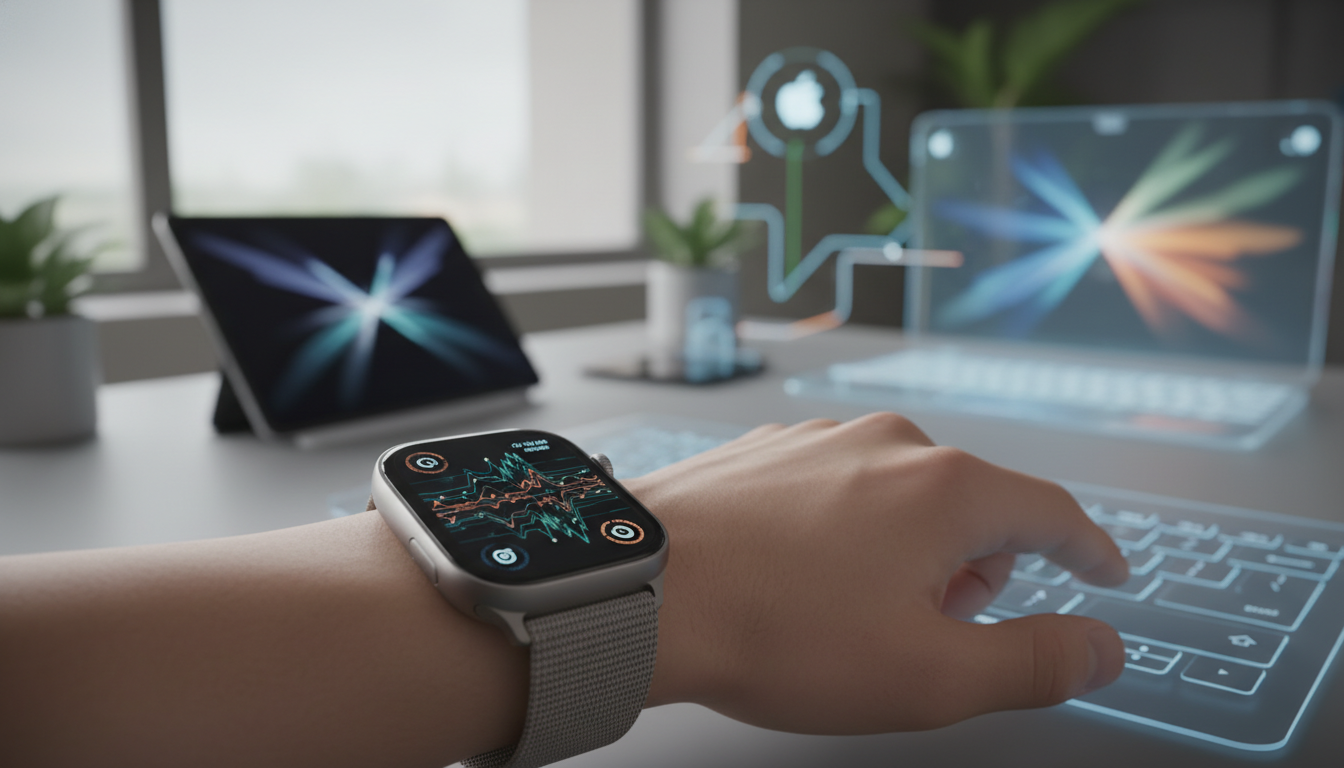
In the ever-evolving world of wearable technology, the Apple Watch stands out as a pinnacle of innovation within the Apple ecosystem. One of its most transformative features, the Always-On Display, has quietly revolutionized how users interact with their devices. As we step into 2026, this feature continues to mature, offering seamless integration with iPhone, iPad, and even Mac, while prioritizing battery efficiency and user customization. This article delves deep into the Always-On Display's journey, its current capabilities, and how it enhances everyday life for Apple enthusiasts.
The Origins of Always-On Display on Apple Watch
The Always-On Display was first introduced with the Apple Watch Series 5 in 2019, marking a significant leap in wearable tech. Before this, Apple Watch users had to raise their wrist or tap the screen to wake the display, which could feel interruptive during daily activities. By 2026, this feature has evolved dramatically, thanks to advancements in iOS and watchOS updates that tie it closely to the broader Apple ecosystem. Early iterations focused on basic clock visibility and complication display, but now, it's a fully integrated tool that syncs with your iPhone's Health app and even your Mac's productivity suite.
For those new to the Apple Watch, the Always-On Display keeps the screen active at all times, showing essential information like time, heart rate, and activity rings without needing interaction. This integration with iOS ensures that your watch reflects real-time data from your iPhone, such as incoming notifications or calendar events, creating a cohesive experience across devices.
How Always-On Display Integrates with the Apple Ecosystem
One of the standout aspects of the Always-On Display is its deep integration with other Apple products. For instance, when paired with an iPhone, the display can pull live data from apps like Maps or Reminders, allowing users to glance at directions or tasks without unlocking their phone. This synergy extends to iPad, where you can control smart home devices via HomeKit directly from your wrist, with the Always-On Display providing quick access to status updates.
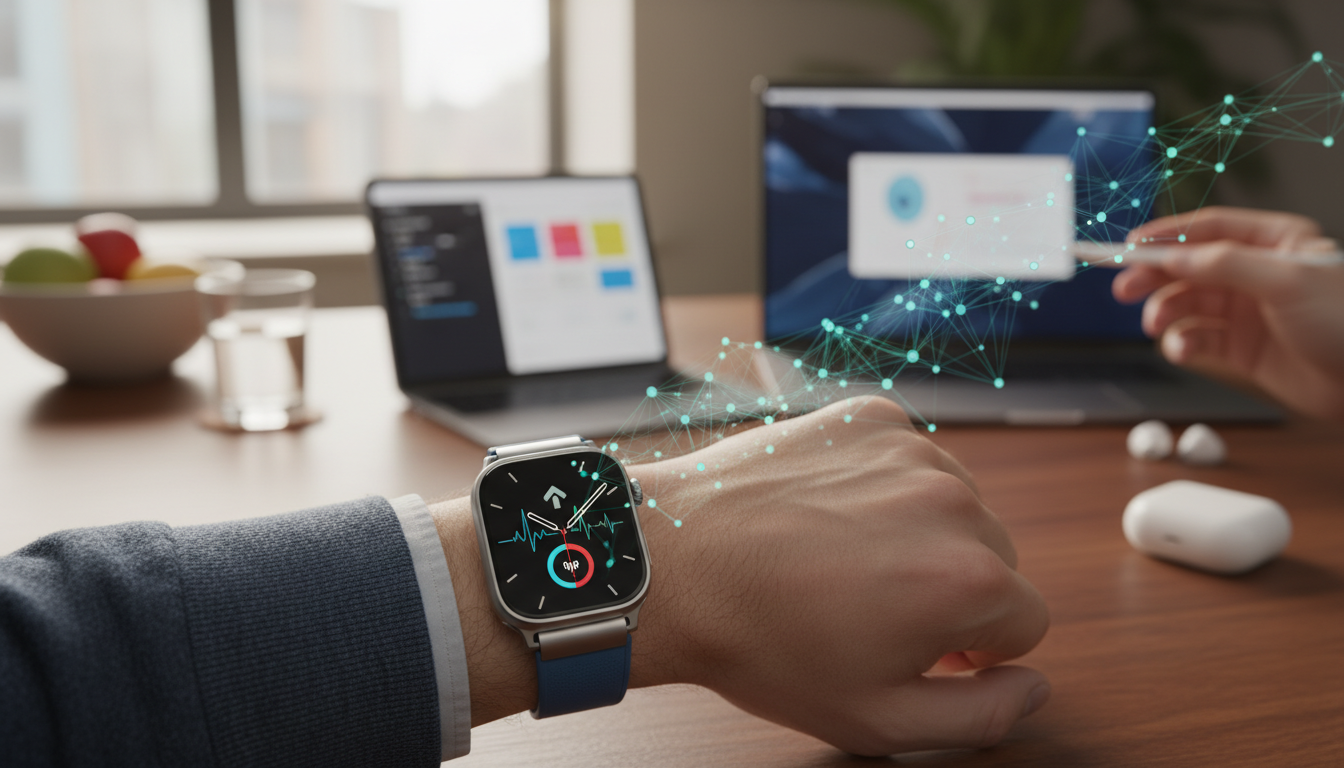
On the Mac side, watchOS updates in 2026 enable Handoff features that let you start a task on your Apple Watch and seamlessly continue it on your MacBook. Imagine checking a workout summary on your watch's Always-On Display and then diving deeper into the data on your Mac's screen. This level of interconnectivity exemplifies Apple's commitment to a unified ecosystem, making the Apple Watch an indispensable extension of your digital life.
- Seamless syncing with iPhone for real-time notifications.
- Enhanced HomeKit controls for iPad users managing smart homes.
- Handoff capabilities with Mac for productivity workflows.
- Custom complications that draw from Apple services like Apple Music and Podcasts.
Advancements in 2026: Brighter, Smarter, and More Efficient
Fast-forward to 2026, and the Always-On Display has seen remarkable enhancements through watchOS 13 and beyond. Apple has focused on making the display brighter in low-light conditions while consuming less power, thanks to new LTPO technology that adjusts refresh rates dynamically. This means your Apple Watch can now show more detailed complications, like live activity updates or even low-power widgets from the App Store, without draining the battery as quickly as before.
A key update in recent years is the improved low-power mode, which intelligently dims non-essential elements on the display while keeping critical info visible. For example, if you're using your Apple Watch with an iPad for creative work, the Always-On Display can show timer counts or sketch references without interrupting your flow. These optimizations are the result of Apple's ongoing efforts to refine hardware and software within the ecosystem, ensuring that the watch remains a reliable companion throughout the day.
Moreover, the feature now supports more personalized settings. Users can customize the display's brightness, color schemes, and even the frequency of updates based on their usage patterns, all managed through the iPhone's Watch app. This level of personalization not only enhances user experience but also promotes better battery management, aligning with Apple's sustainability goals.
Impact on Battery Life: Myths, Realities, and Tips
Battery life has always been a hot topic for Apple Watch users, and the Always-On Display plays a central role. While it does consume more power than a traditional display, 2026 models have addressed this through advanced power-saving algorithms. According to recent Apple industry reports, the latest Apple Watch Series 11 can last up to 36 hours with Always-On enabled, thanks to efficient chip designs and software tweaks that reduce unnecessary refreshes.
However, real-world usage varies. Factors like frequent notifications from your iPhone or using the display in bright environments can impact longevity. To maximize efficiency, Apple recommends a few best practices:
- Adjust the display's refresh rate in settings to balance visibility and power use.
- Use Low Power Mode during extended activities, which limits background app refreshes on the Always-On Display.
- Pair your Apple Watch with a MagSafe charger for optimized overnight charging, ensuring it's ready for the next day.
- Monitor battery health through the iPhone's Health app to identify patterns and adjust habits accordingly.
By understanding these dynamics, users can enjoy the benefits of Always-On without compromising on longevity. This is particularly useful for those who rely on their Apple Watch for fitness tracking, where the display provides glanceable data during workouts, integrated with the iPhone's GPS for accurate mapping.
User Stories: Real-World Applications in the Apple Ecosystem
To illustrate the Always-On Display's value, consider a typical user scenario. A professional who commutes daily might use it to check train schedules synced from their iPhone's Calendar app, all while keeping an eye on heart rate trends. Artists and designers, on the other hand, could leverage it with their iPad for timed sessions, where the display shows a countdown without needing to interact with the device.
In 2026, with the rise of hybrid work, many users report that the Always-On Display has become essential for managing virtual meetings. It discreetly shows reminders from Mac's Calendar, ensuring you're never late. These stories highlight how the feature fosters a more connected and efficient lifestyle within the Apple ecosystem.
Looking Ahead: The Future of Always-On Display
As we reflect on the Always-On Display's evolution, it's clear that Apple continues to innovate in ways that enhance usability and integration. While we won't speculate on unannounced features, the current state in 2026 promises even greater efficiency and personalization. Whether you're a long-time Apple Watch user or considering one for the first time, this feature exemplifies the seamless blend of hardware and software that defines the Apple experience.
In conclusion, the Always-On Display is more than just a screen - it's a gateway to a more intuitive interaction with your Apple devices. By staying informed on updates and best practices, you can fully harness its potential, making your daily routines smoother and more enjoyable.