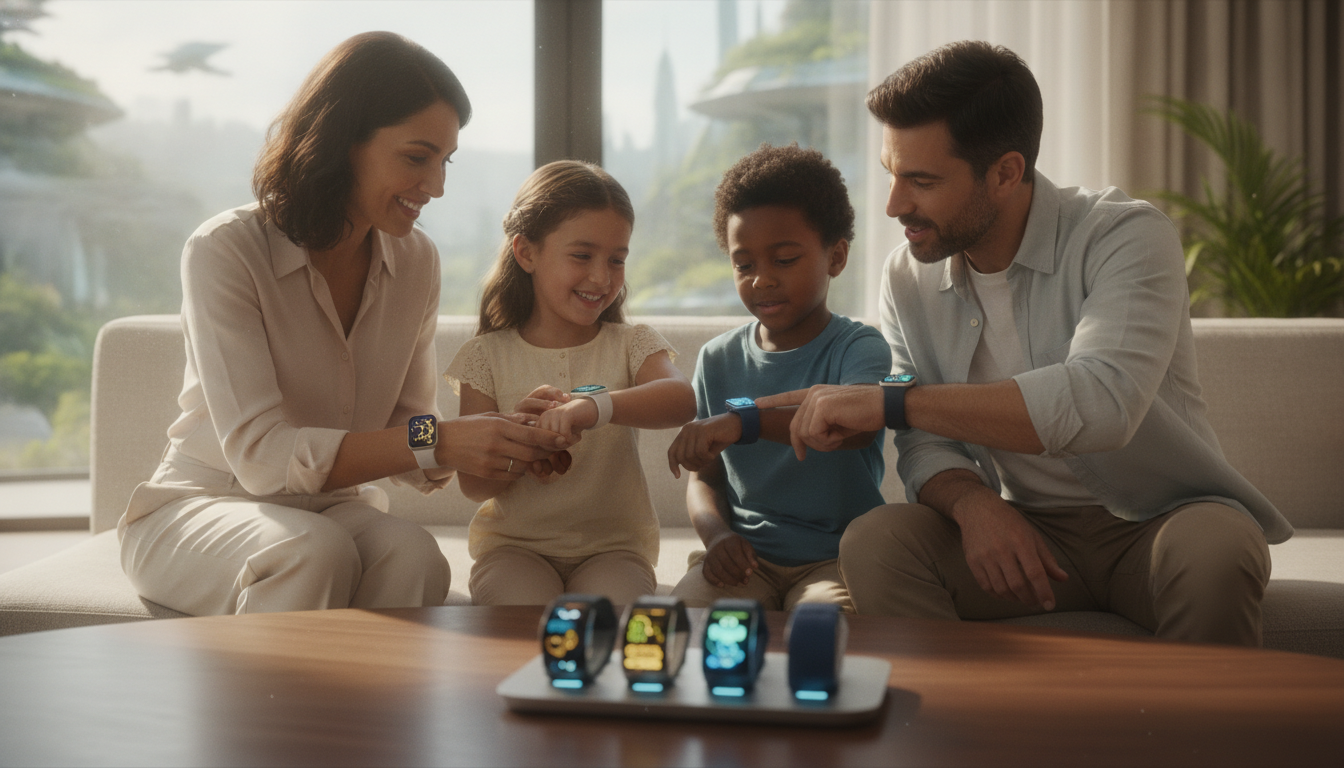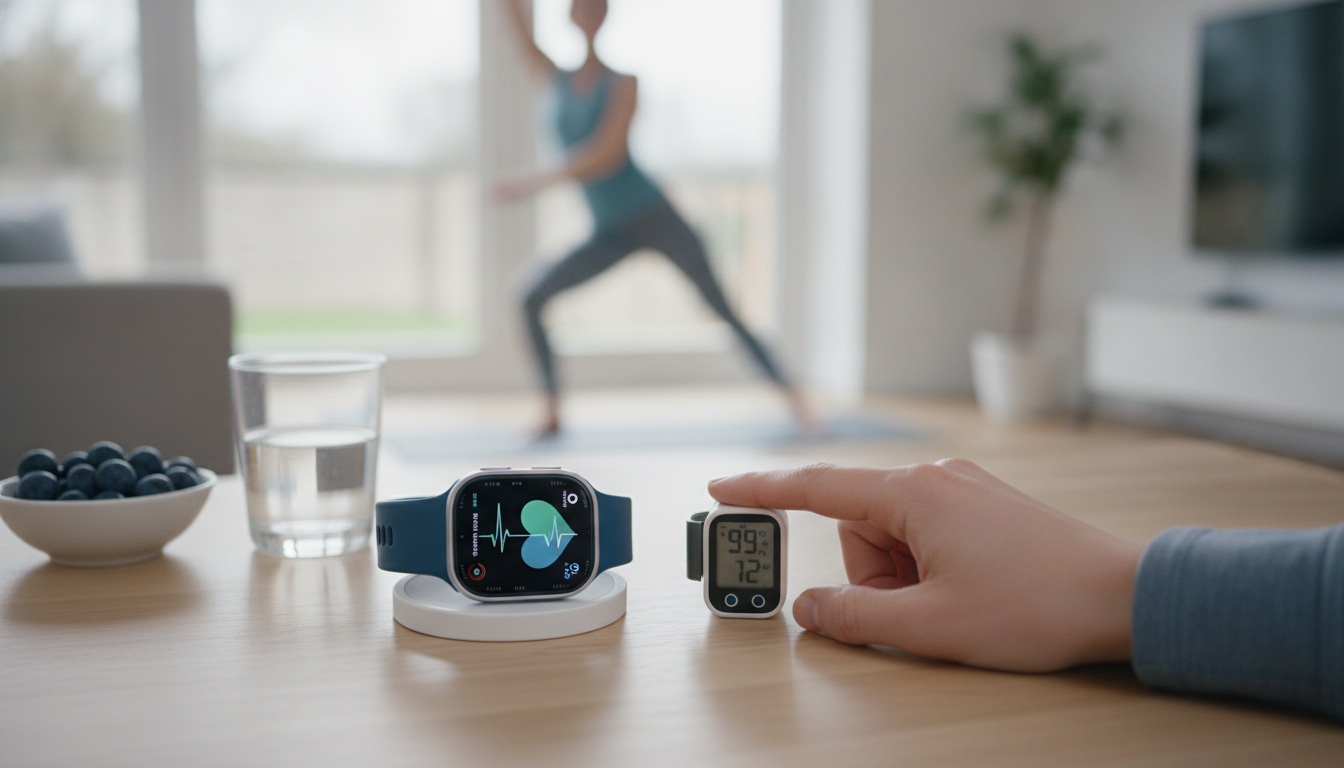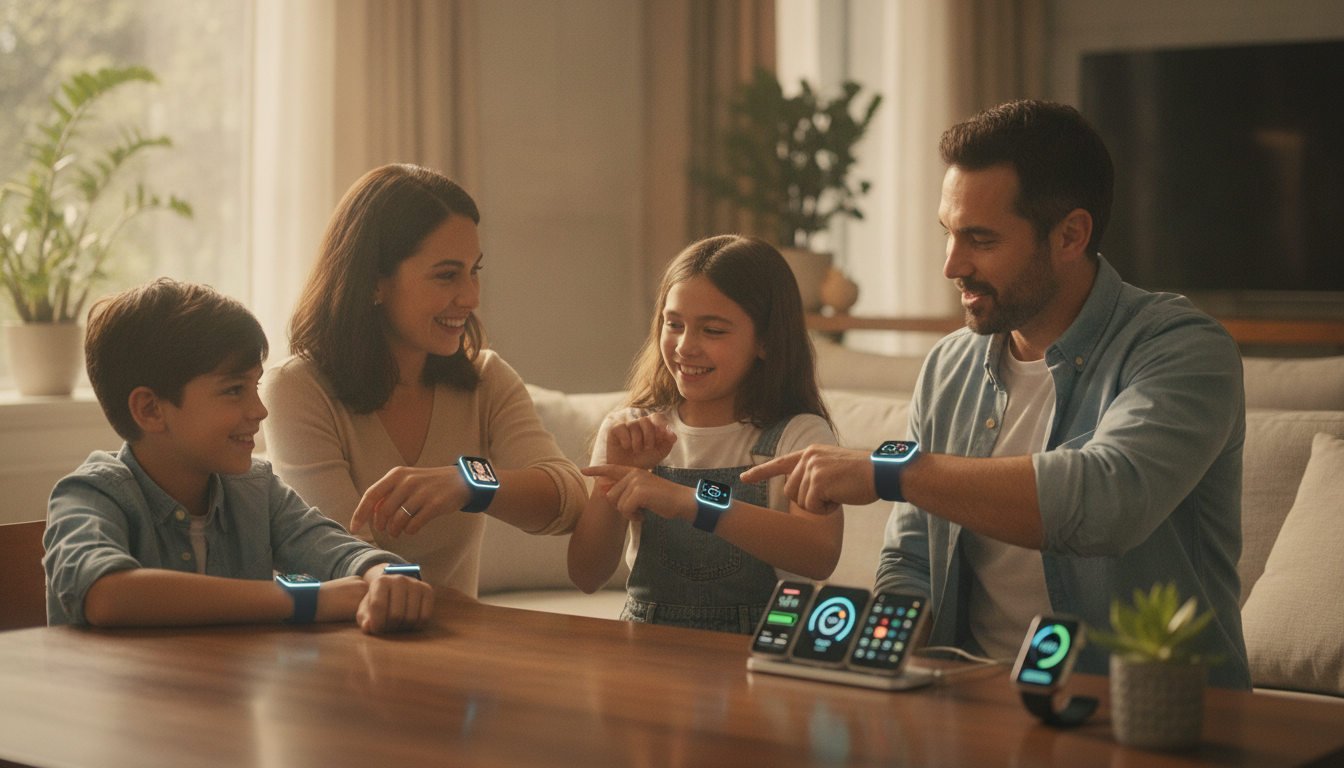
The Apple Watch has become a central piece of daily life for many, offering health tracking, safety alerts, and seamless communication. Since Family Setup was introduced with watchOS 7, families have been able to share the benefits of the Apple Watch with members who may not own an iPhone. As we move into 2026, Family Setup has received substantial upgrades, making it even more useful and connected across the Apple ecosystem. Here’s an in-depth look at what Family Setup offers this year and how it can strengthen your family’s digital experience.
Family Setup: Connecting Loved Ones Without an iPhone
Family Setup lets you use your iPhone to configure an Apple Watch for children, seniors, or anyone in your household who does not have their own iPhone. This allows each user to have a separate Apple ID, phone number, and access to key Apple Watch features. From messaging and calling to health tracking and Apple Cash Family, Family Setup ensures that everyone can stay safe, healthy, and connected.
- Children can communicate and share their location securely with trusted contacts.
- Seniors get access to emergency SOS, fall detection, and medication reminders.
- Parents manage permissions, app usage, and device settings from their own iPhone, iPad, or Mac.
Family Setup Features: What’s New in 2026
- Advanced Health Monitoring: Apple Watch now offers expanded health features for Family Setup users. Seniors benefit from remote heart health alerts, enhanced fall detection, and medication reminders managed by caregivers. Custom health data sharing settings help maintain privacy and independence.
- Upgraded Parental Controls: Parents can fine-tune communication limits, app access, and Screen Time across devices. These controls are accessible from iPhone, iPad, or Mac, providing flexibility for families.
- Apple Cash Family Improvements: Automatic weekly allowance transfers, spending summaries, and instant purchase notifications help parents teach financial responsibility. Managing allowances and viewing spending reports is easier than ever.
- Enhanced Location Sharing: Find My now features real-time location updates, geofencing, and notification triggers. Parents can set safe zones and receive alerts if a child leaves a designated area, adding an extra layer of safety.
- Remote Schooltime Scheduling: Schooltime mode can be scheduled remotely and syncs with the shared family Calendar app. Parents can set and adjust Schooltime hours to support focused learning during school days.
Step-by-Step Setup: Getting Started with Family Setup
Setting up an Apple Watch with Family Setup in 2026 is straightforward. The process enables families to quickly configure a watch for loved ones and manage all key features from their own device.
- Ensure you have a compatible Apple Watch (Series 4 or newer with cellular) running the latest watchOS.
- Open the Watch app on your iPhone and select Family Setup from the menu.
- Follow prompts to enter the new user’s Apple ID, configure cellular settings, and personalize preferences for location sharing, health tracking, and parental controls.
- The Apple Watch is ready for independent use, fully managed by the family organizer, and integrated into the Apple ecosystem.
Deeper Benefits: Safety, Wellness, and Connection
- Safety and Wellness: Seniors enjoy emergency SOS, fall detection, and medication reminders, while parents can monitor health metrics and receive alerts. These tools help families care for vulnerable members without compromising independence.
- Easy Communication: Kids and family members can make calls or send messages securely. Parents can limit contacts to trusted individuals, keeping communication safe.
- Financial Education: Apple Cash Family provides tools for parents to teach budgeting and savings, monitor transactions, and set spending limits.
- Location Awareness: Real-time location sharing helps families track each other. Enhanced privacy controls and notification options keep users informed and safe.
- Focus Tools for Kids: Schooltime and Do Not Disturb modes encourage healthy device habits. Parents can set schedules for these modes to support focus during school and sleep hours.
Apple Ecosystem Integration: Unified Management Across Devices
Family Setup leverages the power of the Apple ecosystem, syncing Apple Watch management and features across iPhone, iPad, and Mac. Family Sharing coordinates Apple Music, Apple Arcade, App Store purchases, and shared calendars, creating a consistent experience for everyone. Reminders, schedules, and notifications appear across devices, helping families stay organized.
New for 2026, Family Setup integrates with HomeKit. Family members can control smart home devices directly from their Apple Watch, receive notifications about security events, and manage door locks or appliances. This integration brings convenience and peace of mind to the connected home.
Privacy and Security: Protecting Family Data
Apple maintains strict privacy standards for Family Setup. Each user has a separate Apple ID, ensuring their data and activity are distinct from other family members. Parents and caregivers manage location sharing, app permissions, health data access, and privacy preferences. All Apple Watch communications are encrypted, and location requests are visible to the wearer for transparency.
Family Setup in 2026 introduces even more granular privacy controls for health monitoring. Seniors and children can decide which health metrics are shared, and with whom. This flexibility supports independence while keeping caregivers informed about important wellness indicators.
Maximizing Family Setup: Tips for Parents and Caregivers
- Review settings and permissions regularly from your device to stay up to date with your child’s or senior’s needs.
- Encourage younger users to participate in fitness challenges and listen to shared Apple Music playlists for family engagement.
- Set location notifications for extra peace of mind, especially for seniors or children in unfamiliar environments.
- Schedule Schooltime hours ahead for the academic year, ensuring children stay focused during classes.
- Use Apple Cash Family to teach practical budgeting and monitor allowance spending.
The Future of Family Setup: Empowering Connected Homes
Apple Watch Family Setup continues to evolve, making digital wellness and security more accessible for every family member. The improvements in health monitoring, safety tools, and ecosystem integration reflect Apple’s commitment to delivering meaningful features that support real-world needs. Whether you’re equipping a child, grandparent, or sibling, Family Setup in 2026 helps everyone stay connected and protected.
If you’re ready to bring the benefits of Apple Watch to your household, explore Family Setup on your iPhone, iPad, or Mac. With customizable controls, expanded features, and deep integration into Apple services, it’s the easiest way to ensure your family enjoys a smarter, safer, and more connected experience together.